
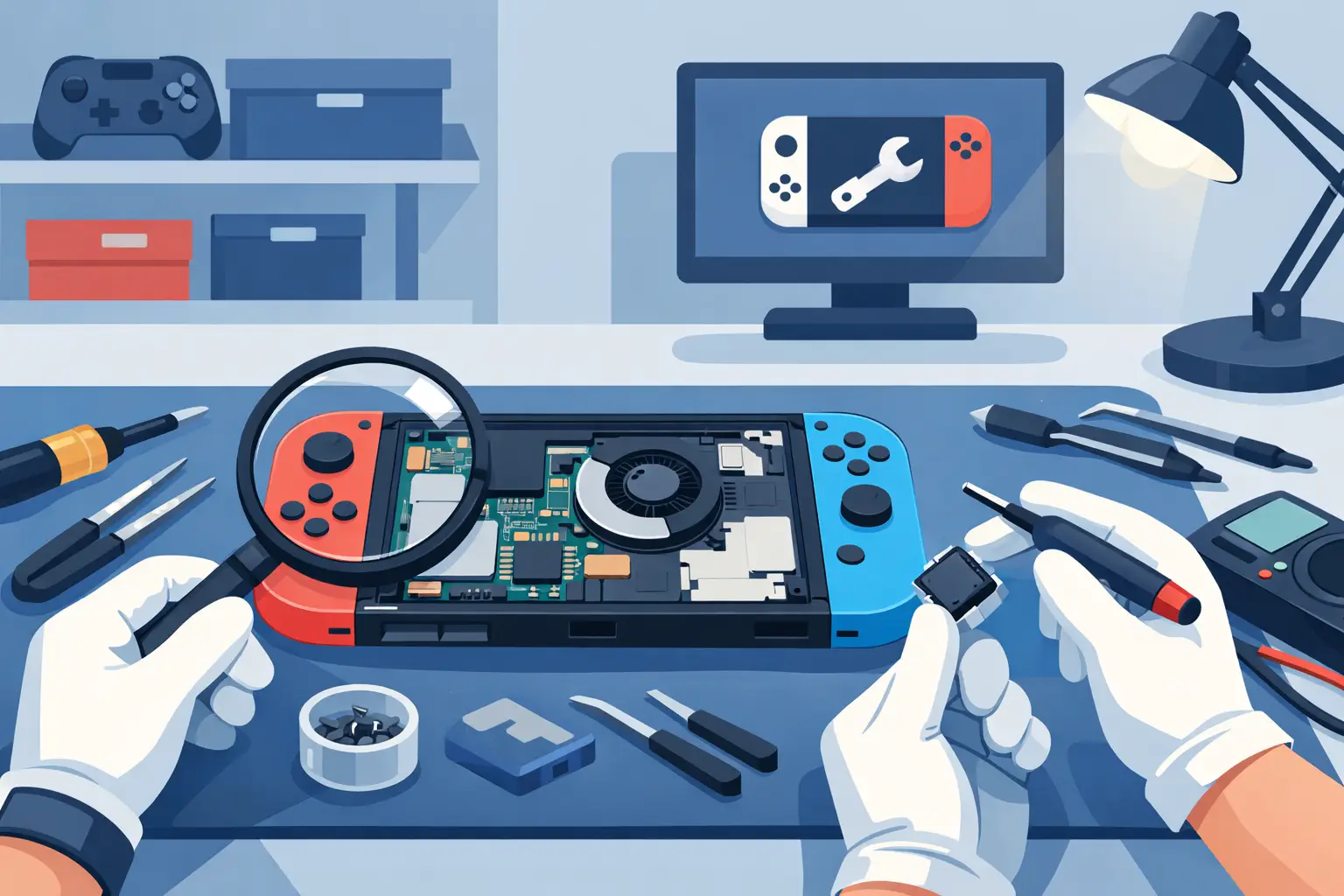
A Nintendo Switch repair shop review should tell you more than whether someone was friendly at the counter. When your console will not charge, the Joy-Con keeps drifting during a match, or the screen has been damaged in a bag, you need to know whether the repairer can identify the real fault, explain the cost clearly and return your Switch working properly.
For most people, a Switch fault is not just a technical nuisance. It can mean a cancelled family games night, a child without their favourite console or a handheld that cannot be used on the commute. The right local repair shop should make the decision straightforward: clear diagnosis, honest advice, quality work and no surprises.
Start with the fault, not the assumed repair
It is tempting to search for the cheapest replacement part and book the first repair you find. That can work for an obvious cracked screen, but many Nintendo Switch faults have similar symptoms and different causes.
A Switch that will not turn on, for example, may have a faulty charging port, a worn battery, a damaged charging circuit or an issue caused by a third-party charger. Replacing only the charging port without proper diagnosis may not solve the problem. Equally, intermittent Joy-Con connection can be caused by the controller itself, the console rail or internal communication faults.
A dependable repair shop asks useful questions before quoting. Did the fault start after a drop? Has the console had liquid exposure? Does it charge at an angle? Does it work in handheld mode but not when docked? These details help a technician narrow down the cause before carrying out work.
Look for a repairer that separates an initial inspection from a guaranteed repair outcome. A no-fix-no-fee approach is particularly reassuring for faults that are not immediately visible, because you should not be paying for a repair attempt that does not restore the console.
What a good Nintendo Switch repair shop review should cover
Reviews are most useful when they mention a specific repair and its result. A five-star rating is encouraging, but a short comment saying “great service” does not tell you whether the shop handled a complex charging issue, used suitable parts or stood behind the work afterwards.
When reading feedback, pay attention to comments on these practical points:
- Accurate diagnosis, especially for charging, power and liquid-damage faults.
- Clear pricing before work begins, including whether the quote changed and why.
- Turnaround times that matched what the customer was told.
- Communication during the repair, particularly if further faults were discovered.
- The condition of the console on collection and whether the repair remained reliable.
- Warranty support if a repaired part developed a fault.
The most credible feedback often includes small details: a console tested before collection, a technician explaining why a port needed replacing, or a repair completed in time for a trip away. It shows the shop is organised as well as technically capable.
Do not dismiss a business solely because it has one less-than-perfect review. Repairs can involve devices with previous damage, corrosion or faults that develop after an impact. What matters is how the repairer responds. A professional, calm response that explains the situation and offers a fair next step is a stronger trust signal than a page of vague praise.
Check whether the repair is actually suitable for your model
Nintendo Switch consoles are not all built the same. The original Switch, Switch Lite and Switch OLED have different layouts, components and repair considerations. A shop should know which model you have before confirming a repair and should not treat every Switch as identical.
For example, a Switch Lite is designed as a handheld console, so its controls are integrated rather than detachable. Joy-Con drift on a standard Switch may involve replacing or repairing a controller, while a similar issue on a Lite requires work inside the console itself. An OLED screen replacement is also not the same job as replacing the display on an earlier model.
Ask whether the repairer has experience with the specific fault on your model. This is especially worthwhile for charging port repairs, display faults, board-level issues and liquid damage. These jobs require careful dismantling and testing, not just swapping a visible part.
A good shop will also be honest about the trade-off. Some older consoles with severe corrosion or significant board damage may be uneconomical to repair. Clear advice is better than being encouraged to spend money on a repair with a poor prospect of lasting.
Price matters, but the cheapest quote can cost more
A low price is appealing when you need your console back quickly. However, it is worth asking what the quote includes. Is it for the part and labour? Does it cover diagnosis? Is the repair backed by a warranty? Will the console be tested for charging, controls, touchscreen response, speakers and game-card reading before you collect it?
Transparent pricing does not always mean every repair has a fixed cost online. Straightforward work, such as a known screen or battery replacement, can often be priced in advance. Faults involving power, charging or liquid damage may need inspection first. In that situation, the important thing is that the shop contacts you with a clear quote before proceeding.
Be cautious of a price that seems far below every other local option. It may reflect a lower-grade part, rushed fitting or a quote that does not include the full repair. That does not mean the highest price is automatically best either. The value is in competent work, suitable parts, sensible turnaround and support if something goes wrong.
Ask about parts, testing and warranty
A repair shop does not need to overwhelm you with technical language, but it should be able to explain the quality of parts it uses. For screens, batteries and charging components, ask whether the part is appropriate for your Switch model and what warranty is provided on the repair.
Warranty-backed work gives you a practical route back to the shop if the fitted component fails prematurely. It is not a blanket guarantee against a new drop, liquid spill or unrelated internal fault, so read the terms and ask if anything is unclear. A trustworthy repairer will explain the difference without hiding behind small print.
Testing is just as important as the replacement itself. After a charging port repair, the console should be checked with a suitable charger and, where relevant, in the dock. After a screen repair, the display, touch response, brightness and surrounding casing should be inspected. For Joy-Con or rail issues, the controls should connect and respond consistently.
This final checking is what separates a quick-looking fix from a dependable repair. You should be able to collect the console knowing the original fault has been tested, not simply that a new part has been fitted.
Turnaround should be realistic and clearly explained
Same-day or while-you-wait service can be ideal for common Switch repairs when parts are available and the fault is straightforward. It is particularly useful if the console is needed for a weekend, a school holiday or a planned journey.
More involved work may take longer. Liquid damage needs careful assessment, and a fault affecting the main board cannot responsibly be rushed just to meet an optimistic promise. The best repair shops set realistic expectations: they tell you what can be completed quickly, what needs deeper diagnosis and when you will receive an update.
For Sheffield customers, a local repair service also has a simple advantage. You can speak directly with the person handling the repair, ask questions before authorising work and collect the console without the delay and risk of posting it away. Mobitech Sheffield provides this kind of practical, local approach across console faults, with transparent advice and repairs designed around getting your device back into use quickly.
Before you hand over your console
Take a few minutes to protect your data and make collection easier. Remove any game card and microSD card if the shop does not need them for testing. Photograph the console’s condition, especially if it has existing cosmetic marks, and make a note of the exact fault and when it occurs. If the console still powers on, check that you can access your Nintendo account afterwards rather than sharing passwords unnecessarily.
It is also sensible to take the charger or dock only if the issue involves charging or TV output. A technician may need to test the full setup, but there is no reason to leave accessories that are unrelated to the fault.
The best choice is not the shop that makes the biggest promise. It is the one that listens to the problem, gives you a clear route from diagnosis to quote to repair, and treats your Nintendo Switch as the device your household relies on.
