
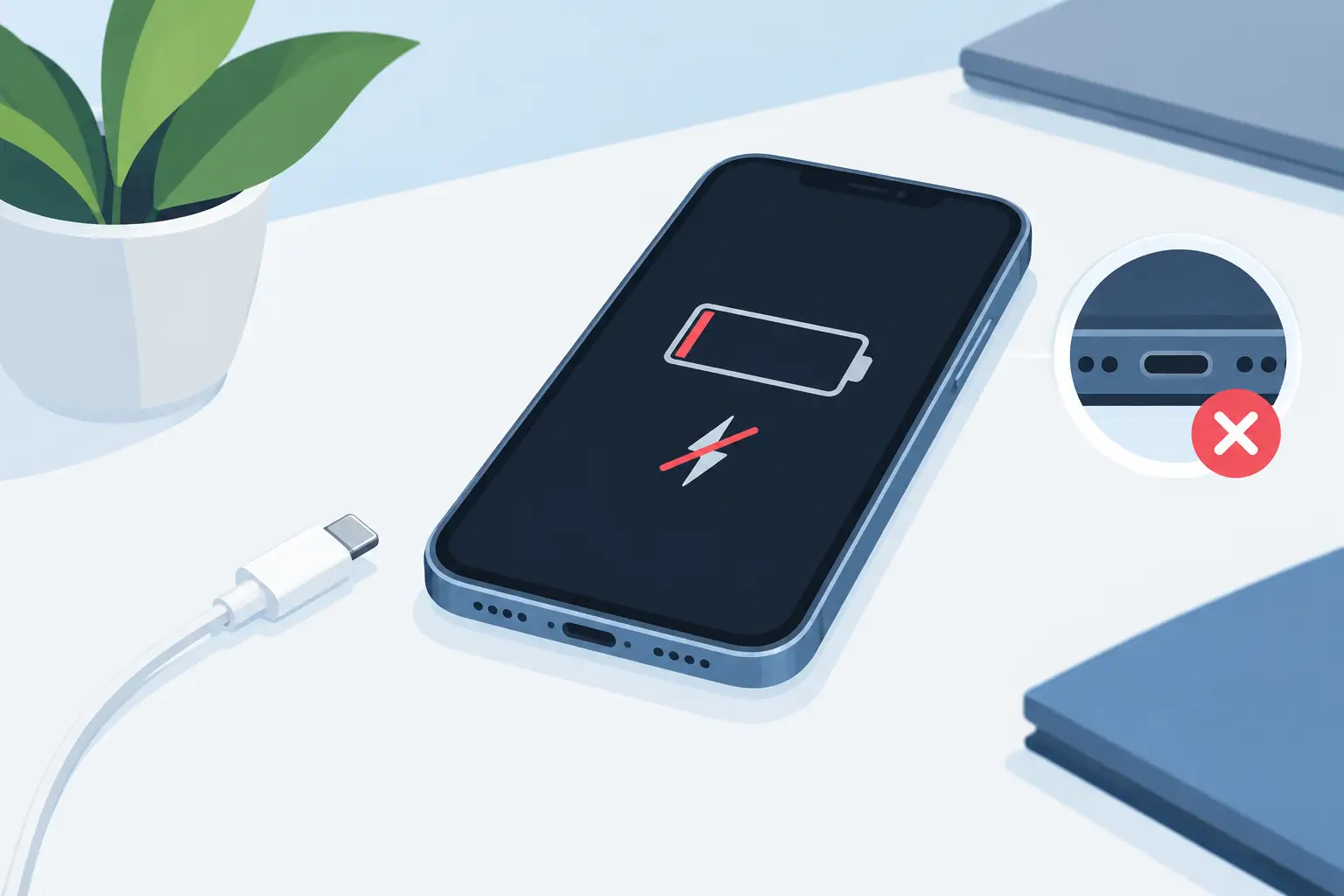
Your phone is on 3%, your laptop will not power up before work, or your tablet only charges when the cable is held at a certain angle. A charging repair can often solve the problem without replacing the device – but the cause needs identifying properly first.
Charging faults are not all the same. A worn cable, a blocked charging port, a failing battery and internal board damage can produce similar symptoms. The right repair starts with clear diagnosis, so you only pay for work your device genuinely needs.
What causes charging problems?
The most common cause is simpler than many people expect: compacted lint and dust inside the charging port. Phones spend plenty of time in pockets and bags, where fibres gradually build up at the bottom of the port. The plug may still appear to fit, but it cannot make a secure connection with the charging contacts.
If your cable feels loose, falls out easily or only works when pushed in firmly, a professional port clean may be all that is required. It is tempting to use a pin, paperclip or other sharp object at home, but this can damage the internal contacts or push debris deeper inside. A careful clean using the right tools is a safer option.
Cables and mains adaptors also fail regularly. Repeated bending near the connector can break wires internally, even when the outer casing looks intact. Before assuming the device needs repair, test it with a known-good cable and plug that are suitable for your model. If it charges normally, replacing the accessory is the straightforward answer.
The issue may also be the battery. Batteries wear down over time, particularly on devices that have been heavily used, repeatedly overheated or left drained for long periods. A failing battery may charge slowly, lose power unexpectedly, stop at a certain percentage or refuse to accept a charge altogether.
In other cases, the charging port itself is damaged. Bent pins, corrosion following liquid exposure, a loose port or broken solder connections can all prevent a reliable charge. This needs more than cleaning. The device may require a charging port replacement or more advanced internal repair.
Signs you need professional charging repair
A device that will not charge at all deserves prompt attention, especially if you rely on it for work, study, travel or staying in touch. However, total charging failure is not the only warning sign.
Watch for intermittent charging, an unusually hot connector, a burning smell, repeated connection and disconnection sounds, or a port that moves when a cable is inserted. Stop using the charger if it becomes excessively hot or you notice discolouration around the port. Continuing to charge through a damaged connection can make the fault worse.
Wireless charging can help narrow down the cause on compatible phones. If the handset charges wirelessly but not through a cable, the battery and charging system may still be working, while the port or connector is likely at fault. If neither method works, diagnosis may point towards the battery, charging circuitry or the device’s main board.
Water damage is another situation where speed matters. Even if a phone begins charging again after being wet, moisture and corrosion can develop over time. Do not plug in a wet device to test it. Switch it off if possible and have it assessed. Early cleaning and diagnosis can prevent a smaller issue from becoming a more expensive repair.
Charging repair for phones, tablets and laptops
The repair approach depends on the device and the fault. Modern phones use several port types, including USB-C, Lightning and older Micro-USB connections. Tablets, smart watches, laptops and games consoles can have their own charging designs, from magnetic connectors to dedicated DC power sockets.
For a phone or tablet, a technician will inspect the port for debris, damage and corrosion, then test charging behaviour with suitable equipment. If the port is sound, battery health and power management functions may need checking. On models where the port is attached to a replaceable flex cable, the repair can be relatively direct. On others, it may be soldered to the board and require specialist microsoldering work.
Laptop charging faults require the same careful process. The issue may be a damaged charging socket, a faulty charger, a worn battery or an internal power fault. A laptop that only works when connected to mains power may have a battery problem, while one that shows no charging light with a tested charger may need deeper diagnosis.
Games consoles also experience charging problems, particularly with controller USB ports, battery packs and power connections. A controller that will not charge should not automatically be written off. In many cases, its port, battery or charging circuit can be repaired or replaced.
Why diagnosis matters before a repair
Replacing parts without confirming the fault is rarely good value. A new battery will not resolve a damaged port, and a port replacement will not fix a board-level charging issue. Proper testing reduces wasted cost and gives you a clearer decision about whether repair is worthwhile.
This is particularly relevant after a drop or liquid exposure. Physical impact can loosen internal connections, while moisture can affect components far beyond the visible port. An experienced technician should explain what has been found, what repair is recommended and whether there are any risks or limitations before work begins.
At Mobitech Sheffield, the focus is on practical advice and transparent repair options. Where a repair is viable, customers can expect experienced assessment, quality parts and warranty-backed workmanship. Where a fault is not economical to repair, an honest answer is more useful than unnecessary work.
How to protect your charging port after repair
Once the device is charging reliably again, a few habits can help protect the repair. Use a good-quality, compatible cable and adaptor rather than forcing a loose or damaged connector into the port. Pull the plug out by its housing, not by the cable, and avoid charging on soft bedding or other surfaces that trap heat.
Keep the port clear of pocket fluff by storing your device in a clean pocket or case. If you work in dusty environments, a port cover may be worth considering where practical. Never force a cable that will not fit smoothly, as this can bend internal pins or damage the connector.
It also helps to deal with battery warnings early. If your device is overheating, shutting down at random or losing charge far faster than usual, arranging an assessment before it stops charging completely can save disruption later.
When repair is better than replacement
A charging fault can make a perfectly useful device feel unusable, but replacement is not always the sensible first step. If the screen, camera, storage and overall performance still meet your needs, repairing a charging port or battery is often more cost-effective than buying a new handset, tablet or laptop.
The decision depends on the age and condition of the device, the nature of the fault and the repair cost. For a newer device with a single charging issue, repair is usually an easy choice. For an older device with multiple faults, it may be better to weigh the repair against replacement. A clear diagnosis gives you the information to decide with confidence.
If your device is charging inconsistently, do not wait until the battery reaches zero and leaves you without access to calls, files or travel tickets. A prompt assessment can identify whether you need a simple clean, a battery replacement or a more involved charging repair – and help get your everyday tech back to work.
