
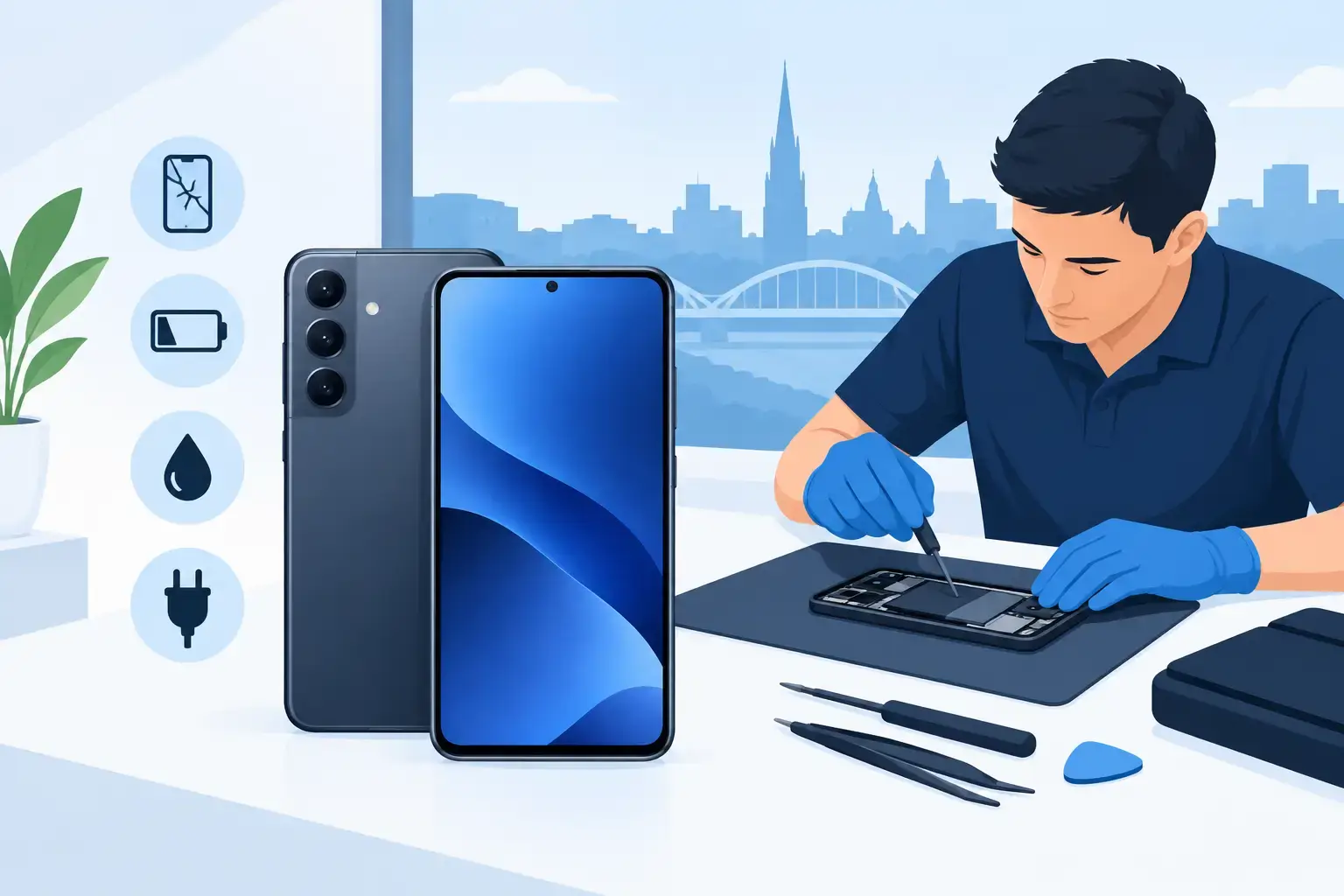
A dropped Galaxy phone can turn a normal working day into a problem within seconds. A cracked screen makes messages hard to read, a weak battery leaves you searching for a plug socket, and a phone that will not charge can stop work, travel plans and contact with family. For dependable Samsung repair Sheffield customers can understand and arrange quickly, the key is identifying the fault properly before deciding whether repair is worthwhile.
A good repair should be straightforward: clear advice, transparent pricing before work begins, quality replacement parts where needed, and a realistic turnaround time. Many common Samsung faults can be repaired on the same day, while more complex issues may need further testing to protect your device and your data.
Samsung Repair Sheffield for Everyday Problems
Samsung devices are built for daily use, but screens, batteries and charging ports still wear over time. Whether you have a Galaxy S, Galaxy A, Galaxy Z Fold or Flip, Galaxy Tab, or Samsung smartwatch, the symptoms matter more than the model name alone. An experienced technician will check what has failed, what has caused it and whether a repair will provide a reliable result.
The most frequent issues include cracked or unresponsive displays, batteries that run down too quickly, charging faults, liquid damage, camera problems and software-related faults. Some problems are immediately visible. Others are less obvious: a phone may appear to have a dead battery when the charging port is blocked, or a screen may look intact but have internal display damage following a drop.
This is why a proper assessment is more useful than guessing based on one symptom. It helps avoid paying for the wrong repair and gives you a clear view of the available options.
Cracked Samsung Screens Need More Than New Glass
A cracked screen is often the first reason people look for Samsung repair. If the display still lights up and the touchscreen works, it can be tempting to carry on using it. However, cracks can spread, allow moisture and dust into the device, and leave sharp edges that make the phone unpleasant to use.
On many Samsung models, the glass, touchscreen and display panel are part of one assembly. A repair may therefore involve replacing the complete screen assembly rather than simply fitting a sheet of glass over the front. This restores image quality, touch response and the physical protection the device needs.
If there are black marks, coloured lines, flickering, dead areas of touch, or no image at all, the internal display is likely damaged. These are signs to arrange a repair sooner rather than later. Backing up your phone first is sensible whenever possible, especially if the display is becoming harder to use.
When a Samsung Battery Replacement Makes Sense
All rechargeable batteries lose capacity with age. If your Samsung phone used to comfortably last a day but now needs charging by mid-afternoon, the battery may be worn. Other warning signs include an unexpected shutdown, a battery percentage that drops rapidly, overheating during ordinary use, or a back cover that is starting to lift.
A swollen battery needs prompt attention. Do not keep charging it, press down on the back of the phone or attempt to open the device yourself. Stop using it where practical and arrange a professional inspection. Battery swelling can put pressure on internal components and should be dealt with safely.
Battery replacement is often a cost-effective choice when the rest of the handset works well. It is particularly useful for customers who are happy with their current phone but need it to last through work, study, school runs or commuting without constant charging. The right decision depends on the device’s age, condition and repair cost, but replacing a tired battery can give a good Samsung phone a useful second life.
Charging Faults Are Not Always a Broken Port
A Samsung phone that will not charge is frustrating, but the charging port is not automatically the problem. Pocket lint, dust and compacted debris can prevent the cable from connecting correctly. A damaged cable, worn plug, faulty charging adaptor or software issue can create similar symptoms.
Before booking a repair, try a known-working cable and plug, check whether the phone charges wirelessly if it supports this, and look for visible debris around the port. Avoid using pins, paper clips or anything metal to dig inside the connector. It is easy to damage the small internal contacts, turning a simple clean into a more involved repair.
If charging only works when the cable is held at a certain angle, disconnects repeatedly, or does not work with several tested chargers, a port repair or replacement may be required. A technician can inspect the port and test the charging circuit to establish whether the issue is mechanical, battery-related or located elsewhere on the board.
Water Damage Needs Fast, Careful Action
Modern Samsung phones may have water-resistance ratings, but water resistance is not a permanent guarantee. Wear, drops, age and previous repairs can affect seals. Salt water, sugary drinks and cleaning fluids can be particularly damaging because they leave residue that continues to corrode components after the phone appears dry.
If your phone gets wet, switch it off if possible and do not charge it. Remove the case and wipe the exterior gently. Do not use a hairdryer, place the device on a radiator or put it in rice. Heat can damage components, while rice does not remove moisture or corrosion from inside the handset.
A professional diagnosis is the sensible next step. The outcome depends on how much liquid entered the device, what type of liquid it was and how quickly it is assessed. In some cases, a clean and component repair may save the phone. In others, the damage may be too extensive to make repair economical. Honest advice matters here, which is why a no-fix-no-fee approach offers valuable reassurance.
Data, Security and Software Faults
Not every Samsung issue involves damaged hardware. A phone that freezes, restarts, loses signal or refuses to install updates may have a software fault. Storage that is completely full can also cause apps to crash and make the phone slow or unreliable.
Start by checking for available updates, restarting the device and freeing up space where possible. If the issue began after installing an app, removing that app may help. Back up important photos, messages and files before a reset or any repair that could require software work.
Where hardware diagnostics are needed, make sure you know your screen lock code and Samsung or Google account details if access is required. A reputable repairer should explain why access is needed and only use it to test that the relevant functions work properly after repair. Mobitech Sheffield can assess both hardware and software symptoms, giving customers a clearer route forward when the cause is not obvious.
What to Expect From a Local Samsung Repair
Fast service is valuable, but speed should not mean rushed work. For common repairs such as screens, batteries and charging ports, same-day or while-you-wait service may be available depending on the Samsung model and parts availability. More advanced faults, liquid damage and board-level issues can take longer because accurate diagnosis comes first.
Before approving any work, ask for the repair price, expected turnaround and warranty details. It is also worth asking whether the repair affects features such as fingerprint recognition, water resistance, wireless charging or display performance. The answer varies by model and by the type of damage, so clear expectations help prevent surprises.
Bring the device in with any relevant accessories only if requested, and remove your SIM card if you prefer to keep it with you. Back up data if the phone is still usable. These small steps can make the repair process smoother and give you confidence that your device is ready to return to daily use.
Repair or Replace? Make the Practical Choice
Replacement is not always the better option. A screen or battery repair can be considerably less expensive than buying a new handset, particularly when your current Samsung still meets your needs. Repair also avoids the time involved in transferring accounts, apps, photos and settings to another device.
There are cases where replacement may be more sensible. Severe liquid damage, multiple major faults, or an older phone with a costly display repair may make a new device the better long-term value. The best repair service will tell you that plainly rather than pushing a repair that does not make financial sense.
If a Samsung fault is interrupting your day, do not rely on temporary fixes or risk making the damage worse. Get the problem assessed, understand the cost and turnaround, and choose the repair that gets your device working reliably again.
