
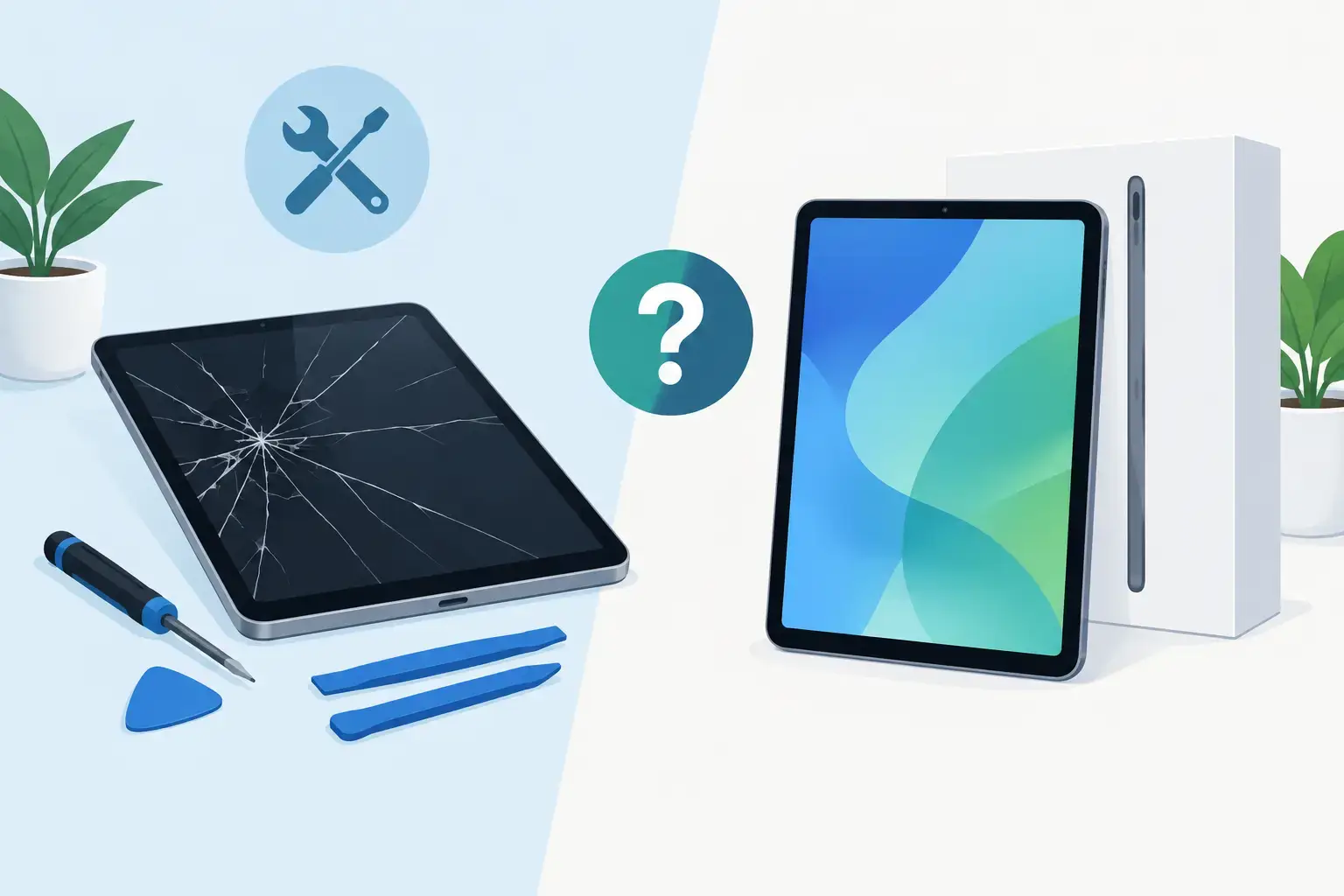
A cracked iPad screen before a deadline, a battery that barely lasts through a lesson, or a charging port that only works at a certain angle can make replacement feel like the quickest answer. Yet iPad repair versus replacement is rarely as simple as buying the newest model. The right choice depends on the exact fault, the iPad’s age, its condition and what you need it to do every day.
For many Sheffield households, students and small businesses, a targeted repair restores a dependable device for considerably less than a new iPad. For others, especially where there are several faults or the device no longer supports essential apps, replacement may be better value. A clear diagnosis is the starting point.
When iPad repair is usually the better choice
A repair is often the sensible option when the iPad has one clear hardware problem but otherwise works properly. Screen damage is the most common example. If the display is cracked, has touch issues or shows lines, but the device switches on, charges and performs as it should, replacing the screen can extend its useful life significantly.
The same applies to a worn battery. Batteries naturally lose capacity with use. If your iPad drains quickly, shuts down unexpectedly or needs charging several times a day, a battery replacement can make it practical again without changing the device you already know.
Charging faults are another case where repair can beat replacement. Lint in the port, a damaged connector, a failed charging component or a problem with the charging circuit can all produce similar symptoms. They do not all require the same repair, which is why a proper inspection matters before spending money on a new device.
Repair is particularly worthwhile when your iPad is still receiving software updates, has enough storage for your needs and runs the apps you rely on. A recent iPad used for schoolwork, video calls, streaming or business administration does not become obsolete simply because one component has failed.
iPad repair versus replacement: the costs to compare
The price of a repair should be compared with the real cost of replacing your iPad, not just the advertised price of the cheapest new model. A replacement may also mean buying a case, screen protector, charger or accessories again. You may need more storage than the entry-level model provides, and moving data, passwords, app settings and files takes time.
Start by considering the repair cost against the current value and capability of your iPad. A single screen or battery repair on a device that still meets your needs is normally easier to justify than replacing it outright. Where repair costs begin to approach a large proportion of a suitable replacement, it is time to look more closely at the numbers.
Condition matters too. An iPad with a damaged screen but a healthy battery, reliable charging and no signs of liquid damage is very different from one with a cracked display, weak battery, bent frame and intermittent faults. One focused repair is usually good value. Several major repairs at once can change the calculation.
Be wary of choosing solely on the lowest quote. The quality of replacement parts, fitting standards, warranty cover and the technician’s diagnosis all affect the outcome. A cheap screen that has poor touch response, reduced brightness or unreliable fitting is not good value if the job needs doing again.
Signs that replacement may be the smarter route
Replacement can be the better decision when the iPad is very old and no longer supports the apps, security updates or features you need. This is especially relevant if it is used for banking, work systems, school platforms or newer creative apps. Repairing the hardware will not overcome software compatibility limits.
It may also make sense to replace an iPad with serious internal damage. Significant liquid exposure, a badly bent chassis, repeated motherboard faults or a device that has suffered several unsuccessful repairs can be difficult to make reliably economical. The issue is not only whether it can be repaired, but whether the completed repair is likely to offer dependable service.
Storage can be another deciding factor. If you constantly run out of space for photos, coursework, downloads or work files, a repair will not increase capacity. Similarly, someone who now needs a larger display, keyboard support, faster performance or mobile connectivity may gain more from moving to a newer model.
A replacement is not automatically the best option just because an iPad is a few years old. Older models can still be excellent for browsing, streaming, reading, video calls and everyday home use. The key question is whether it still handles the tasks that matter to you.
Get the fault diagnosed before deciding
Some apparent major failures have straightforward causes. An iPad that will not charge may have a blocked port, damaged cable, faulty plug or battery issue rather than a failed motherboard. A black screen could be a display problem while the iPad is still powering on underneath. Touch issues might stem from a damaged screen assembly, not the software.
This is why diagnosis should come before a replacement decision. An experienced technician can assess the device, identify the failed part and explain whether there are any wider concerns. At Mobitech Sheffield, customers can bring in an iPad for a clear assessment and practical advice, with a no-fix-no-fee approach where applicable.
Ask for an explanation of the fault, the expected repair cost, the likely turnaround time and the warranty provided on the work. Straight answers make it easier to compare a repair with a replacement without guesswork.
Protect your data before an iPad repair
If your iPad still switches on, back it up before handing it over for repair. Use iCloud or create an encrypted backup on a computer if you can. Check that you know your Apple Account password and disable Find My if requested as part of the repair process.
A professional repair should focus on the faulty component, but backups remain essential. Data can be lost through an existing fault, a device reset needed for testing or a separate issue that becomes apparent during inspection. Photos, notes, schoolwork and business documents are often worth more than the hardware itself.
It is also sensible to remove the case and note any existing marks or damage before dropping the device off. If you have a passcode, follow the repairer’s instructions on whether it is needed for function testing. A reputable local repairer will explain why access is required and handle your device with care.
A practical way to make the decision
Think about the decision in terms of remaining useful life. If a battery replacement gives you another two or three years from an iPad that does everything you need, repair is likely to be the practical, cost-effective choice. If the device is slow, unsupported, short on storage and has multiple hardware faults, putting repair money towards a replacement could be wiser.
There is also the environmental side. Repairing a single failed component avoids discarding an otherwise usable tablet and reduces the demand for a completely new device. It is a useful benefit, but it should not override reliability. Your iPad needs to be dependable enough for work, study, family life or travel.
The best answer is the one that suits your device and your budget, not a blanket rule. Get the fault checked, compare the full cost of both options and choose the route that gives you confidence every time you pick up your iPad.
