
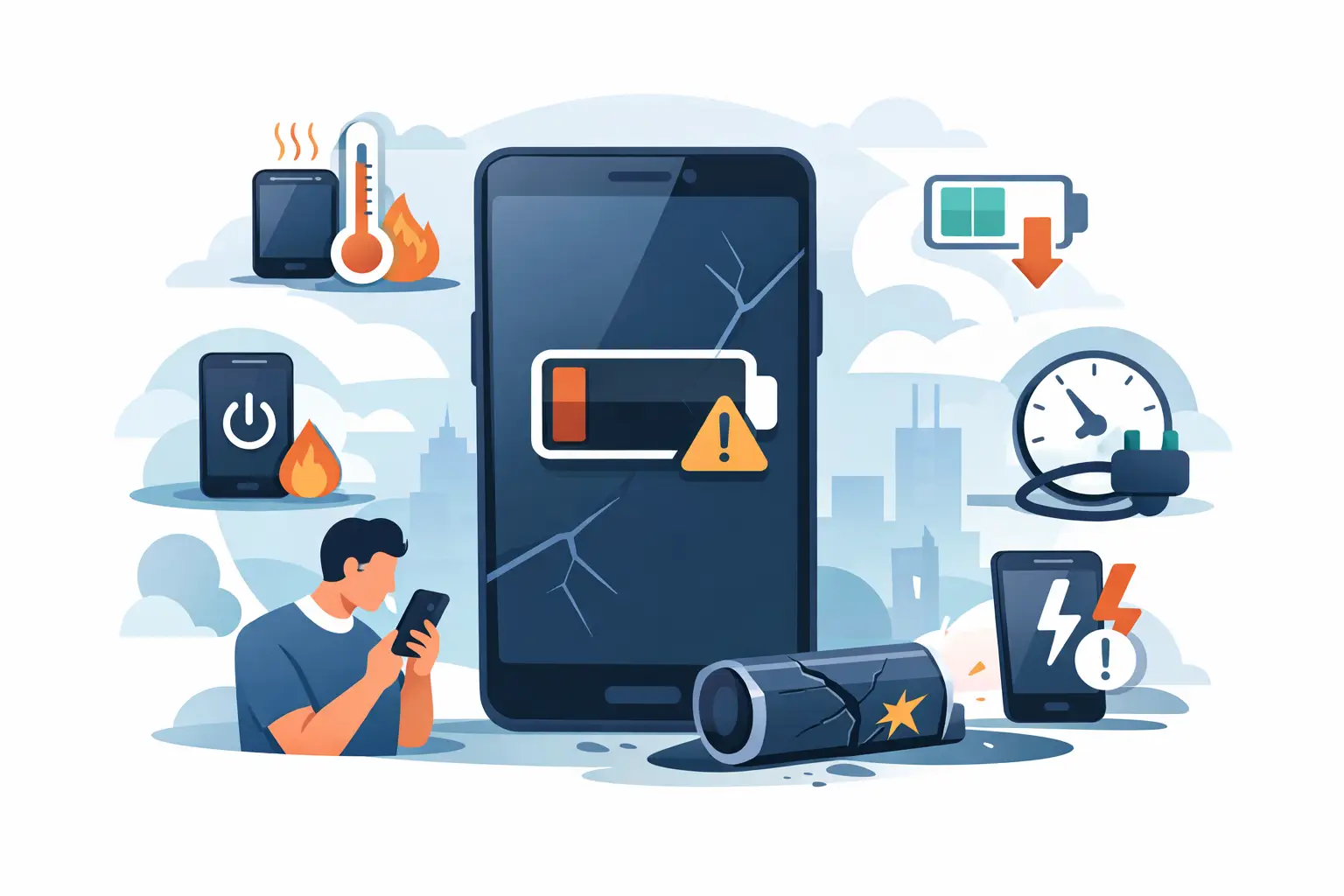
Your phone lasting until lunchtime instead of bedtime is more than an inconvenience when you rely on it for work, travel, school runs and staying in touch. The top signs your phone battery is failing are often easy to spot, but they can overlap with charging port faults, software issues and power-hungry apps. Knowing the difference helps you avoid paying for the wrong repair – and prevents a small battery problem becoming a safety concern.
A battery is a consumable component. Every charge cycle gradually reduces its capacity, so even a well-looked-after phone will eventually hold less power than it did when new. The good news is that a battery replacement can often restore the dependable day-to-day performance you need without the cost of replacing the whole handset.
1. Your battery drains far faster than it used to
Rapid battery drain is one of the clearest signs of wear. You may start a normal day at 100%, use your phone as usual, and find it approaching single figures by mid-afternoon. If this change has happened gradually and persists across several days, an ageing battery is a likely cause.
First, consider what has changed. A new app, poor mobile signal, frequent video calls, navigation, high screen brightness and background updates can all increase power use. Check your battery usage settings to see whether one app is responsible. If no app stands out and the phone still drains unusually quickly during light use, the battery may no longer be holding its original capacity.
Cold weather can make a weak battery seem worse, particularly on older iPhones, Samsung Galaxy phones and Google Pixel devices. A healthy battery may lose some performance in low temperatures, but it should recover once warmed up. Repeated drain in normal indoor conditions points to a more permanent issue.
2. The percentage drops suddenly or the phone switches off
A phone that falls from 30% to 5% in minutes is not reporting power reliably. The same applies if it switches off with 10%, 20% or even 40% still showing, then turns back on after being connected to a charger.
This happens when an old battery cannot maintain a stable voltage under demand. Opening the camera, using maps, taking a call or playing a game draws more power, and the handset may shut down to protect itself. It is frustrating, but it can also leave you without a working phone when you need it most.
A software update or a temporary battery-reading error can occasionally cause odd percentages. Restarting the phone and installing current updates may help. However, if random shut-downs return, especially over several weeks, battery replacement is usually the sensible next step.
3. Charging takes too long or the level barely rises
Slow charging does not automatically mean the battery has failed. A damaged cable, worn plug, weak mains adaptor or blocked charging port can all be responsible. Try a known-good cable and suitable charger first, and inspect the port for compacted dust or lint. Do not use metal pins or sharp objects to dig inside it, as this can damage the contacts.
If the phone charges normally but the percentage rises very slowly, stalls at a certain level or loses power while still plugged in, the battery may be struggling to accept and retain a charge. You might also notice that a full charge is reached much sooner than before, only because the battery now holds far less energy.
A technician should diagnose both the battery and the charging system. This matters because replacing a battery will not fix a loose charging port, and a port repair will not restore a battery that has reached the end of its usable life. Clear fault diagnosis avoids guesswork and unnecessary cost.
4. Your phone becomes hot during ordinary use
Phones can warm up while fast charging, gaming, filming video or running satellite navigation. That is normal to a point. What is not normal is excessive heat when checking messages, browsing briefly or charging on a bedside table.
An ageing or damaged battery can generate more heat as it works harder. Persistent warmth may also be linked to a software process, poor signal or a faulty charging accessory, so the cause needs checking rather than assuming the battery is to blame.
If your phone is too hot to hold comfortably, stop charging it and remove any thick case. Place it on a hard, non-flammable surface away from direct sunlight and let it cool naturally. Never put a hot phone in a fridge or freezer. If overheating continues, arrange a professional assessment before using or charging it again.
5. The back cover or screen is lifting
This is the most urgent warning sign. Lithium-ion batteries can swell as they deteriorate or become damaged. The pressure may push the screen away from the frame, lift the rear cover, create a visible gap around the edge or make the handset feel uneven on a flat surface.
Do not press the screen back into place, puncture the battery or continue charging the device. A swollen battery needs prompt, careful handling. Switch the phone off if possible, keep it away from heat and avoid putting it in a pocket, bag or drawer where it could be crushed.
A swollen battery is not a repair to postpone. Take it to an experienced repairer for safe assessment and replacement. If you can do so without further handling, back up essential photos, contacts and files first. Your safety and the condition of the device come before recovering an extra bit of battery life.
6. Performance slows down when the battery is low
Have you noticed your phone becoming sluggish at 30% or below? Apps may take longer to open, the camera may lag, scrolling may stutter, and the screen may dim more aggressively. In some cases, the phone deliberately manages performance when the battery is unable to deliver power consistently.
This behaviour is designed to reduce unexpected shut-downs, but it is a sign that the power system is under strain. It is particularly noticeable on phones that are otherwise in good condition and have plenty of storage space available.
Before booking a repair, free up some storage, restart the handset and check for software updates. A phone with almost no free storage can feel slow for unrelated reasons. If performance still drops in line with the battery percentage, a replacement battery could make a meaningful difference.
7. Battery health reports show reduced capacity
Some handsets provide a useful clue in their settings. On many iPhones, Battery Health shows the estimated maximum capacity and may display a service message. Android options vary by manufacturer and model, but some Samsung and Google devices offer battery diagnostics or information through their device care settings.
A reduced capacity reading is helpful, not absolute. A phone at 85% capacity may still suit someone who uses it lightly and has regular access to a charger. For a commuter, student or tradesperson who needs reliable all-day use, the same figure may be a daily problem. How the phone performs matters more than one number alone.
Battery health settings also cannot always identify a sudden internal fault. If the phone is shutting down, overheating or swelling, seek advice even if the reported figure does not look especially low.
When is it time for a battery replacement?
A battery replacement is worth considering when your phone has two or more consistent symptoms: rapid drain, unexpected shut-downs, slow charging despite a good charger, heat during light use, or poor performance at low charge. It is often a cost-effective option when the screen, cameras and main functions are otherwise working well.
The decision depends on the handset’s age, overall condition and your needs. A recent premium phone with a tired battery is usually well worth repairing. A much older device with several faults may need a broader conversation about repair value. An honest diagnosis should make that clear before work begins.
At Mobitech Sheffield, experienced technicians can check whether the fault is the battery, charging port or another component, then explain the repair options and price clearly. Same-day or while-you-wait availability can be especially useful when your phone is essential for work, travel or family life.
Do not wait for a failing battery to choose the worst possible moment. If your phone is no longer lasting through a normal day, book a professional check while it can still be repaired safely and conveniently.
