
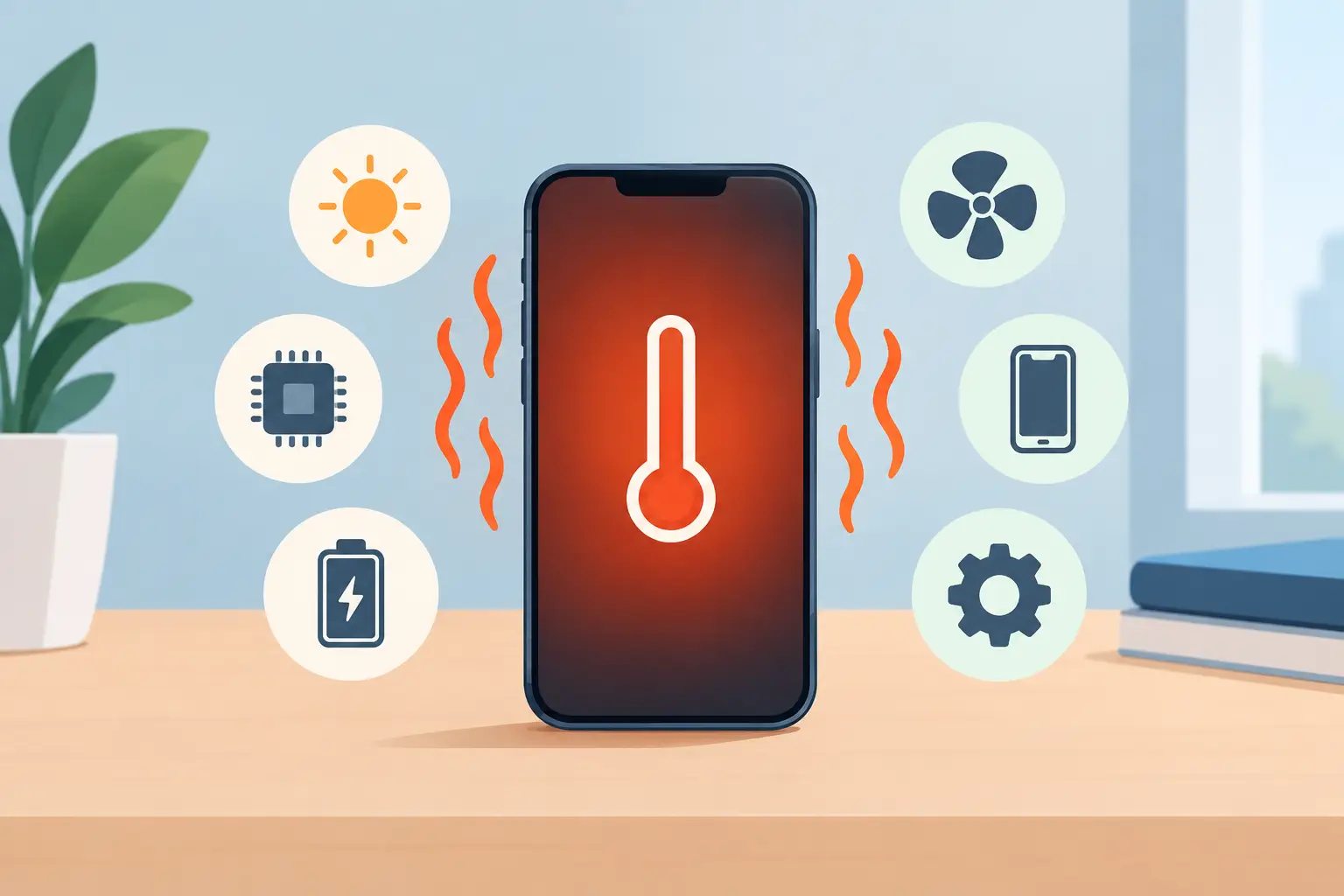
Your phone becomes too hot just as you need it for directions, a work call or collecting the children from school. It is frustrating, but it can also be a warning sign. If you have searched “why is phone overheating”, the answer may be as simple as a demanding app or warm weather. In other cases, overheating points to a battery, charging or internal hardware fault that should not be ignored.
A phone will naturally feel warm while charging, gaming, recording video or using mobile data. It should cool down again once that task stops. If it stays hot when idle, displays a temperature warning, drains rapidly, restarts, or is too hot to hold comfortably, take action before the problem worsens.
Why is phone overheating? The most common causes
Modern phones are compact computers. Their processor, battery, screen, cameras and mobile connection all generate heat, with little space inside the handset for that heat to escape. The cause is often a combination of high demand, limited airflow and a battery that is no longer performing as it should.
Demanding apps, games and background activity
Gaming, video editing, video calls, navigation and high-resolution camera use all make the processor work harder. Streaming over mobile data can add further strain, particularly when the phone is trying to maintain a weak signal.
Sometimes the app on screen is not the real issue. A frozen process, an app repeatedly refreshing in the background, or an incomplete software update can keep the processor active long after you have stopped using the device. If your phone heats up at the same time as battery percentage drops quickly, background activity is a likely place to start.
Close unused apps, restart the phone and install available app and system updates. If overheating began immediately after installing a particular app, remove it and monitor the phone for a day. This is a sensible first check, but it will not fix a worn battery or charging fault.
Charging problems and unsuitable accessories
Charging produces some heat, especially with fast charging. A slight temperature rise is normal. A charger, cable or charging port that becomes very hot is not.
Poor-quality cables and plugs can deliver inconsistent power. Damaged cables may create resistance, generating extra heat around the connector. Dirt, fluff or corrosion in the charging port can also prevent a secure connection, leading to intermittent charging and excess heat. This is common on phones carried in pockets or bags every day.
Use a good-quality, compatible charger and cable, ideally the original one supplied with the device or a properly certified replacement. Do not charge a phone underneath bedding, on a soft sofa or in direct sunlight, where heat cannot escape. If the handset only overheats while charging, stop using that charger until the issue has been checked.
A worn or damaged battery
Lithium-ion batteries degrade over time. As they age, they can hold less charge, struggle under load and generate more heat. It is common for an older phone with a tired battery to become warm during ordinary use, then lose charge far faster than it once did.
A battery may also be damaged by repeated overheating, heavy impacts, liquid exposure or poor charging habits. Warning signs include a swollen screen or back cover, a phone that switches off unexpectedly, a battery percentage that jumps around, and persistent heat even when no apps are running.
A swollen battery needs urgent attention. Do not press the screen back into place, pierce the phone, or keep charging it to see whether the problem settles. Switch the device off if possible and arrange a professional assessment. Battery replacement is often more cost-effective than replacing an otherwise reliable handset.
Weak signal and constant network searching
When signal is poor, your phone works harder to find and hold a connection. This can happen on trains, in lifts, in large buildings, or in parts of South Yorkshire with patchy coverage. The phone may heat up while using maps, making calls or streaming because it is continuously switching between masts or searching for a stronger network.
Try Wi‑Fi where available, or temporarily use aeroplane mode in areas with no usable signal. If the phone remains hot when connected to a strong Wi‑Fi network and left unused, the issue is less likely to be signal-related.
Heat from the environment
A dashboard in the sun, a warm coat pocket, a windowsill or a hot car can raise a phone’s temperature quickly. Direct sun is especially tough on phones because the display, battery and processor are all affected at once.
Remove the phone from the heat, take off a thick case and let it cool at room temperature. Do not put it in a fridge or freezer. Sudden cooling can cause condensation inside the handset, creating a separate risk of liquid damage. A fan can help with airflow, but avoid placing the device directly against very cold air-conditioning for the same reason.
Internal damage or a fault after a repair
Overheating that starts after a drop, liquid exposure or a previous repair needs proper diagnosis. A damaged battery, compromised charging circuit, loose internal connection or failing component on the logic board can all produce unusual heat.
This is also why the location of the heat matters. Warmth around the charging port points towards the cable, port or charging circuit. Heat near the top of the phone may relate to processor activity, cameras or board-level components. Heat concentrated around the back or centre can indicate the battery. These are clues, not a safe way to diagnose the fault at home.
What to do when your phone gets too hot
Start by unplugging the phone if it is charging. Move it out of sunlight, remove the case and stop demanding tasks such as gaming, filming or navigation. Turn the screen off and allow the device to rest on a hard, dry surface with good airflow.
If it remains unusually hot, power it down. Once cooled, restart it and check whether an app, charger or particular task triggers the same issue again. Back up important data as soon as the phone is stable enough to do so, especially if it is restarting, shutting down or showing battery warnings.
Avoid trying to force a quick fix. Do not keep using the phone while it displays a high-temperature message. Do not charge it repeatedly if it becomes hot at the cable connection. And do not use damaged, frayed or loose chargers, even if they still appear to work.
When overheating needs a professional repair
A one-off warm spell after an hour of gaming is usually manageable. Repeated overheating is different, particularly if it affects normal daily use. Arrange a repair assessment if you notice any of the following:
- The phone gets hot while idle or in aeroplane mode.
- It overheats every time it charges, even with a compatible charger.
- Battery life has fallen sharply or the phone switches off unexpectedly.
- The screen, rear cover or battery area is lifting or bulging.
- The problem began after a drop, liquid contact or charging-port damage.
- You see a temperature warning, smell anything unusual or hear crackling from the handset.
The trade-off is straightforward. Software checks can resolve an app or update issue without a repair, but continuing to use a phone with a failing battery or charging fault can lead to more damage and greater disruption. A technician can test battery health, inspect the port, check charging behaviour and identify whether the fault is within the battery, screen, charging circuit or main board.
For Sheffield customers, Mobitech Sheffield can assess overheating faults with clear advice before work begins. If a battery or charging port is the cause, a targeted repair may get your phone back to reliable everyday use without the cost of a replacement handset.
Your phone should support your day, not make you worry about where you can safely put it down. Let it cool, rule out the obvious causes, and seek help promptly when the heat keeps returning.
