
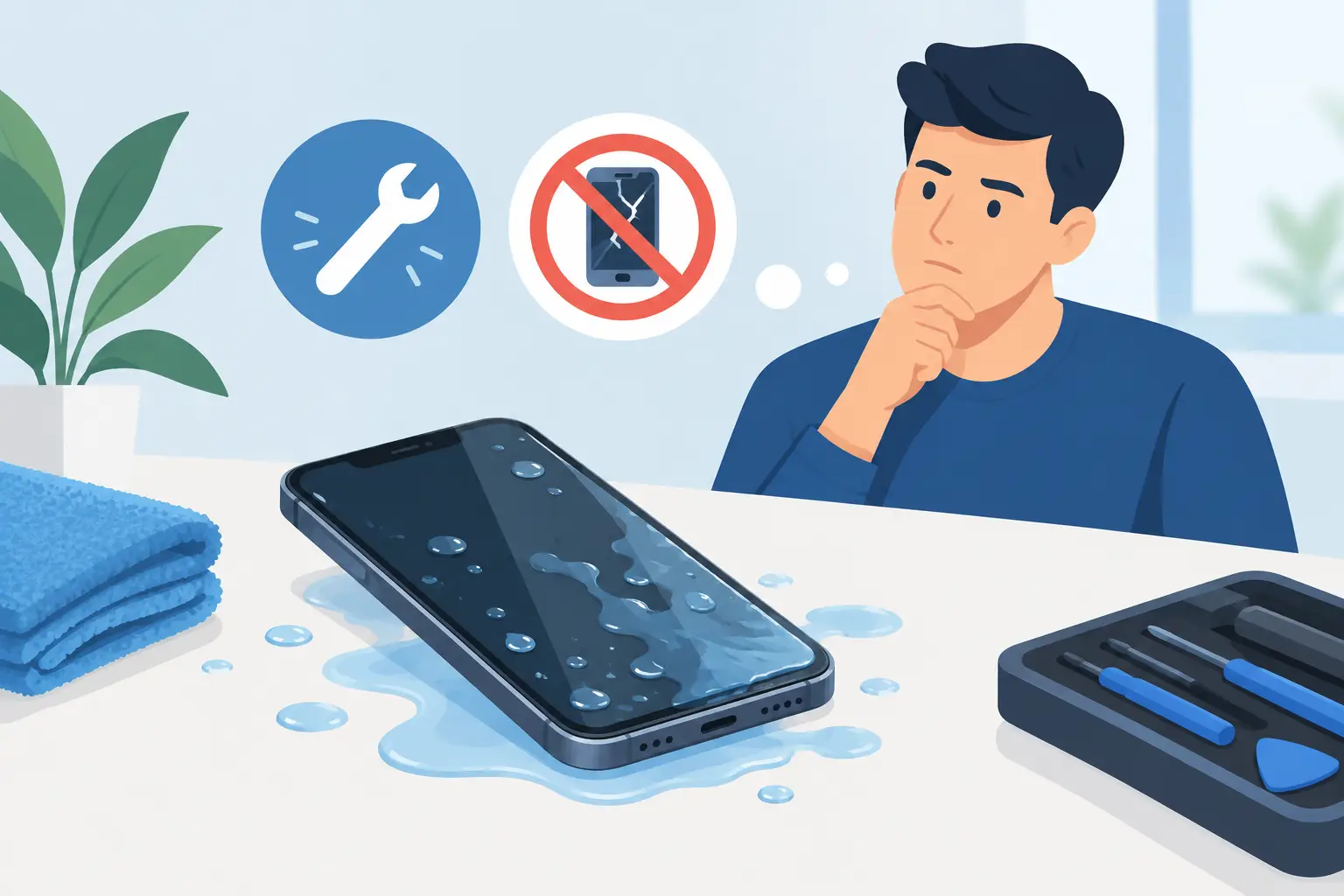
A mobile phone dropped in the sink, a laptop soaked by a spilled drink or a games console caught in a leak can stop your day immediately. The question, “should I repair water damage”, usually needs answering quickly – but the right answer depends on the device, the liquid, how long it was exposed and what you did in the first few minutes.
For most modern devices, water damage is not automatically the end. A professional assessment can often prevent a small incident becoming a failed battery, corroded charging port or damaged main board. Waiting, repeatedly trying to turn the device on, or putting it on charge can make the fault worse.
Should I repair water damage if my device still works?
Yes, it is usually worth having it checked, even if it appears to work normally. Liquid can remain under screens, around connectors and on internal components. It may cause corrosion gradually, so a mobile phone that works today can develop charging, battery, camera, speaker or touchscreen problems days or weeks later.
This is particularly common after a device has been exposed to sugary drinks, tea, coffee, seawater or dirty water. These liquids leave residue behind as they dry. Pure water is less damaging than a fizzy drink or salt water, but it can still cause a short circuit while power is running through the device.
A repair is more likely to be worthwhile when the device is relatively recent, otherwise in good condition, or holds information that has not been backed up. Replacing a charging port, battery, screen, keyboard or speaker can be far more cost-effective than replacing the whole device. It also avoids the disruption of setting up a new handset or laptop when you need it for work, study or family life.
What to do straight away after liquid exposure
Your first actions matter more than any home remedy. Switch the device off if you can do so safely, disconnect it from a charger and remove any case, cable, SIM tray or detachable accessories. Gently wipe the outside with a clean, dry cloth and keep it upright where possible, with ports facing down so excess liquid can drain.
Do not connect it to power to “see if it still charges”. Charging a wet device is one of the fastest ways to cause further internal damage. Avoid hairdryers, radiators, ovens and direct heat too. High heat can damage batteries, screens, seals and adhesives, while also moving moisture deeper into the device.
Rice is not a reliable fix. It does not remove residue from inside a device, and loose dust or starch can enter ports. Air drying may help surface moisture evaporate, but it cannot clean corrosion from a circuit board. For the best chance of a successful repair, arrange an inspection as soon as possible.
If a device is hot, swollen, giving off an unusual smell, smoking or making crackling sounds, do not handle or charge it. Move away from the area if it is safe to do so and seek appropriate urgent advice. Damaged lithium batteries need careful handling.
When water damage repair is likely to be worth it
The value of repair is not just the age or original price of the device. It is about the likely fault, the cost of the repair and what is stored on it. An experienced technician can inspect for visible corrosion, test affected parts and establish whether the issue is limited to a replaceable component or has reached the main board.
Phones and tablets
A liquid-damaged mobile phone or tablet may show a black screen, distorted display, poor battery life, failed Face ID or fingerprint recognition, muffled sound, charging issues or a touchscreen that behaves unpredictably. Some of these faults are isolated to a single part. If the main board is unaffected, replacing the damaged component can provide a sensible, long-lasting fix.
Repair is often a good option for a recent iPhone, Samsung, Google Pixel, iPad or other premium tablet, especially when the device is otherwise reliable. It can also be the right choice when photos, messages, notes or authenticator apps are not fully backed up. Data recovery is never guaranteed after liquid damage, but powering the device down promptly gives it a better chance.
Laptops
Laptops need extra care because liquid can reach the keyboard, trackpad, battery, charging circuit and motherboard through a single spill. Turn the laptop off, unplug it and do not keep pressing keys to test it. If practical, place it in a position that lets liquid drain away from the keyboard, without forcing hinges or dismantling components.
A keyboard replacement may be all that is needed in some cases. In others, liquid reaches the board and requires cleaning, component-level diagnosis or replacement parts. A repair is normally worth considering when the laptop is modern, has adequate performance for your needs or contains files that are not elsewhere. For an older, slow machine with extensive corrosion, replacement may make more financial sense.
Smartwatches and games consoles
Water resistance is not the same as permanent waterproofing. A watch may be designed for swimming when seals are intact, but impacts, age and previous repairs can affect that protection. A watch that has been exposed to more water than expected, or no longer charges or displays correctly, should be assessed rather than repeatedly placed on its charger.
Games consoles are vulnerable to leaks, spills and damp storage. If a PlayStation, Xbox or Nintendo console will not power on after liquid exposure, do not keep trying different cables or switching it on. A prompt inspection can identify whether cleaning and a targeted repair are possible before corrosion spreads.
When replacing the device may be the better choice
There are cases where repair is not the sensible route. Severe corrosion across the main board, a damaged battery plus screen plus charging system, or a device that was already near the end of its useful life can make the cost difficult to justify. The technician should explain the findings clearly, rather than recommending work that offers poor value.
Replacement may also be preferable if your device is no longer receiving security updates, has weak performance before the spill, or needs several costly parts. Even then, it can be worth asking about data recovery or whether a particular repair could get it running long enough to transfer important files.
The key is to compare a transparent repair quote with the real cost of replacement. That includes not only the price of a new device, but accessories, insurance excesses, data transfer, setup time and the risk of losing information. A cheap replacement is not always cheaper once those factors are included.
Why a professional inspection makes the difference
Liquid damage is rarely a fault that can be judged accurately from the outside. A device may look dry while corrosion has started beneath a shield or connector. Professional repair involves opening the device safely, checking for residue and corrosion, testing affected circuits and identifying which parts have actually failed.
That diagnosis matters because replacing a screen or battery without addressing the underlying liquid damage may only produce a short-term result. A proper assessment gives you a clearer choice: repair the affected parts, recover data where possible, or put the money towards a replacement.
At Mobitech Sheffield, water-damaged mobile phones, tablets, laptops, smartwatches and consoles can be assessed by experienced technicians, with straightforward advice on the likely repair options. The aim is not to push a repair at any cost. It is to give you an honest view of whether the work is worthwhile, with clear pricing before you decide.
Do not wait for the symptoms to get worse
Corrosion does not always show itself immediately. If a device has had contact with liquid, turn it off, keep it disconnected from power and have it inspected promptly – especially if it contains important photos, work files or accounts you rely on every day. Acting early gives both your device and your data the best possible chance.
