
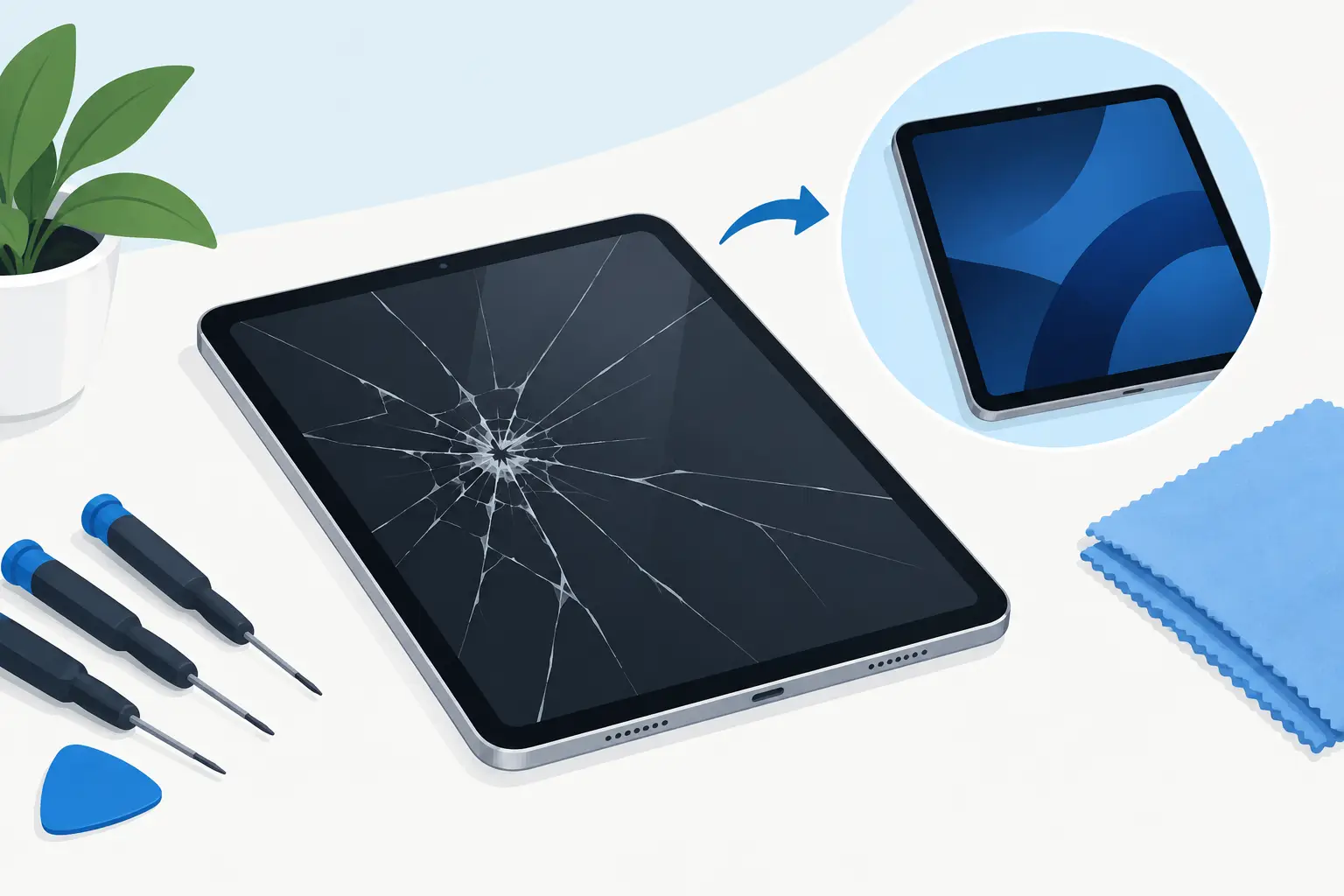
A cracked iPad screen can turn a useful device into a daily frustration. Sharp glass catches your fingers, touch controls can become unreliable, and a small crack can spread after one knock in a bag. If you are searching for how to repair cracked iPad screens, the right answer depends on what is damaged, which iPad you own and whether the tablet still works normally.
The safest approach is not always the cheapest-looking one. A protective cover may get you through the week, but it will not repair broken glass. Replacing the screen can restore safe use and protect the components beneath it, provided the repair is carried out with the correct parts and care.
First, check how serious the damage is
Not every crack means the same repair. Some iPads have a separate front glass digitiser, while others use a display assembly where the glass, touch layer and LCD or OLED panel are closely integrated. That difference affects both the repair method and the price.
If the screen is cracked but the image is clear, the touch response is accurate and there are no dark patches, it may be limited to the outer glass or digitiser. However, lines across the display, ink-like black marks, flickering, coloured bands, dead areas or a screen that stays black point to damage beneath the surface. In those cases, a full screen assembly replacement is usually needed.
Also look for lifting glass around the edges, loose fragments, a bent frame and signs of moisture. A damaged frame can prevent a new screen from sitting flush. If the iPad was dropped heavily, internal issues such as battery damage, camera faults or charging problems can appear later, even if the display initially seems fine.
What to do before you repair a cracked iPad
Start by protecting yourself and your data. Do not press hard on cracked glass or attempt to pick out loose fragments. Fit a temporary screen protector or cover the damaged area with clear packing tape if you need to use the iPad before repair. This is only a short-term safety measure, not a fix.
Back up the iPad if it still powers on and responds. Use iCloud or make an encrypted backup to a computer where possible. A screen repair should not erase your data, but a current backup gives you a safety net if the device has hidden damage or needs further diagnosis.
If touch is partly working, make sure you know your passcode and check that Find My is available to be turned off if requested by the repairer. Do not share your Apple Account password with anyone. A reputable technician should only need you to enter a passcode yourself where testing requires it.
Turn the iPad off if the screen is badly shattered, the casing is bent, the device becomes unusually hot or you notice any swelling. A swollen battery is a safety issue and needs professional attention rather than a home repair attempt.
Can you fix a cracked iPad screen yourself?
A DIY repair is possible for people with the right tools, a clean work area and experience handling delicate electronics. It is not simply a matter of removing broken glass and sticking on a replacement. iPads use strong adhesive, thin ribbon cables and compact internal layouts. Heat is often needed to soften the adhesive, and too much heat can damage the display, battery or surrounding components.
Older models can sometimes be more straightforward because the front glass and display are separate parts. Newer iPads are generally more complex, with tightly bonded assemblies and components that can be damaged during removal. The exact model matters, so check the model number on the rear of the device or in Settings before buying any part.
DIY can make sense when the iPad is older, out of warranty, low in resale value and you are comfortable accepting the risk. It is less sensible if you rely on it for university work, business use or family communication, or if it is a recent and valuable model.
A low-cost replacement screen can also be a false economy. Poor-quality parts may have weaker glass, reduced brightness, inaccurate touch response or poor fitting. Adhesive that is not correctly applied can allow dust and moisture into the device, while an incorrectly reconnected cable may cause display, touch or front camera issues.
How a professional cracked iPad repair works
A professional repair begins with diagnosis, not assumptions. The technician checks the display, touch function, cameras, speakers, charging, buttons and frame condition to identify whether the damage is limited to the screen.
The iPad is then opened carefully using controlled heat and specialist tools. Broken glass and the damaged screen assembly are removed without putting unnecessary strain on internal cables or the battery. Any remaining adhesive is cleaned away, the replacement part is tested, and the screen is fitted securely with the appropriate adhesive.
Before the repair is signed off, the technician should test touch across the whole display, screen brightness, cameras, charging, buttons, speakers and wireless functions. This matters because a successful repair is more than a screen that turns on. Your iPad needs to work properly in the ways you use it every day.
At Mobitech Sheffield, iPad repairs are assessed clearly before work begins, with transparent advice on the likely repair and cost. For many common faults, same-day service may be available depending on the model and parts required. If the damage proves more involved than expected, you should know before committing to further work.
When screen repair is worth it
Repairing a cracked iPad is often better value than replacing the whole tablet, especially when the device has a healthy battery, enough storage and still receives the software support you need. It also keeps a familiar device in use and avoids the inconvenience of transferring apps, files and settings to a replacement.
There are cases where replacement may be the better choice. If the iPad has a badly bent chassis, severe liquid damage, repeated faults, a failing battery and a damaged screen, the combined cost can approach the value of a newer device. An honest repairer should explain that trade-off rather than push a repair that does not make financial sense.
The age of the iPad matters, but so does how you use it. A slightly older model can still be worth repairing if it handles schoolwork, video calls, streaming or point-of-sale tasks without trouble. Conversely, an iPad that is already too slow or has insufficient storage may not justify a major display repair.
Avoid these cracked-screen mistakes
Do not use super glue, household tape or liquid glass products as a repair. Glue can seep into buttons, cameras and the display layers, while so-called liquid glass cannot rebuild a shattered panel. Avoid pressing on the crack or leaving the iPad loose in a bag where another impact could turn minor damage into a failed display.
It is also wise not to delay if cracks are spreading or glass is coming away. The screen helps protect the inside of the iPad from dust, moisture and further impact. Once that barrier is compromised, a simple screen repair can become a more expensive fault diagnosis.
How to prevent the next cracked iPad screen
A fitted case with raised edges and a quality tempered-glass screen protector are practical protection, particularly for children, commuters and anyone who carries an iPad between work, home and school. They cannot guarantee survival from every drop, but they absorb impact and reduce the chance of the screen contacting the floor directly.
For households with younger users, use a case designed for the exact iPad model and avoid leaving the device near the edge of tables or sofas. For work and study, a padded sleeve is useful during travel, especially when the iPad shares a bag with chargers, keys or a laptop.
A cracked iPad does not need to leave you struggling with sharp glass and unreliable touch controls. Back up your data, protect the damaged screen from further knocks, and get a clear assessment before deciding whether a repair is worthwhile. The right repair should leave you with an iPad that feels safe, responsive and ready for everyday use again.
