
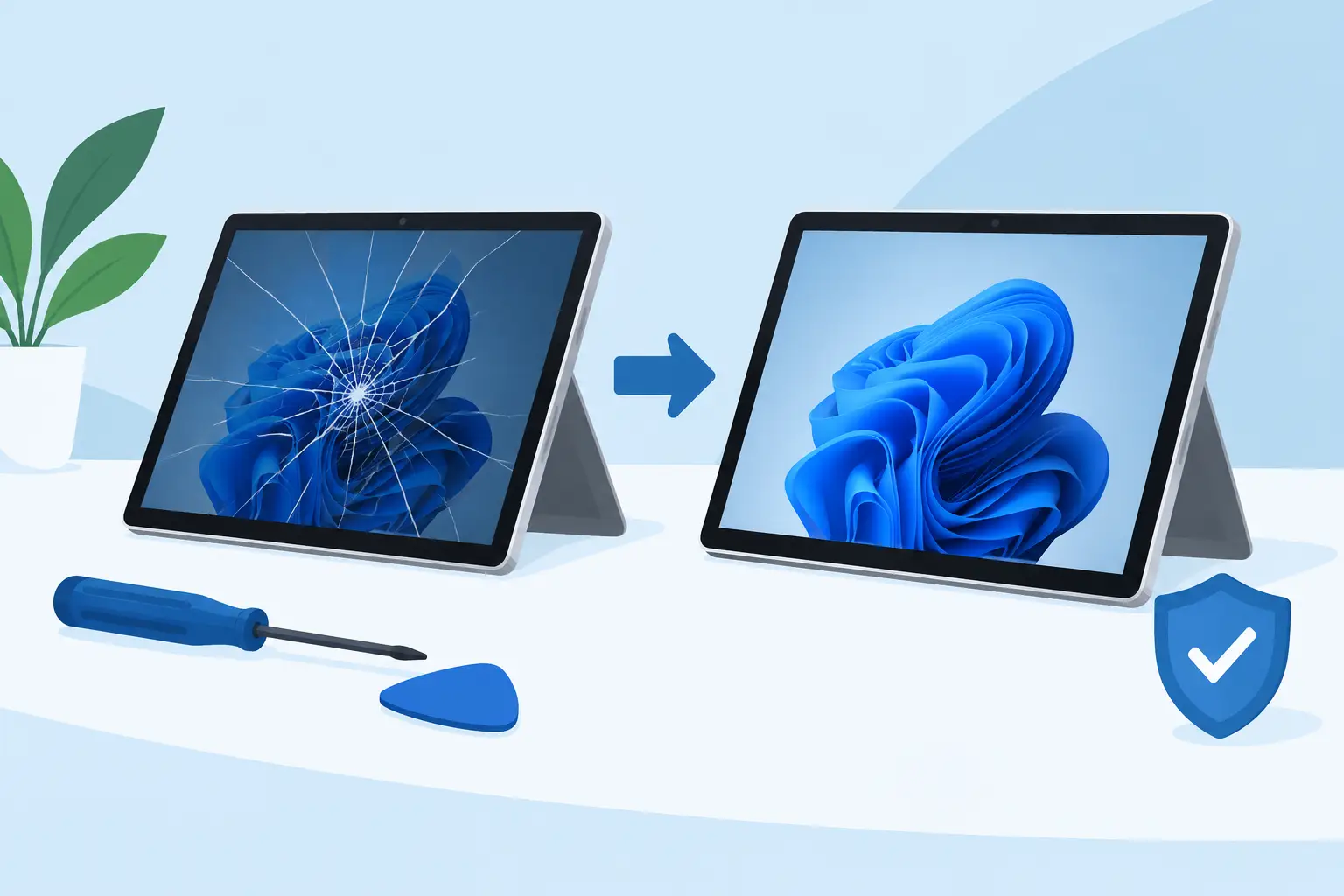
A cracked Microsoft Surface screen can turn a reliable work or study device into a daily frustration. Touch controls may stop responding, black patches can spread, and even a small crack can make the display unsafe or difficult to use. This Surface screen repair review looks at when repair makes financial sense, what a proper repair involves, and how to choose a technician you can trust with your device.
Why Surface screen damage needs careful repair
Microsoft Surface devices are slim, well-built machines, but that compact design makes screen repairs more involved than on many standard laptops. On most models, the display, touch layer and front glass are bonded together. If one part is damaged, the complete screen assembly will usually need replacing.
That is why a Surface repair should never be judged on price alone. A low quote can be tempting, particularly when you need your device back for work, university or family use. However, the repair needs the correct display assembly, careful opening procedures and thorough testing once the new screen is fitted.
A professional repair should restore more than the picture on the screen. The technician should check touch response across the full panel, screen brightness, cameras, speakers, Wi-Fi connection and charging function where relevant. On a Surface Pro, they should also confirm that the kickstand and Type Cover connection still work correctly after repair.
Surface Screen Repair Review: What makes a repair worthwhile?
The key question is whether the cost of a screen replacement is sensible compared with replacing the device. The answer depends on the model, its age, its specification and the type of damage.
For a relatively recent Surface Pro, Surface Laptop or Surface Go that still performs well, replacing a broken display is often a practical choice. You keep your files, programmes and settings, avoid the cost of a new machine, and reduce unnecessary electronic waste. It is particularly worthwhile if the device has a good processor, enough storage and a battery that still holds charge reliably.
The calculation changes with an older device that has several faults. A cracked screen alongside poor battery life, charging issues or repeated software problems may make replacement more sensible. An honest repairer should explain that clearly rather than recommending a repair that offers poor value.
Damage type matters too. A hairline crack with a fully working display may be usable for a short time, but it can worsen quickly under normal pressure or during travel. If there are coloured lines, flickering, dead pixels, black ink-like marks or unresponsive touch areas, the panel itself has likely been damaged and replacement is normally required.
What a good Surface screen replacement should include
A reliable screen repair begins with inspection, not assumptions. Surface models can look similar at a glance, yet use different screen sizes, connections and assemblies. Identifying the exact model helps ensure the right part is ordered and prevents unnecessary delays.
The repair itself requires controlled heat and specialist tools to separate the adhesive holding the display in place. Rushing this stage can damage the frame, cables or internal components. Once the damaged assembly is removed, the internal area should be checked for signs of impact damage, loose components or debris before the replacement is installed.
Quality of the replacement part is equally important. The screen should offer clear image quality, dependable touch sensitivity and a secure fit. Some lower-cost parts can have reduced brightness, weaker colour accuracy or poor touch performance. That may be acceptable for a lightly used older device, but it is not the right choice for everyone, especially if you use your Surface for design work, presentations or detailed documents.
After fitting, testing should be thorough rather than limited to switching the device on. The display needs checking at different brightness levels, while touch should be tested around the edges and corners as well as in the centre. A proper repair also includes checking front-facing cameras, microphones, Windows Hello functions where fitted and any feature that may have been affected by the screen removal process.
Turnaround time and price: what should you expect?
Surface screen repair times depend on the exact device and availability of the correct replacement screen. Some repairs can be completed the same day when parts are in stock, while others need a booked repair once the display assembly has been sourced. A trustworthy repair shop will give you a realistic timescale rather than promising a collection time it cannot meet.
Pricing varies for the same reason. A compact Surface Go screen is not comparable with a larger, higher-resolution Surface Laptop display, and some Surface Pro models require more complex work than others. The condition of the frame can also affect the job. If the housing is bent after a drop, fitting a new screen without addressing that damage may leave the replacement under pressure.
Ask for a clear quote based on your specific model. It should explain what is being replaced and whether the price includes fitting, testing and warranty cover. Be cautious of a price that seems dramatically lower than every other local quote. It may not include the full display assembly, or it may rely on a part with compromised quality.
At Mobitech Sheffield, the focus is on straightforward advice, transparent pricing and repair work backed by a warranty. If a screen repair is not the best value option for your device, you should be told before committing to the work.
When repair is not the right answer
A screen replacement cannot fix every issue caused by a heavy drop. If the Surface will not power on, has liquid damage, shows signs of a damaged motherboard or has a severely twisted chassis, further diagnosis may be needed before a screen repair can be approved.
This does not automatically mean the device is beyond repair. It means the screen should not be treated as the only fault. Fitting a new display to a device with hidden board damage can create false expectations and unnecessary cost. A no-fix-no-fee approach is valuable here because it allows the problem to be assessed properly before you pay for work that cannot solve it.
It is also worth considering your data. A broken screen does not always mean your files are lost, but access can be difficult if touch controls fail or the device cannot be unlocked. Let the technician know if there are important documents, photos or coursework on the device. They can advise on the safest route before the repair begins.
Choosing a local Surface repairer
Your Surface is likely used for more than browsing. It may carry work files, university assignments, family photographs and important logins. Choose a repairer who treats it accordingly.
Look for clear communication from the start. You should be able to explain the fault, receive an understandable quote and know what will happen if additional damage is found. Local repair also gives you the advantage of speaking directly to the people handling the device, rather than posting it away and waiting without updates.
Experience matters because Surface repairs are not all the same. A technician familiar with Microsoft hardware will understand the care required around bonded displays, fine internal cables and model-specific fitting methods. Warranty-backed workmanship gives further reassurance that the repair is intended to last, not simply get the device through the day.
Before you hand it over, remove any accessories and, if possible, back up your data. Do not attempt to peel away a lifting screen or press down cracked glass yourself. That can worsen internal damage and make a repair more difficult.
A damaged Surface screen does not have to mean replacing a device you otherwise rely on. With a proper assessment, the right quality part and careful fitting, a screen repair can put a valuable laptop or tablet back where it belongs: working reliably when you need it.
