
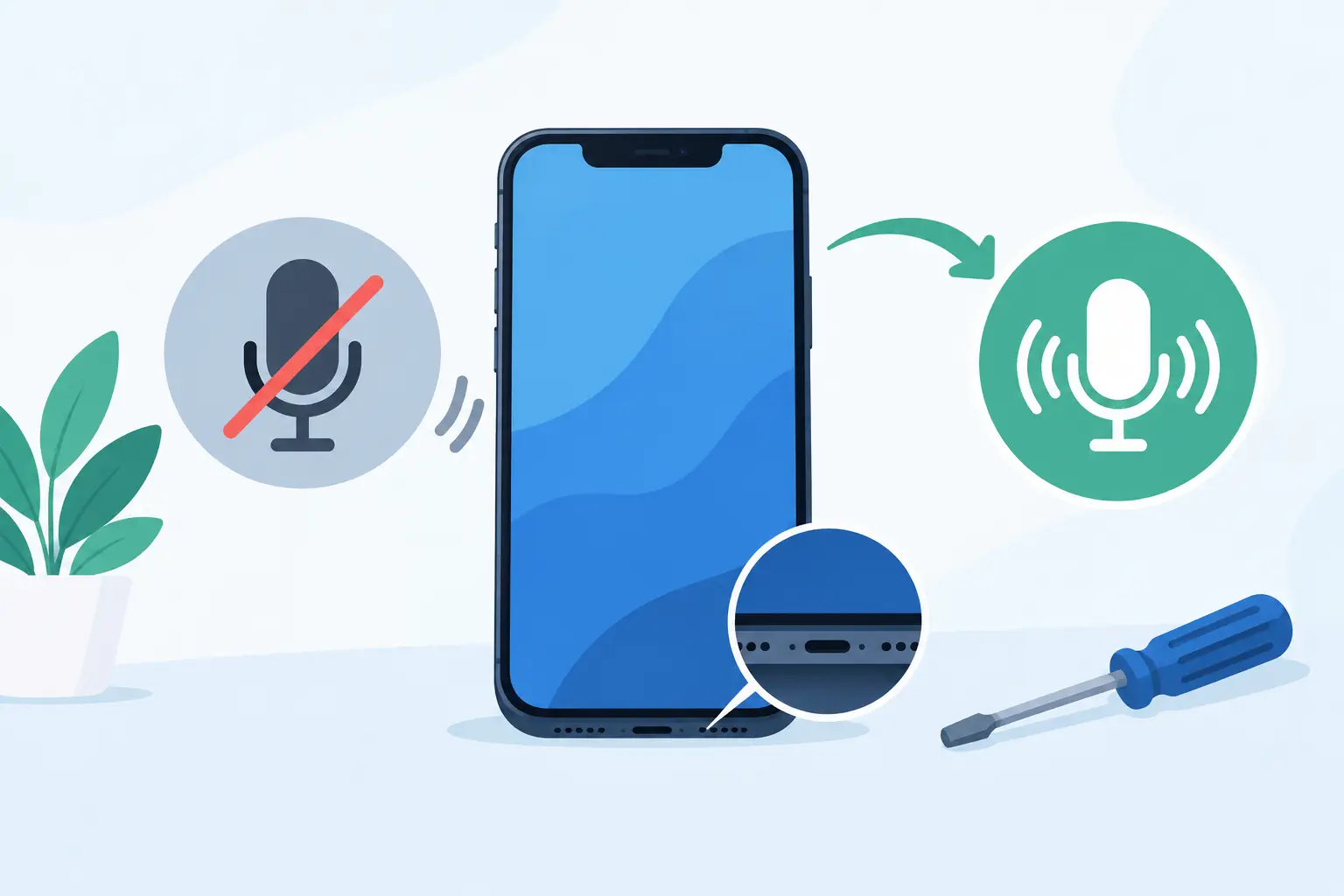
A phone microphone fault has a habit of appearing at the worst possible time: a work call where nobody can hear you, a voice note that records silence, or a video of a family moment with no usable sound. This guide to phone microphone faults helps you identify what has gone wrong, try sensible checks at home and decide when a professional repair is the quickest route back to clear audio.
How to recognise a phone microphone fault
Most smartphones have more than one microphone. There is usually a primary microphone at the bottom of the phone for calls, plus additional microphones used for speakerphone, video recording, noise reduction and voice commands. That means a fault may affect every audio function, or only one.
The pattern matters. If people cannot hear you on normal calls but can hear you on speakerphone, one microphone may be blocked or damaged while another is still working. If voice recordings, videos and calls all sound faint or distorted, the issue may be more widespread. Crackling, muffled speech, cutting in and out, or a sound that seems very distant are also common warning signs.
Before assuming the hardware has failed, test the phone in a few ways. Make a short recording using the voice recorder, record a video with both front and rear cameras, then place a call on speakerphone. These checks can help narrow down which microphone is affected and give a technician useful information if a repair is needed.
Common causes of microphone problems
Dirt, lint and moisture around the microphone opening
The microphone port is small and often sits near the charging port, where pocket lint, dust and everyday grime collect. A blocked mesh can make your voice sound quiet or muffled, even though the microphone itself is functioning normally.
Moisture is another frequent cause. Rain, spills, steam from a bathroom or a phone used in damp conditions can affect the microphone opening or internal components. Water resistance is not permanent protection, especially on an older handset with worn seals, screen damage or previous impact damage.
Avoid pushing pins, needles or sharp tools into any microphone hole. It is easy to pierce the fine mesh or damage a component underneath. A soft, dry brush used gently around the opening is a safer first step. Do not use compressed air at close range, as the pressure can force debris or moisture further inside.
A case, screen protector or accessory is obstructing it
A poorly fitted case can cover a microphone opening, particularly after a case has stretched, warped or been fitted incorrectly. Some screen protectors can also interfere with the top microphone or earpiece area. Remove the case and any clip-on accessories, then retest the audio before looking for a more serious fault.
Bluetooth devices can cause confusion too. Your phone may be using the microphone in wireless earbuds, a car system or a smartwatch rather than the handset microphone. Turn Bluetooth off temporarily and make another test call.
Software settings or an app-specific issue
If the problem only happens in one app, the microphone may be working but that app may not have permission to use it. Check the app’s microphone permission in your phone settings, close and reopen the app, and install any available updates.
A temporary software fault can sometimes clear after restarting the phone. If the issue began after a system update, it may be worth checking for a further update that addresses bugs. However, a reset should not be your first response. It takes time, can risk losing data if it is not backed up properly, and will not fix physical corrosion, a torn flex cable or a damaged microphone module.
Impact damage and worn internal parts
A dropped phone can damage more than the screen. The impact may affect a microphone, the charging port assembly, a connecting flex cable or the main board. This is particularly likely if the microphone problem appeared immediately after a drop, bend or knock.
On many phones, the bottom microphone is connected to the charging port assembly. If your device also charges intermittently, only charges at an angle or no longer connects reliably to a computer, both faults may have the same cause. Other models use separate microphone assemblies, so accurate diagnosis is essential before replacing parts.
Safe checks before booking a repair
There are a few practical checks worth making, provided the phone has not been exposed to significant liquid and is not showing other signs of damage. Keep the testing simple and avoid dismantling the handset yourself.
- Restart the phone and test a standard call, speakerphone call, voice recording and video recording.
- Remove the case, disconnect wired accessories and switch Bluetooth off.
- Inspect the microphone openings for visible lint, then clean around them gently with a dry soft brush.
- Check that the affected app has microphone permission and is up to date.
- Test with another calling app or make a regular mobile call to rule out a single app issue.
If audio returns after cleaning or removing an accessory, continue to monitor it. If the fault keeps coming back, there may still be moisture or debris deeper in the opening. If your phone has been wet, switch it off where possible and avoid charging it until it has been assessed. Charging a damp device can turn a manageable repair into a more serious internal fault.
When a microphone repair is likely needed
A professional inspection is sensible when the microphone remains silent, the sound is distorted across several apps, or the problem started after water exposure or a drop. It is also the right option when cleaning and settings checks make no difference.
The repair required depends on the phone model and the source of the problem. A technician may find a blocked microphone mesh, a faulty charging port flex, a damaged microphone module, liquid corrosion or a board-level issue. Replacing a part without confirming the cause can waste money, especially on modern phones where several microphones work together.
At Mobitech Sheffield, an experienced technician can test the relevant microphones and related components before recommending the repair. Clear diagnosis is particularly useful where a microphone fault appears alongside charging trouble, speaker issues or damage from a drop. You should know what needs replacing, why it has failed and what the repair will cost before work begins.
Guide to phone microphone faults: protecting your data
Most microphone repairs do not require access to your personal files, but backing up your phone is always good practice before any repair. Save recent photos, messages and important documents to your preferred secure backup service or another device where possible.
If the phone is still usable, remove any payment cards or sensitive information from apps if that gives you peace of mind. Be ready to provide the passcode only if it is needed for post-repair testing and you are comfortable doing so. A reputable repairer should explain why access is required and handle your device with care.
For a phone that will not power on after liquid damage, do not keep trying to start it for the sake of a backup. Repeated power attempts can worsen corrosion. Bring it in for assessment as soon as you can, and explain exactly what happened, including whether it was exposed to clean water, a drink, rain or another liquid.
Repair or replacement: what makes sense?
For a relatively new phone in good condition, a microphone or charging-port-related repair is often far more cost-effective than replacing the whole handset. It also avoids the time involved in transferring apps, accounts, photos and contacts to a new device.
There are exceptions. If an older phone has extensive liquid damage, a failing battery, a cracked screen and a microphone fault, the combined cost may make replacement more sensible. The right answer depends on the device’s age, condition, value and the exact fault found during diagnosis. Honest advice should account for the bigger picture, not just the first visible problem.
Clear audio should not be something you work around with speakerphone, earbuds or repeated calls. If basic checks have not resolved the issue, getting the phone assessed promptly can prevent a small fault from becoming a bigger interruption to work, study and everyday life.
