
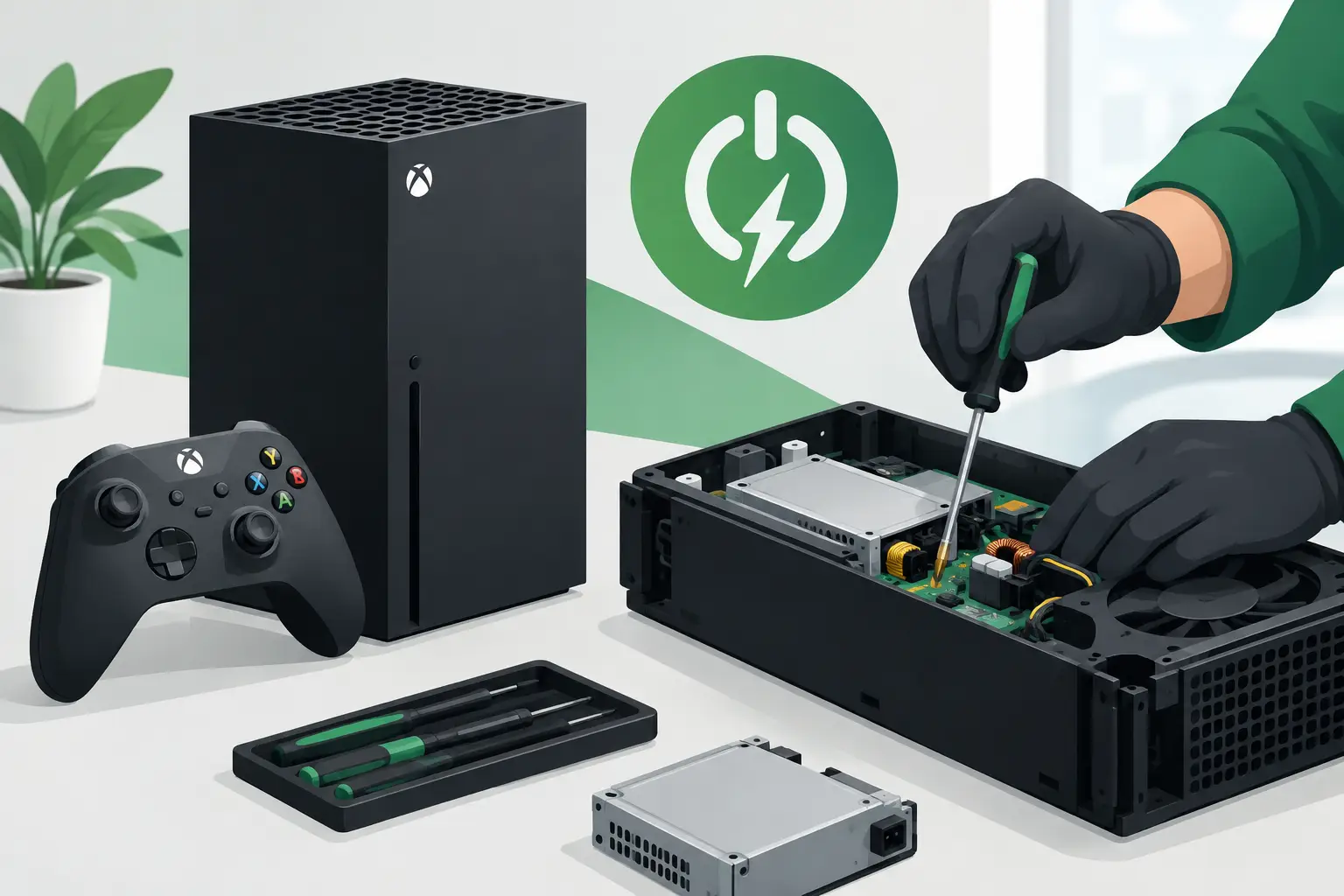
A console that will not switch on turns a quick evening game into a frustrating fault-finding job. Xbox power repair covers more than a completely dead console: it can also resolve random shut-downs, failure to boot, flashing lights, overheating messages and consoles that appear to start but never reach the home screen.
The right repair depends on the Xbox model and the exact symptoms. A faulty plug socket is very different from an internal power-supply fault, and replacing parts without proper diagnosis can add cost without solving the problem. A professional inspection identifies the cause first, explains the repair clearly and helps you decide whether repair is worthwhile.
Signs Your Xbox May Need a Power Repair
The clearest sign is no response at all when you press the power button. There may be no chime, no light and no signal to the television. However, an Xbox can have a power-related issue even when it seems to switch on initially.
You may need an Xbox power repair if the console repeatedly switches itself off, takes several attempts to start, makes a clicking noise, or loses power during games. Some owners notice that their console powers on briefly and then shuts down before the dashboard appears. Others find that it works for a short period, then fails again once it becomes warm.
Overheating warnings deserve attention too. Blocked ventilation, dust build-up and a failing cooling system can cause an Xbox to shut down as a protective measure. That is not always a power-supply failure, but it should not be ignored. Continuing to use a console that is overheating can place extra strain on internal components.
If the console powers up but your television shows a blank screen, the issue could be HDMI-related rather than power-related. This is why a proper diagnosis matters. Similar symptoms can have very different causes.
Simple Checks Before Booking an Xbox Power Repair
There are a few safe checks worth making before bringing your console in. Test the wall socket with another device, then try the Xbox with a known-working power lead where appropriate. Avoid extension leads and multi-way adaptors during testing, as a failing adaptor can cause intermittent power loss.
For older Xbox One models with an external power brick, check whether the power supply light is on and whether its colour changes when you try to start the console. A damaged cable, failed brick or loose connection can stop the console receiving stable power. Do not open the power brick or attempt to repair its internal components yourself.
On Xbox Series X, Series S and later Xbox One consoles, the power supply is housed inside the unit. Check that the mains cable is fully seated, clear dust from the external vents with care and allow the console to cool completely if it has shut down while hot. Do not use a vacuum inside the vents, push objects through the openings or spray cleaning products into the console.
You can also carry out a full power cycle. Turn the console off, disconnect it from the mains for several minutes, reconnect it directly to a wall socket and try again. If the issue continues, especially after a reset, it is time for an experienced technician to inspect it.
What Causes Xbox Power Faults?
Power faults are rarely caused by one single issue. Power surges, worn cables, accidental liquid damage, blocked airflow and normal component wear can all play a part. A console that has been moved frequently may also develop a loose connection or damage around its power input.
Internal power supplies can fail after years of use, particularly where heat has built up over time. In some cases, the fault is on the motherboard rather than the power supply itself. Damaged connectors, shorted components and faults in the power-management circuit can all prevent an Xbox from starting correctly.
Liquid damage is another concern. Even a small spill can affect the power area or cause corrosion that gets worse over time. If liquid has reached the console, unplug it straight away and do not keep trying to switch it on. Repeatedly applying power can turn a repairable issue into more extensive board damage.
A sudden failure after a power cut or electrical surge should also be assessed promptly. Although surge-protected extension leads can offer some protection, they are not a guarantee. Once a console has developed symptoms, the priority is to establish whether the fault is limited to the supply, cable or input, or whether it has affected other components.
Professional Xbox Power Repair and Diagnosis
A reliable repair begins with testing, not guesswork. A technician checks the console’s incoming power, cable and port condition, then tests internal power rails and related components where required. They also assess cooling performance, signs of liquid damage and the condition of the motherboard.
This approach matters because replacing an internal power supply will not fix a board-level fault. Equally, a console may appear dead when the real problem is a damaged power button board, a failed HDMI circuit or a short that causes the supply to enter protection mode.
Once the fault has been identified, you should receive a clear explanation of the work needed and the expected cost before the repair goes ahead. At Mobitech Sheffield, console repairs are assessed by experienced technicians, with transparent pricing and a No Fix No Fee approach where a repair cannot be completed.
Turnaround times depend on the model, fault and parts availability. Straightforward cable, connector or power-supply issues can often be resolved more quickly than complex motherboard repairs. If a replacement part is needed, quality and compatibility matter. A poor-quality component may create further instability, noise or overheating problems.
Is Xbox Power Repair Worth It?
For many customers, repair is the sensible alternative to replacing a console. That is especially true for a newer Xbox Series X or Series S, or where the fault is isolated to the power supply, charging connection or a replaceable internal component. Repair can cost significantly less than buying a replacement console and avoids losing access to games, accounts and saved data.
It does depend on the extent of the damage. Severe liquid damage, multiple motherboard faults or a console with other major issues may not always be economical to repair. An honest diagnosis gives you the information needed to make that decision without pressure.
Before replacing a console, consider its overall condition. If it has been reliable, has no history of overheating or damage, and the issue is confined to its power system, a repair is often well worth considering. If there are repeated faults across several areas, replacement may be the more practical option.
Protecting Your Xbox After Repair
Good ventilation makes a real difference to the lifespan of a games console. Keep the Xbox on a hard, flat surface with room around the vents, rather than inside a cramped cabinet or on thick carpet. Regularly remove dust from the exterior vents and keep drinks well away from the console.
Use a suitable mains lead, avoid forcing plugs into sockets and unplug the console during electrical work or prolonged periods away from home. If the console starts shutting down, becomes unusually hot or develops a burning smell, stop using it and have it checked. Waiting for a complete failure can make the eventual repair more involved.
A power fault does not automatically mean the end of your Xbox. Bring the console in with its power cable and describe exactly what happens when you try to switch it on. Clear symptoms help the technician diagnose the fault faster and get you back to gaming with confidence.
