
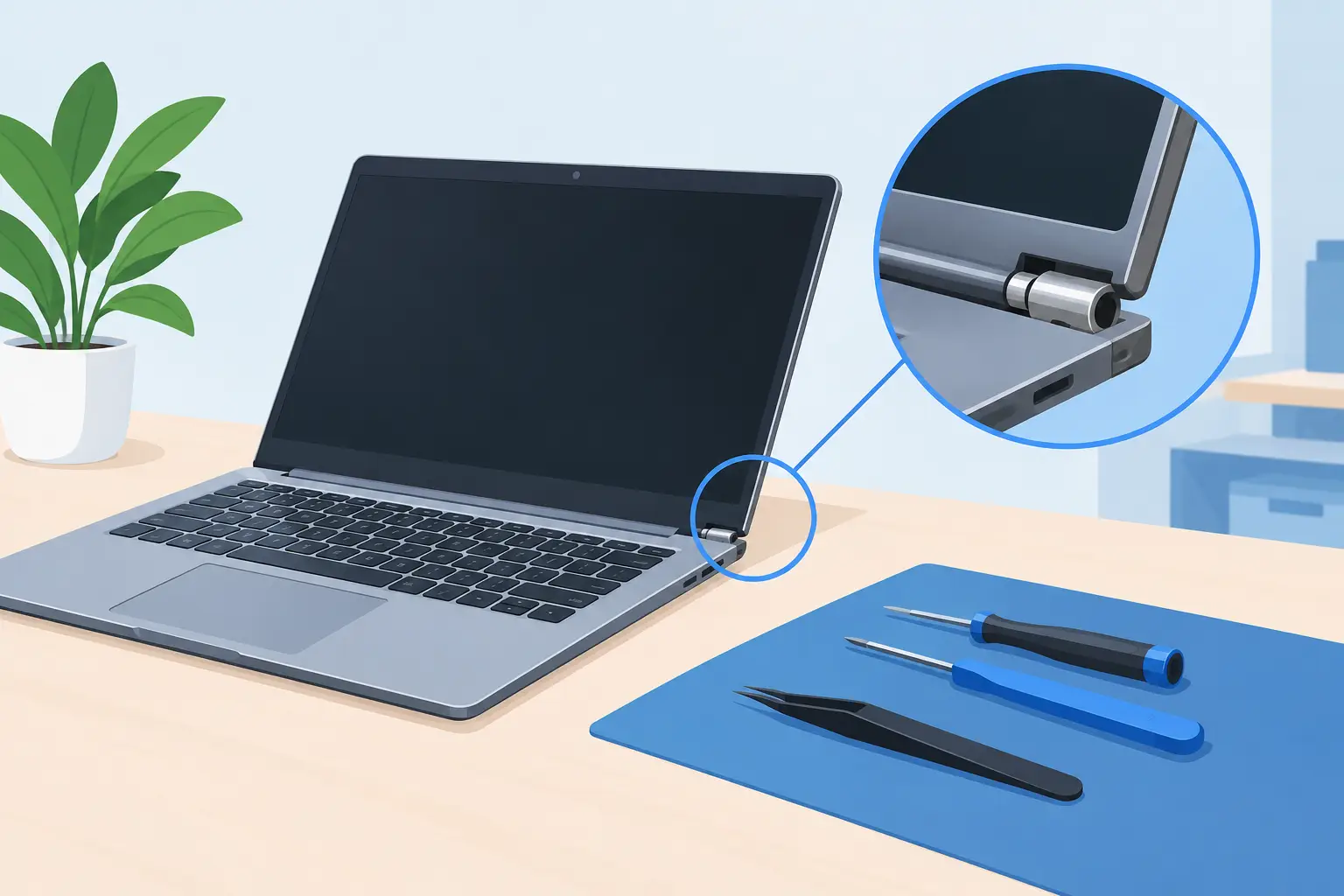
A laptop hinge rarely fails quietly. You may hear a crack as the lid opens, notice the bezel lifting away from the screen, or find that one corner of the casing is separating. If you are searching for how to fix laptop hinge damage, the first job is not reaching for glue. It is stopping further damage to the screen, display cable and the laptop’s plastic or metal frame.
A loose hinge can often be repaired, but the right fix depends on what has actually failed. The hinge itself may be stiff, loose or broken. More commonly, the small mounting points that hold it to the lid or lower case have snapped away. Treating all hinge faults the same can turn a repairable problem into a broken screen or damaged motherboard.
Check what has failed before you open the laptop
Switch the laptop off fully, unplug the charger and remove any external devices. If the battery is removable, take it out. Then place the laptop on a stable table and inspect it without forcing the lid wider than necessary.
Look closely at both hinges. If the lid still moves smoothly but wobbles from side to side, the hinge screws may have loosened. If the lid is very hard to move, creaks, or pulls the case apart as it opens, the hinge mechanism may have seized or the mounting brackets may have broken. A gap around the screen bezel, exposed wires, cracked plastic near the hinge, or a lifting keyboard surround usually points to damaged mounts rather than a simple loose screw.
Do not keep opening and closing the screen to test it. Laptop display cables often run through the hinge area. Every movement can stretch, pinch or cut that cable, leading to flickering, lines on the display, a black screen or webcam problems.
Signs the repair needs urgent attention
Stop using the hinge altogether if the screen is pulling away from the lid, the lower casing is splitting, or the display cuts out when you move it. These are signs that force is travelling through parts that were never designed to carry it.
If there is a swollen battery pushing up the keyboard, trackpad or base cover, do not attempt a hinge repair at home. Battery swelling is a separate safety issue and needs professional assessment straight away.
How to fix laptop hinge screws that have worked loose
A loose screw is the best-case scenario. On some laptops, the hinge screws are accessible once the bottom cover is removed. Others require the keyboard, screen bezel or both to be taken apart first. Check the model-specific layout before removing anything, as hidden clips and different screw lengths are common.
Use a correctly sized precision screwdriver and keep every screw organised by location. Tighten accessible hinge screws until they are secure, but do not overtighten them. Small screws can strip their threads, especially where they screw into soft brass inserts or plastic mounting posts.
If a screw repeatedly loosens but the mount is intact, a tiny amount of medium-strength thread-locking compound can help. Keep it away from plastics, cables and the hinge pivot. Never use superglue on a screw. It can wick into the hinge, make later repairs difficult and create more damage than it solves.
Once reassembled, open the lid slowly. It should move with even resistance and stay where you place it. If the hinge feels unusually tight, stop there. Tightening screws will not cure a seized hinge.
Why glue is rarely a proper laptop hinge repair
When a hinge mount breaks, it is tempting to bond the broken plastic back together with superglue or epoxy. This may hold briefly, but hinges are under repeated force every time the laptop opens. A repair that looks neat on the bench can fail as soon as the lid is moved.
Superglue is brittle and can seep into the hinge or nearby display cable. Standard epoxy is stronger, but it needs careful surface preparation, enough space to build strength around the mount, and time to cure correctly. It can also prevent the casing from sitting flat afterwards. Hot glue is not suitable because it softens with heat and has very little structural strength.
A durable repair often involves replacing the hinge, the lid, the palm rest or lower case, depending on where the mounts have broken. On some models, technicians can reinforce intact surrounding material and rebuild a mounting point. On others, replacing the damaged casing section is the more reliable and cost-effective option.
When a stiff hinge is the real problem
A hinge that becomes difficult to move often causes the mounting points to fail. The screws and plastic posts are forced to take the strain until one gives way. Simply repairing the broken post without addressing a tight hinge means the same fault may return.
Hinges are usually sealed components, so lubricating them from the outside is not a dependable solution. Oil can migrate into the screen, attract dust and contaminate nearby electronics. If a hinge is binding, replacing it is usually safer than trying to force, bend or lubricate it.
This is also why it is worth checking both sides. One damaged hinge may have put extra load on the other, even if it appears intact. A complete assessment helps avoid paying for one repair only to have another fault develop soon after.
The risks of repairing a laptop hinge yourself
A careful home repair is realistic when screws are visibly loose, you have the correct tools, and there is no case damage. Beyond that, the work becomes more involved than it first appears. Laptop lids contain thin displays, adhesive strips, antennas, webcams and delicate cables. The base may contain batteries, fans, speaker cables and components hidden beneath covers.
The main risks are cracking the LCD panel, tearing the display cable, mixing up screws, damaging the bezel clips or puncturing a battery. A screen can still look perfect before removal, then crack from slight pressure at the edge. Replacement screens and cables can add considerably to the final cost.
There is also the question of parts. A replacement hinge must match the laptop model and, in some cases, the exact screen size, generation and chassis revision. Similar-looking hinges are not always interchangeable. A professional repairer can identify whether the best answer is a hinge replacement, case repair, screen replacement or a combination of these.
What to do while you arrange a repair
If the laptop still works, back up important files as soon as possible. Then keep the screen at one angle and avoid moving it unless necessary. Carry the laptop closed, with both hands supporting the base. Do not lift it by the screen, and do not use tape to hold a stressed hinge in place while opening and closing it.
For short-term use, connect an external monitor if the laptop can remain safely open at a fixed angle. This reduces movement at the damaged hinge, but it is not a permanent fix. If the casing is separating or the screen cable is exposed, power the device down rather than trying to continue working around the fault.
Choosing a reliable laptop hinge repair
Before agreeing to a repair, ask what has failed and which parts are being replaced or repaired. A clear diagnosis matters because “hinge repair” can mean anything from tightening screws to fitting a new lid assembly. You should also know whether the quoted work includes checking the display cable, screen, bezel and casing for related damage.
Turnaround time depends on the laptop model and whether parts are in stock. A straightforward repair may be completed quickly, while a model that needs a matching lid or specialist hinge set can take longer. The cheapest option is not always the best value if it leaves a stiff hinge or damaged mount behind.
For Sheffield customers, Mobitech Sheffield can assess hinge damage, explain the practical repair options and provide transparent pricing before work begins. Experienced handling is especially valuable where a damaged hinge is already affecting the screen, casing or internal cables.
A laptop hinge should open smoothly, hold the display securely and protect the components passing through it. If yours is cracking, lifting or binding, stop forcing it. Acting early gives you the best chance of saving the screen and returning the laptop to dependable everyday use.
