
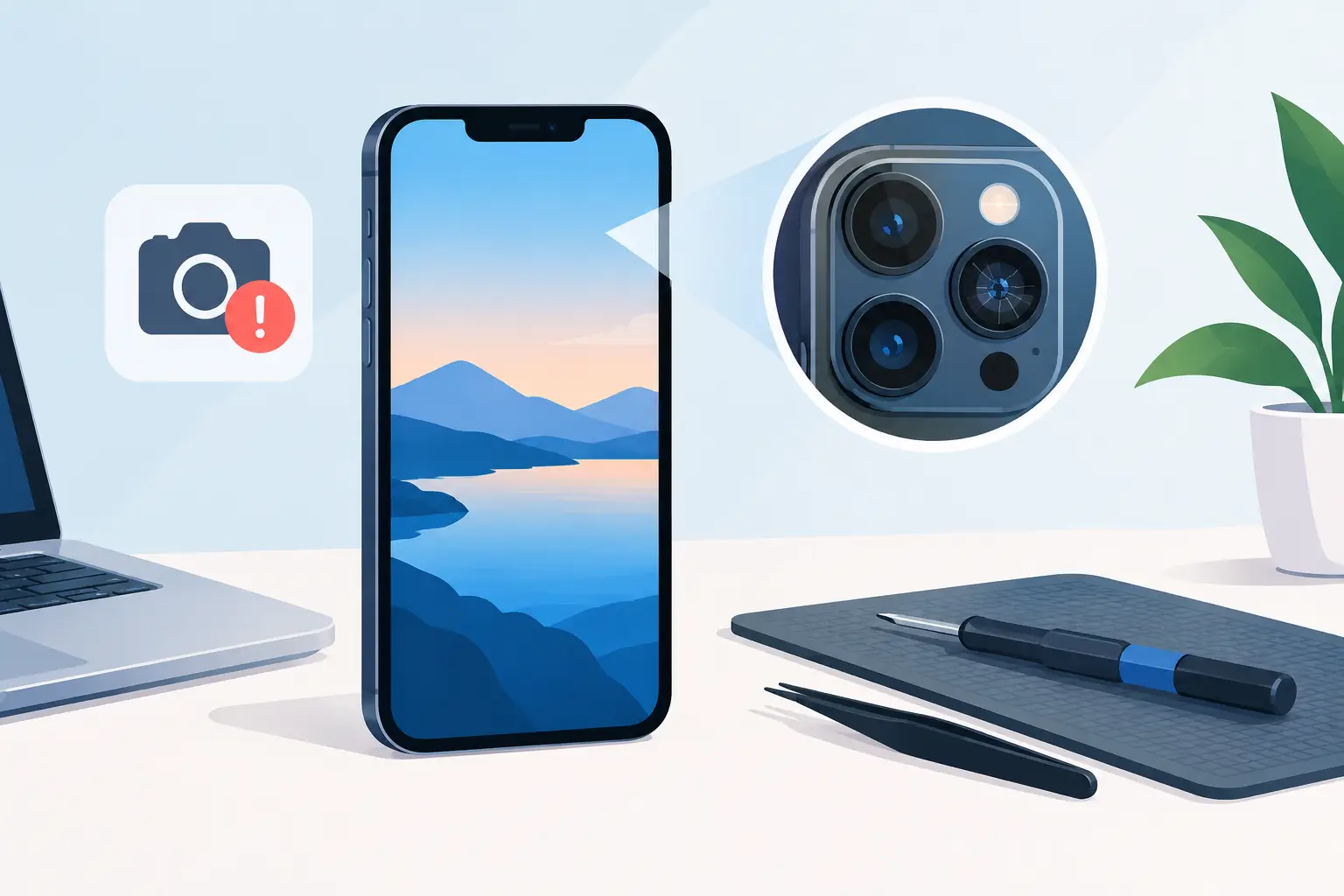
A blurry rear camera can look like a simple camera replacement job. In this iPhone camera fault case study, the symptoms pointed to something more specific: a phone that could still open the Camera app, but struggled to focus, vibrated briefly when switching lenses and produced soft photos even in good light. The right repair depended on finding the actual cause first.
For anyone relying on an iPhone for work, family photos, video calls or scanning documents, camera trouble is more than an inconvenience. A clear diagnosis avoids paying for the wrong part, protects the rest of the phone and gives you a realistic answer on whether repair is worthwhile.
The fault: blurred photos and unstable focus
The device arrived with three main complaints. The rear camera image was consistently blurred, tapping the screen to focus made little difference, and the preview sometimes shook for a second before settling. The front camera worked normally, while the torch and Face ID functions were also operating as expected.
Those details matter. An iPhone has several cameras and supporting components, so “the camera is not working” can describe very different faults. A black screen in the Camera app, a cracked lens cover, an error message, poor focus and visible camera shake should not all be treated in the same way.
In this case, the phone had been dropped a few days earlier. There was no major screen damage, but the impact history made a hardware issue more likely. Even so, a drop does not automatically mean the camera module itself has failed. A damaged lens cover, a loose connector or a software issue can create similar symptoms.
Why an iPhone camera fault needs proper diagnosis
Modern iPhone rear cameras use optical image stabilisation and autofocus systems with moving internal components. These are designed to keep images sharp, but they are delicate. A sharp impact can damage the stabilisation mechanism or affect the module’s ability to focus correctly.
Before replacing any parts, a technician should check the camera in more than one mode. Standard photo, portrait, video, zoom settings and third-party camera apps can each reveal useful clues. If the issue occurs only in one lens or magnification range, that narrows down which camera module may be affected.
A quick inspection also looks for damage that is easy to miss. The outer camera glass may have a fine crack, a scratch may be catching the light, or dirt and moisture may be sitting behind a damaged lens cover. Replacing a camera module when the cover is the real problem would add unnecessary cost.
Software is considered too. Restarting the iPhone, checking available storage, testing after an iOS update and confirming camera permissions can rule out basic causes. However, where the image is physically shaking, the focus hunts continuously or the fault began immediately after an impact, hardware diagnosis is usually the more likely route.
The diagnostic process used in this case
The first step was to check the external camera lenses under good light. The lens cover was intact and clear, with no obvious debris or cracks affecting image quality. The camera preview then showed a repeating movement in the main rear camera when trying to focus on objects at different distances.
The phone was tested at close range, at arm’s length and across the room. It struggled at each distance, while the alternative rear lens performed as expected. This helped isolate the fault to one camera rather than a wider software or display issue.
Next, the technician inspected the phone internally. Camera connectors were checked for signs of movement, corrosion or damage. There was no evidence of liquid ingress and the connector was secure. With the lens cover, software functions and connection ruled out, the fault was traced to the rear camera module’s focus and stabilisation assembly.
This is the point at which a repair quote becomes meaningful. Rather than suggesting a general “camera repair”, the customer can be told which component is affected, why it has failed and what the repair is intended to restore.
The repair: replacing the affected camera module
The damaged rear camera module was replaced with a compatible quality part, then the phone was reassembled and tested before collection. Testing after repair is essential. A camera may open normally but still have a focus problem, inaccurate image stabilisation or an issue in one video mode.
The post-repair checks included focusing at several distances, switching between available camera modes, recording video, using the torch and checking that the camera housing sat correctly. The image became sharp again, the vibration stopped and the phone focused normally.
Depending on the iPhone model and repair history, a replacement camera can sometimes trigger a parts or service message in iOS. This does not necessarily mean the camera cannot be used, but it should be explained clearly before work begins. Some newer iPhone models also have component pairing and calibration considerations, so the correct process varies by model.
That is why it is worth choosing a repairer that discusses the likely outcome before proceeding, rather than offering a one-size-fits-all solution.
What this iPhone camera fault case study shows
The key lesson is that symptoms matter more than assumptions. Blurry images do not always mean a failed camera. A cracked camera lens cover can soften photos and create glare. Dust inside the housing can affect clarity. A loose connector may cause intermittent camera failure. A software fault may cause the app to freeze or show a black preview.
On the other hand, camera shake, clicking, persistent focus hunting and a problem limited to one rear lens often point towards a failed camera module. These faults are especially common after a drop, even where the phone looks largely undamaged from the outside.
There is also a cost trade-off. If a newer iPhone has an isolated camera fault and is otherwise in good condition, repair is often far more cost-effective than replacement. If the phone also has a failing battery, smashed rear glass, charging trouble and water damage, it may be sensible to assess all faults together before deciding how much to spend.
A no-fix-no-fee approach can be useful where the cause is unclear. It gives the technician room to investigate the fault properly and gives the customer confidence that they are not being charged for a guess.
Signs you should book an iPhone camera repair
A camera check is worthwhile if your iPhone has started producing consistently blurred photos, makes a buzzing or clicking sound, shakes in the camera preview or refuses to focus after being dropped. You should also arrange an inspection if the camera shows a black screen, one zoom level does not work, moisture is visible inside the lens area or the lens cover is cracked.
Avoid repeatedly tapping or pressing around the camera housing to make it work. This can worsen damage to the module or lens cover. Do not use sharp objects to clean around the lens, either. A soft microfibre cloth is enough for surface marks, but anything trapped beneath the glass needs professional attention.
Before bringing the phone in, back up your data if possible and make a note of when the problem began. Mention any drop, liquid contact, previous repair or recent update. These details can reduce diagnostic time and help identify whether the issue is likely to be hardware or software related.
Fast, local help for iPhone camera faults
At Mobitech Sheffield, iPhone camera faults are assessed with the same practical approach used for screens, batteries and charging ports: identify the failed component, explain the repair options clearly and complete the work as quickly as the device and parts allow. Same-day repairs may be possible for common faults, subject to model and part availability.
The best next step is not to live with poor photos or assume you need a new phone. Get the camera checked while the fault is isolated, so you can make a clear repair decision with the right information.
