
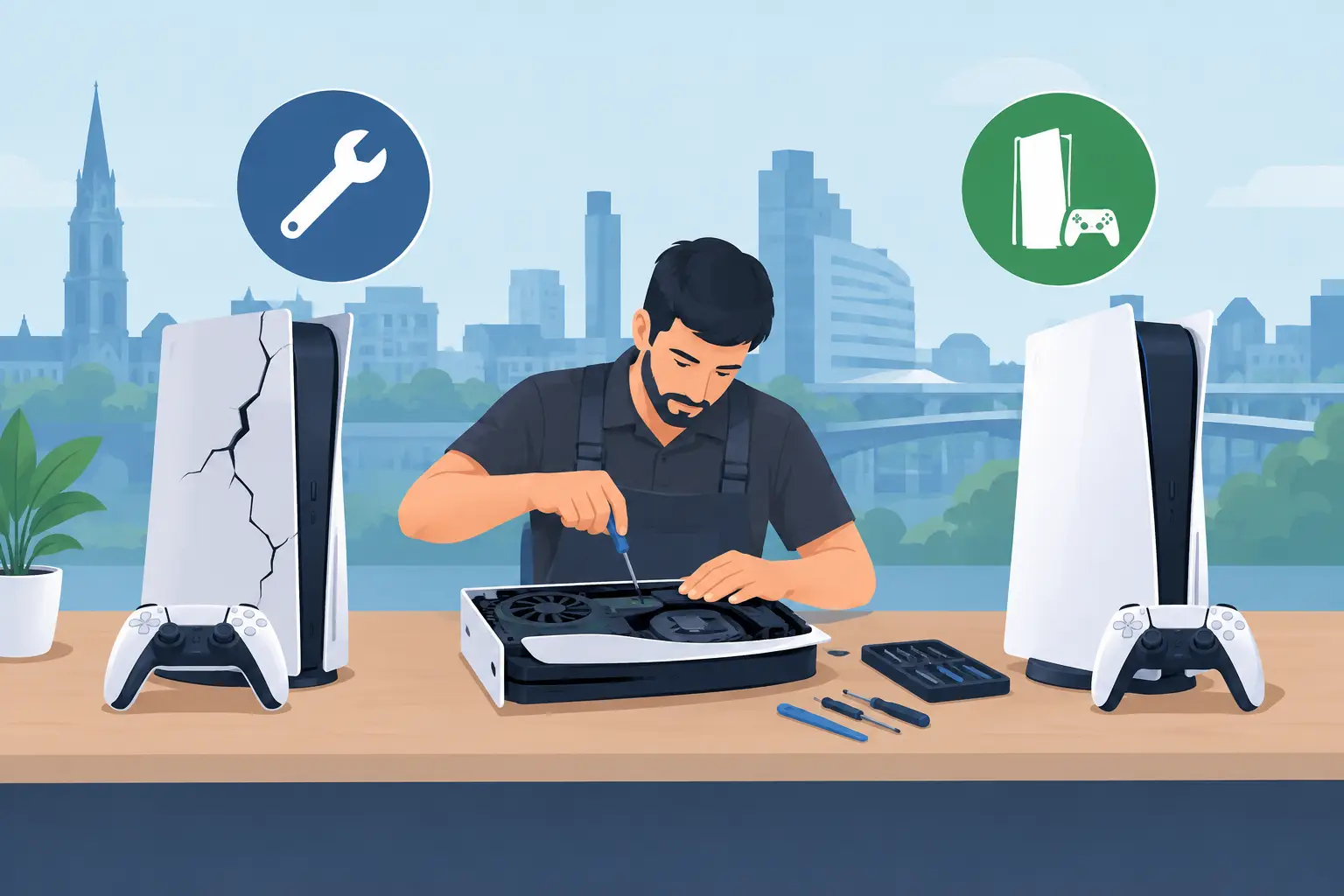
A console that will not turn on, keeps overheating or loses its picture halfway through a game can ruin more than an evening. For many households, console repairs are the sensible answer when a PlayStation, Xbox or Nintendo Switch is still worth using but has developed a fault that needs proper attention. A clear diagnosis can save you from replacing a console unnecessarily – and from spending money on the wrong fix.
When console repairs make more sense than replacement
Replacing a games console can be expensive, especially when the fault is limited to one component. Charging ports, HDMI ports, cooling systems, disc drives, power faults and damaged screens on handheld consoles can often be repaired when the rest of the device is in good working order.
The decision usually comes down to the console’s age, condition and the nature of the fault. A newer PlayStation 5 or Xbox Series console with a damaged HDMI socket is normally a strong candidate for repair. The same applies to a Nintendo Switch with a worn charging port, unresponsive controls or a battery that no longer holds charge. If the repair restores a console you know and use every day for considerably less than the cost of replacement, it is often the practical choice.
There are occasions where replacement may be better value. Severe liquid damage, repeated motherboard faults or a very old console with several separate issues can make a repair less economical. An experienced technician should explain this honestly after diagnosis, rather than encouraging work that does not make financial sense.
Common console faults and what they can mean
Games consoles contain tightly packed components that deal with heat, power and constant physical use. A fault can look simple from the outside while having several possible causes. For example, a console that does not display an image might have a damaged HDMI cable, a television input issue, a loose HDMI port or a fault on the board itself. Testing matters before any repair begins.
HDMI ports and no display
A loose, bent or damaged HDMI port is a common reason for a PlayStation or Xbox to show no signal. This can happen if the cable is pulled, the console is moved while connected, or the port has worn over time. Signs include a picture that cuts out, a connection that works only when the cable is held in a certain position, or visible damage inside the port.
HDMI port repairs require careful soldering and inspection of the surrounding board. It is not a job for force, glue or repeatedly pushing different cables into the socket. Continuing to use a damaged port can make the fault worse.
Overheating, loud fans and sudden shutdowns
If your console becomes unusually noisy, shows an overheating warning or switches itself off during play, it needs attention. Dust build-up can restrict airflow, but overheating may also be caused by a failing fan, dried thermal compound, blocked vents or an internal component fault.
Avoid placing the console in a closed cabinet or directly against a radiator. Give it space to ventilate and stop using it if it repeatedly shuts down. Regular heat stress can lead to further damage, so a timely diagnosis is better than hoping the warning disappears.
Charging faults on handheld consoles
Nintendo Switch charging problems can be frustrating because several faults produce the same result: a flat screen and no response. The issue may be the charger, charging cable, dock, battery, USB-C port or charging circuitry. A port that feels loose, only charges at a particular angle or has been damaged by a bent lead should be inspected before more force is applied.
Battery performance also declines naturally. If a handheld console drains quickly, will not hold charge or only works while plugged in, a battery replacement may be appropriate. The right repair depends on testing the power system rather than assuming the battery is always at fault.
Disc drive and reading errors
A console that will not accept, read or eject discs can have a mechanical or electronic drive issue. A dirty disc may be the simplest explanation, but repeated read errors across clean, undamaged games point to a fault within the console.
Do not insert objects into the drive or attempt to force a stuck disc out. This can damage the loading mechanism and turn a straightforward repair into a more involved one. If the console still runs digital games, make a note of exactly what happens with a disc – whether it clicks, rejects it, spins briefly or displays an error message. That information helps with diagnosis.
Liquid damage and accidental drops
Spilt drinks, a knocked console or a dropped Switch can cause faults that appear immediately or develop days later. Liquid can corrode connectors and board components even after the outside looks dry. Switch the device off, disconnect it from power and do not charge it until it has been assessed.
A drop can crack a screen, damage the casing, dislodge an internal connector or affect ports. Fast action gives the best chance of limiting corrosion or further electrical damage.
What a proper console repair process looks like
A dependable repair starts with finding the actual cause. A technician should check the reported fault, inspect the console’s condition and test relevant components before confirming what work is needed. This protects you from paying for a repair that does not address the problem.
At Mobitech Sheffield, the approach is straightforward: explain the fault, provide clear pricing where possible and carry out the agreed repair using quality parts. Some common faults may be suitable for same-day service, while board-level repairs, complex liquid damage or parts that need ordering can take longer. A realistic timescale is more useful than a vague promise.
A no-fix-no-fee policy also matters when the fault is uncertain. It gives customers confidence that diagnosis is focused on a workable solution, not simply on charging for an unsuccessful attempt. Once a repair is complete, the console should be tested for the original issue and checked for normal operation before collection.
Before bringing your console in
There are a few useful steps you can take without trying to repair the device yourself. If the console powers on, back up save data where possible and remove any discs, game cards, memory cards or accessories you need to keep. Bring the charger or power cable if the fault relates to charging or power, as this can help rule out an accessory issue.
It is also helpful to write down when the problem started and what happened beforehand. Perhaps the console was moved, it fell, a power cut occurred, a drink was spilt or a software update was installed. Include any error codes and explain whether the issue is constant or intermittent.
Do not factory-reset a console just to solve a suspected hardware fault unless you have protected your data and have been advised to do so. A reset will not fix a broken port, failing fan or damaged screen, and it may remove information that helps identify the problem.
Protecting your console after repair
A repair can restore normal use, but a few habits help prevent repeat damage. Keep vents clear, use a stable surface, avoid tightly bending charging cables and disconnect HDMI cables by holding the plug rather than pulling the lead. For handheld consoles, a protective case and careful charging routine can prevent damage to the screen, rails and USB-C port.
Use a quality power supply designed for your console where possible. Cheap or unsuitable chargers may charge inconsistently and can create avoidable power issues. If you notice a connection becoming loose, a fan getting louder or the console running hotter than usual, arrange an inspection before the fault becomes disruptive.
A broken console does not automatically belong in a cupboard or the bin. With an honest diagnosis, transparent repair options and work backed by warranty, you can decide with confidence whether fixing it is the right move. Bring the console in while the fault is still manageable, and you could be back to playing sooner than you expect.
