
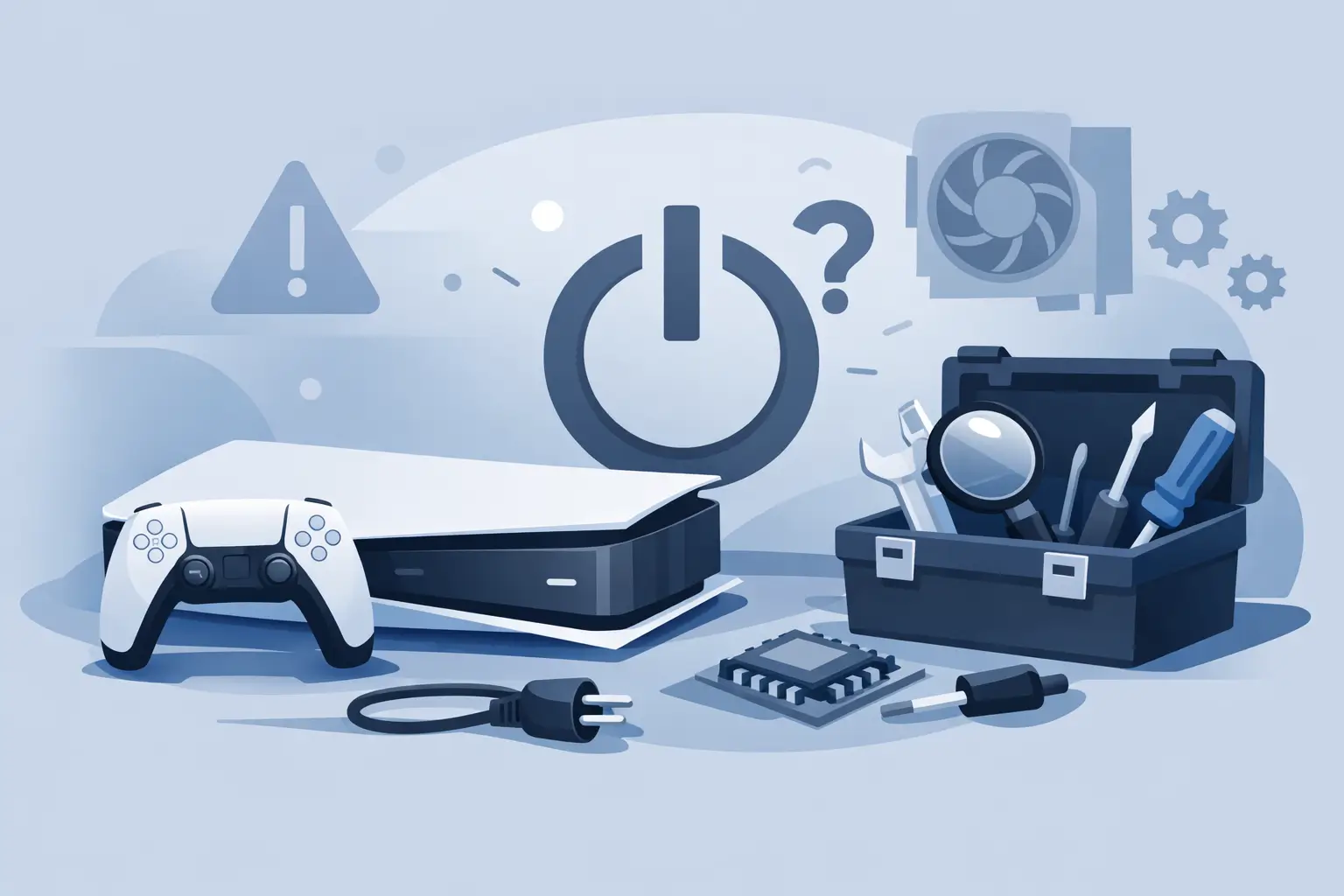
One moment your PS5 is working normally, and the next it will not power up at all. No beep, no light, no signal to the TV. If you are searching for ps5 not turning on repair, the first thing to know is that the fault is not always catastrophic. Sometimes it is a simple power issue. Sometimes it points to internal damage that needs proper diagnosis.
The key is not guessing. A PS5 that appears completely dead can be caused by a faulty power cable, a damaged HDMI setup that makes it look dead, overheating protection, liquid damage, a failed power supply, or a motherboard fault. The right repair depends on what the console is actually doing, or not doing.
PS5 not turning on repair starts with the symptoms
Before anyone opens the console, it helps to narrow the fault down. A PS5 that shows no lights at all is different from one that flashes blue and then shuts off. A console that beeps once but never boots suggests something different again.
If there is no response whatsoever, the issue is usually linked to power delivery. That can mean the mains lead, the internal power supply, power management on the board, or damage around the power circuit. If the console lights up briefly and then dies, overheating, a shorted component, or a failed internal part becomes more likely.
There is also the common case where the PS5 is turning on, but the screen stays black. That is not the same repair. In those cases, the fault may involve the HDMI port, encoder chip, display settings, or the cable and TV input rather than the power system itself.
Safe checks you can try at home first
A few basic checks are worth doing before booking a repair, but they need to stay basic. If the console has no signs of life, start with the plug socket. Try a different wall socket directly rather than a multi-plug extension. Then test the mains lead if you have a compatible replacement available.
Next, disconnect everything from the PS5 – power, HDMI, USB accessories and external storage – and leave it unplugged for around 10 to 15 minutes. After that, reconnect only the power cable and try again. This can help if the console has locked up after a surge or shut itself down unexpectedly.
It is also worth checking for dust build-up around the vents. A heavily clogged PS5 can overheat and shut down to protect itself. That said, if the console is completely dead, dust alone is rarely the whole story. It may have contributed to heat stress over time, but it usually does not explain a total loss of power by itself.
If there has been any drop, knock, or liquid spill, stop there. Do not keep pressing the power button and do not try random internet fixes. Repeated power attempts after internal damage can make the repair harder and sometimes more expensive.
When the issue is not something you should fix yourself
There is a point where home troubleshooting stops being useful. If the PS5 still will not turn on after trying a known-good socket and cable, the problem is likely internal. That is where proper ps5 not turning on repair becomes a diagnostic job, not a guessing exercise.
Opening the console without the right tools and experience can create fresh damage. Ribbon cables, internal connectors, shielding, fan wiring and board components are easy to damage if you are not used to console repairs. Even cleaning can go wrong if it is too aggressive or done with the wrong products.
The other issue is misdiagnosis. A failed power supply and a motherboard-level fault can look similar from the outside, but the repair route is very different. Replacing parts at random often wastes time and money.
Common causes of a PS5 that will not power on
A failed internal power supply is one of the most common faults. If the PSU stops delivering stable power, the console may show no sign of life at all. This can happen through age, heat, power surges, or internal component failure.
Power button faults are less common, but they do happen. If the switch assembly or its connection has failed, the console may not respond even though other internal parts are fine.
Liquid damage is another major cause. It does not always mean an obvious spill over the top of the console. Drinks nearby, moisture exposure, or accidental splashes can seep into the system and start corrosion. Sometimes the PS5 works for a while afterwards and then fails later.
Overheating can also lead to power faults. If the console has been running hot for a long period, internal components can weaken. In some cases, the machine starts shutting down under load before eventually refusing to power on at all.
Then there are motherboard faults. These are usually the more advanced repairs and may involve damaged power management circuits, shorted components, or failed chips. They are repairable in some cases, but not every board fault is equal. The right workshop will test before promising a result.
What a professional repair process should look like
A proper console repair should begin with fault diagnosis. That means checking external power first, then inspecting the internal power supply, board condition, connectors and signs of liquid damage or overheating. The aim is to identify the actual failed part rather than swapping parts blindly.
If the issue is straightforward, such as a bad power supply or internal cleaning alongside thermal work, the fix may be relatively quick. If the console needs board-level diagnosis, it can take longer because the technician needs to trace the fault properly.
Transparent pricing matters here. Some PS5 power faults are simple. Some are not. A good repair service should explain what has failed, what work is needed, and whether the repair is cost-effective before going ahead. That is especially important with no-power consoles, because there is always a chance of deeper board damage.
Warranty-backed work matters too. If a part is replaced or a repair is carried out, you want confidence that the job has been done properly and that you have support if the same fault returns within the covered period.
Is PS5 not turning on repair worth it?
In many cases, yes. A PS5 is an expensive console, and replacing it outright is rarely the cheapest option if the fault is repairable. Power supply repairs, cleaning and thermal maintenance, HDMI work, and many common hardware faults can often be resolved for far less than the cost of a new console.
It does depend on the nature of the damage. If the motherboard has severe liquid corrosion or multiple failed components, the repair may be less economical. That is why diagnosis comes first. The best outcome is not always repair at any cost. Sometimes honest advice is the most valuable part of the service.
For local customers, using an experienced repairer can also save time. Rather than posting the console away and waiting without clear updates, you can speak to someone directly, get a realistic view of the fault, and decide whether to proceed. For many people in Sheffield, that speed and clarity matters as much as the repair itself.
How to avoid the same PS5 fault happening again
Once your console is working again, a few habits can reduce the chance of repeat problems. Keep the PS5 in a well-ventilated space rather than shut inside a tight cabinet. Clean dust from around the vents regularly. Use a stable mains connection and avoid overloaded extensions where possible.
It also helps to keep drinks away from the console and not leave cables under strain. If the power lead or HDMI cable is bent awkwardly or pulled tight, ports and connectors can wear faster over time.
If you notice warning signs such as random shutdowns, unusual fan noise, overheating, or intermittent power issues, get the console checked sooner rather than later. Small faults are often easier to deal with before they turn into a no-power failure.
When a PS5 stops turning on, the main thing is not to panic and not to force it. Start with the simple checks, then get a proper diagnosis if the issue remains. A trusted local repair service such as Mobitech Sheffield can tell you quickly whether the console needs a straightforward fix or a deeper hardware repair – and that makes the next step much easier.
