
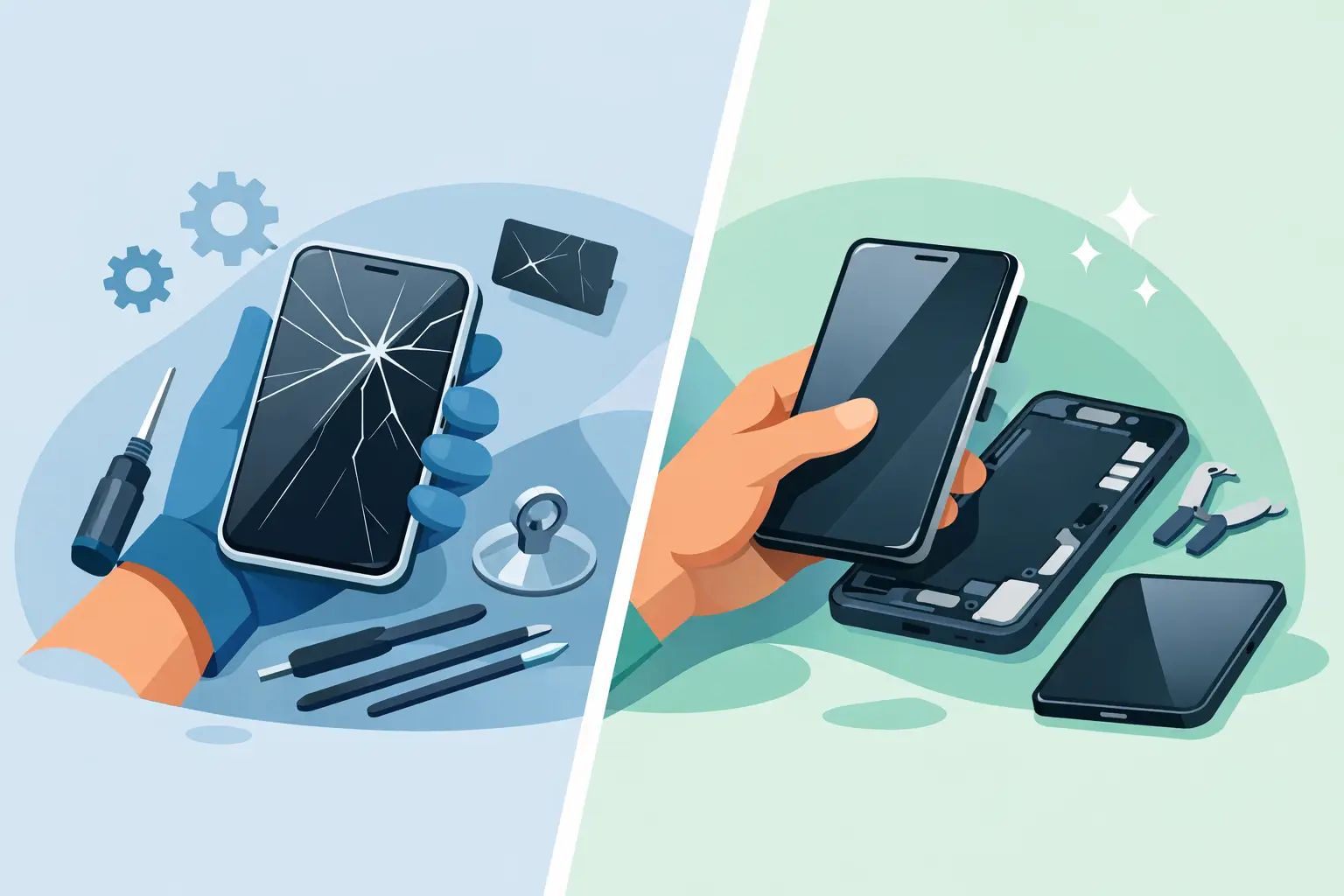
A cracked phone on Monday morning usually becomes everyone’s problem by lunchtime. Messages are harder to read, taps stop registering, and a small chip in the corner suddenly spreads across the whole display. When you are deciding on screen repair or replacement, the right answer depends on more than the crack itself. It comes down to how the device is behaving, what type of screen it has, and whether the damage has gone beyond the glass.
For most people, speed matters just as much as cost. If your phone, tablet or laptop is part of your work, study or daily routine, you need a clear answer quickly. That is why the best approach is not guessing whether the damage is cosmetic or serious. It is checking what has actually failed and choosing the repair that restores the device properly, not just temporarily.
Screen repair or replacement: what is the difference?
People often use both terms to mean the same thing, but they are not always identical. In simple terms, screen repair can refer to fixing the damaged screen assembly or replacing the faulty parts within it. Screen replacement is more specific – the broken screen unit is removed and a new one is fitted.
On many modern smartphones, the outer glass, touch layer and display panel are bonded together. That means even a crack that looks minor may require a full screen replacement because the components are built as one part. On some devices, especially certain tablets or older models, there may be more flexibility. But on newer Apple, Samsung, Google Pixel and premium handsets, separating the layers is often impractical or poor value compared with fitting a complete new screen.
This is why a proper inspection matters. What looks like a simple crack can hide touch faults, OLED damage, dead pixels or frame distortion. The repair has to match the actual condition of the device.
When a damaged screen needs replacement
There are a few signs that usually point straight to replacement rather than a lighter repair. If the display is black but the phone still vibrates or rings, the panel itself may have failed. If you see coloured lines, ink-like patches, flickering, ghost touching or areas that no longer respond, the screen assembly is likely damaged beyond surface repair.
Deep cracks around the edges are another warning sign. Edge impact often affects the seal, frame alignment and internal layers, especially on curved or edge-to-edge displays. A screen protector can hide how bad the break really is, so once that comes off the extent of the damage can be much clearer.
Laptop screens follow a similar pattern. If the image is distorted, there are pressure marks, bright spots or vertical lines, replacement is usually the practical option. Cosmetic scratches alone are one thing. Internal LCD damage is another.
When it depends
Not every damaged screen is a straightforward case. Sometimes the glass is cracked, but the image is still clear and touch works normally. In those situations, people naturally ask whether they can leave it for a while. The honest answer is yes, sometimes – but there is a trade-off.
A cracked screen can worsen quickly. Dust and moisture can get into the device, pressure points can spread, and tiny shards can affect touch sensitivity over time. On phones used heavily throughout the day, minor damage rarely stays minor for long. If the device is a backup handset used occasionally, you may get away with waiting. If it is your main phone for work, banking, travel and messages, delay usually increases the risk and inconvenience.
There is also the question of safety and usability. Sharp cracks are unpleasant to use and can make typing, swiping and reading more difficult. For tablets used by children, or work phones passed around between staff, it makes sense to deal with the issue sooner rather than later.
What affects the cost of screen repair or replacement?
The biggest factor is the device itself. A basic LCD screen for an older model is generally less expensive than an OLED or high-refresh display on a newer flagship phone. Apple, Samsung and premium Android models often use more advanced panels, and those parts cost more to supply and fit correctly.
Build design matters too. Some screens are easier to remove and replace than others. Devices with bonded components, strong adhesive seals or delicate frames require more labour and care. Tablets and laptops can also vary widely depending on screen size, panel type and whether the touch digitiser is separate.
Then there is part quality. Customers understandably want the cheapest possible fix, but low-grade parts can bring dim displays, poor touch response, weak colour reproduction or shorter lifespan. A proper repair should restore clear viewing, reliable touch and a solid fit. It is worth asking what type of part is being used and whether the work is backed by a warranty.
Why speed matters after screen damage
A broken screen is rarely just a cosmetic problem. On modern devices, the screen is central to everything – unlocking, typing, calls, payments, maps, authentication and access to work apps. Once the display starts failing, you can quickly lose access to important information.
There is also a practical reason not to leave it too long. If the phone becomes completely unresponsive later, backing up data, approving logins or retrieving messages becomes harder. Acting early often means a cleaner repair process and less disruption.
For local customers in Sheffield, that is where same-day and while-you-wait service can make a real difference. If the repair is carried out properly and without unnecessary delay, you avoid days without your device and the hassle of posting it away.
Choosing a trusted repairer for screen replacement
The quality of the fitting matters just as much as the quality of the part. A poorly fitted screen can lift at the edges, lose sensitivity, affect Face ID or fingerprint performance on some models, or leave the device vulnerable to further faults. Good screen replacement is careful, model-specific work.
Look for a repairer who gives clear pricing, explains what is included, and is honest about whether your device needs a full replacement. You should also expect straightforward answers on turnaround time, warranty cover and what happens if another fault is found during inspection. A no-fix-no-fee approach is useful because it removes the worry of paying for guesswork.
An experienced local repair shop should also check for related issues after impact. A drop that breaks the screen can also damage the frame, front camera, housing, battery connection or charging function. Not every impact causes hidden faults, but ruling them out is part of a proper service.
Screen repair or replacement for phones, tablets and laptops
The decision-making process is similar across devices, but the consequences differ. With phones, the main priority is daily access and reliable touch input. With tablets, screen damage often affects entertainment, schoolwork and family use, so a clear, safe display matters. With laptops, the issue is often productivity. A cracked laptop screen can stop work completely, even if the machine powers on normally.
Games consoles and smart watches can be more specialised. Their screens are smaller or more integrated, and repair options may be narrower depending on parts availability and model design. That does not mean repair is off the table, only that accurate diagnosis becomes even more important.
This broad device coverage is one reason customers choose an established local repairer such as Mobitech Sheffield. When a shop works across major brands and device types every day, it is easier to get a practical answer quickly instead of a vague estimate.
What to do before bringing your device in
If the screen still works, back up your data as soon as possible. Remove any case or screen protector only if it is already lifting or interfering with use. If the glass is splintering, avoid pressing hard on the damaged area.
For phones and tablets, it helps to know the exact model before requesting a quote. Small model differences can affect screen type and price. If the device has more than screen damage – for example battery swelling, charging faults or a bent frame – mention that at the start. It saves time and leads to a more accurate assessment.
If the screen is completely dead, do not assume the device itself is beyond repair. In many cases, the board and data are fine and the display is the main failed component. That is why diagnosis matters more than guesswork.
A cracked or failing screen tends to force the same question on every device owner: repair it now, replace it later, or replace the whole device instead. Most of the time, a professional screen repair or replacement is the more sensible option when the rest of the device is still doing its job. The key is getting a clear diagnosis, fair pricing and a repair done properly the first time.
