
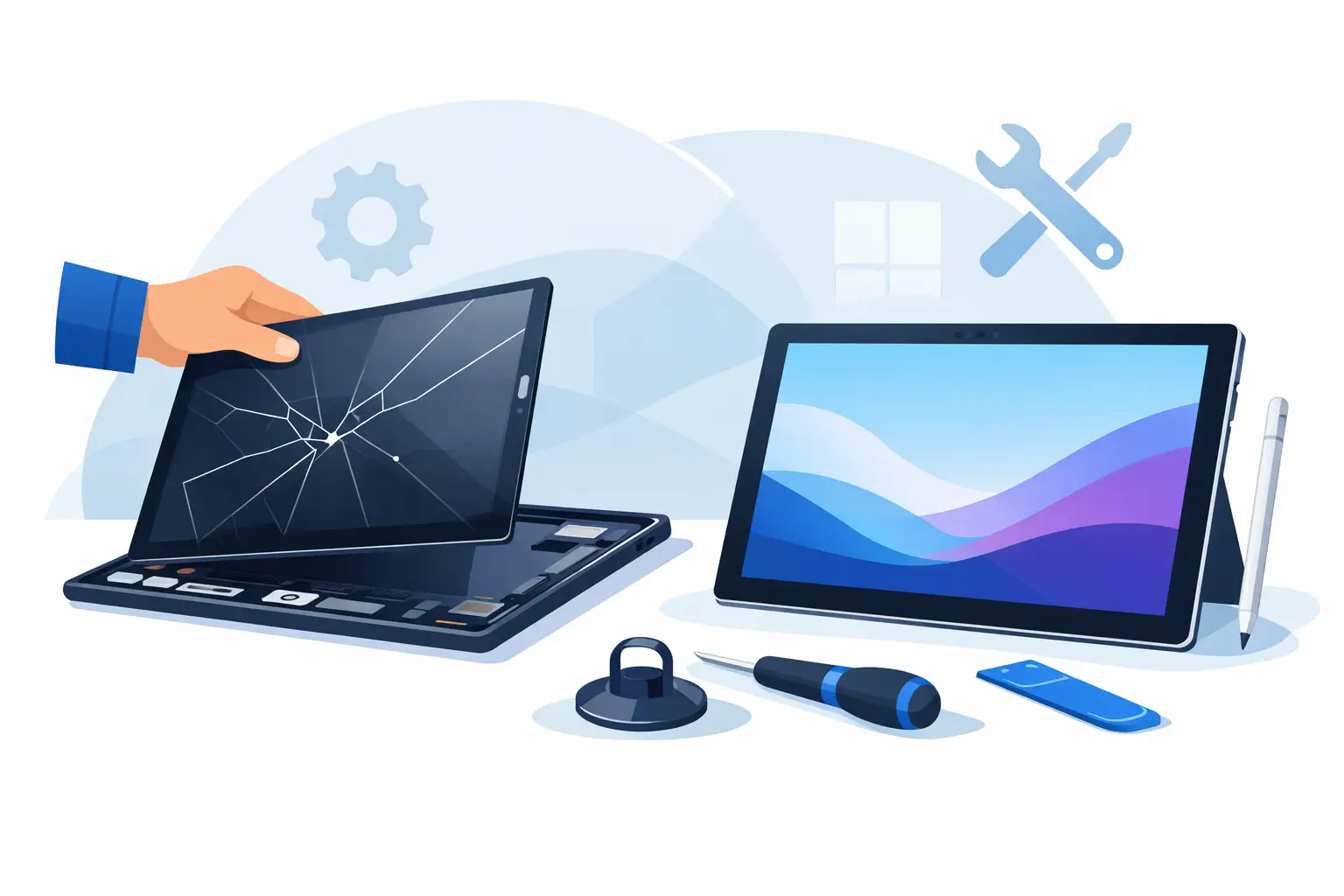
A cracked Surface Pro screen rarely happens at a convenient time. One drop on the kitchen floor, one knock in a work bag, or one pressure mark that suddenly spreads, and a device you rely on for work, study or home admin becomes awkward to use. If you are looking for a surface pro screen replacement service, the main question is usually simple: can it be repaired properly, quickly and at a fair price?
In most cases, yes. But with Surface devices, the details matter. These are premium machines with slim construction, tightly fitted components and screens bonded in a way that makes repair more technical than a standard tablet job. That is why choosing the right repair service is not just about price. It is about experience, quality of parts, careful fitting and a process that gives you confidence from the start.
What a Surface Pro screen replacement service should actually cover
A proper Surface Pro screen replacement service is not just about swapping broken glass. On many models, the glass and display are bonded together as one unit, so the repair normally involves replacing the full screen assembly. That means the technician is dealing with both the touch layer and the LCD or display panel underneath.
This matters because some faults look similar but are not exactly the same. A Surface Pro might have visible cracks, black spots, dead pixels, lines across the display, flickering, touch problems or areas where the screen no longer responds. Sometimes the glass is broken but the image still shows. Other times the display has failed as well. A reliable repairer will check the full condition of the screen before quoting for the work.
The best services also inspect for related issues. A hard drop can affect more than the display. The frame can bend slightly, the kickstand can loosen, or the battery may show signs of swelling that put pressure on the screen from behind. If those things are missed, a new screen may not sit correctly or could fail sooner than expected.
Why Surface Pro repairs need experienced handling
Microsoft Surface devices are well designed, but they are not the easiest devices to take apart. Screens are strongly bonded, internal components are compact, and the opening process needs control and patience. Rushing the job creates risks – damage to internal cables, uneven fitting, poor adhesive bonding or pressure marks on the new display.
That is why experience matters more here than it might on a simpler phone repair. A technician needs to know how the model comes apart, how to remove the damaged screen safely, and how to prepare the frame so the replacement sits cleanly. Dust control, adhesive quality and alignment all make a difference to the final result.
For customers, this is where trust becomes important. You are not just handing over a cracked device. You are handing over a laptop-tablet hybrid that may hold work files, uni notes, family photos or business documents. A straightforward, local repair service with clear communication tends to make that decision easier.
Common signs you need a Surface Pro screen replacement service
Some Surface Pro faults are obvious. A smashed front glass with exposed cracking nearly always needs a replacement. Others are less clear and can be mistaken for software trouble.
If your screen shows coloured lines, dark patches, touch dead zones or ghost touch, the issue is often hardware rather than settings. The same applies if the display flickers after impact or only works at certain angles. In some cases, the device powers on normally but the image is badly distorted. That usually points to screen damage rather than a charging or motherboard fault.
There are also cases where customers keep using the device because the damage looks minor at first. A small edge crack can spread quickly, especially if the Surface is carried in a bag, pressed under books, or opened and closed regularly with pressure on the panel. Acting early can help avoid extra complications.
How long does the repair usually take?
Turnaround depends on the exact Surface Pro model, the severity of the damage and whether the required screen is already in stock. Some repairs can be completed the same day or within a short timeframe, while others may need a little longer if a specific part has to be ordered.
It is always worth asking for a realistic timescale rather than the fastest possible promise. Surface Pro repairs are precision work, and a careful repair is better than a rushed one. A trustworthy repairer will tell you what is possible, what depends on parts availability and whether testing is needed before collection.
For most customers, speed still matters. If the device is used for work, revision or day-to-day admin, being without it for long is frustrating. That is why local repair shops are often a practical option. You can speak to someone directly, get a clear update and avoid the delays that often come with sending devices away.
What affects the price of a Surface Pro screen repair?
There is no single fixed price across every model, because Surface Pro screens vary in size, resolution and part cost. The model number matters. A newer or higher-spec display will usually cost more than an older unit.
Price can also depend on whether the frame has been damaged, whether additional faults are found during inspection and the quality of the replacement part being used. Cheaper quotes are not always the better deal if they rely on poor-quality parts or skip proper testing.
A good repair service should be transparent about this. You should know what the quote covers, whether labour is included, whether there is a warranty on the repair and what happens if the device shows extra issues once opened. Clear pricing removes a lot of uncertainty.
What to look for in a trusted local repairer
If you need a surface pro screen replacement service in Sheffield, convenience is only part of the picture. You also want reassurance that the repair will be done properly and that you will not be left chasing updates.
Look for a repairer that offers clear quotes, explains the repair process in plain English and checks the device before starting work. A no-fix-no-fee approach is useful when the fault is less straightforward, because it shows the business is willing to assess the device honestly rather than push a repair at any cost.
Warranty-backed repairs matter too. They give you confidence that the business stands behind its workmanship. Good communication is another strong sign. You should know whether your screen needs replacing, how long it is likely to take, and when the device is ready to collect.
This is where a local specialist such as Mobitech Sheffield fits naturally for many customers. Fast turnaround, transparent service and direct access to experienced technicians make a real difference when your main work or study device is out of action.
Should you repair it or replace the device?
This depends on the age of the Surface, its overall condition and how you use it. If the device is still performing well, holds charge properly and does everything you need, a screen replacement is often the more cost-effective option. It lets you keep a familiar device without the cost and hassle of setting up a new one.
If the Surface has multiple issues – for example a damaged screen, poor battery life and charging problems – then it is sensible to weigh up the total repair cost against replacement. That said, many customers assume replacement is the only route when a screen breaks, and that is often not true. A professional assessment can make the decision much clearer.
There is also the question of data. Repairing the existing device usually means you keep your files, apps and settings in place. For people using a Surface Pro for coursework, business tasks or family admin, that can be a major advantage.
Before you book your repair
Back up your files if the screen still works well enough to do so. Remove any accessories, note any other faults you have noticed and be ready to provide the exact model if possible. That helps the repairer check part availability and give a more accurate quote.
It also helps to describe the damage clearly. Mention whether the touch has stopped working, whether the image flickers and whether the device was dropped or developed the issue gradually. Small details can speed up diagnosis.
When you book with a local repair shop, the benefit is simplicity. You can get a quote, arrange a convenient time and speak to someone who handles these repairs regularly. That is often a much better experience than trying to guess the fault yourself or putting up with a damaged device for weeks.
A cracked Surface Pro screen does not have to mean the end of the device. With the right repair service, it can be a straightforward fix that gets you back to work, study or day-to-day use without unnecessary delay.
