
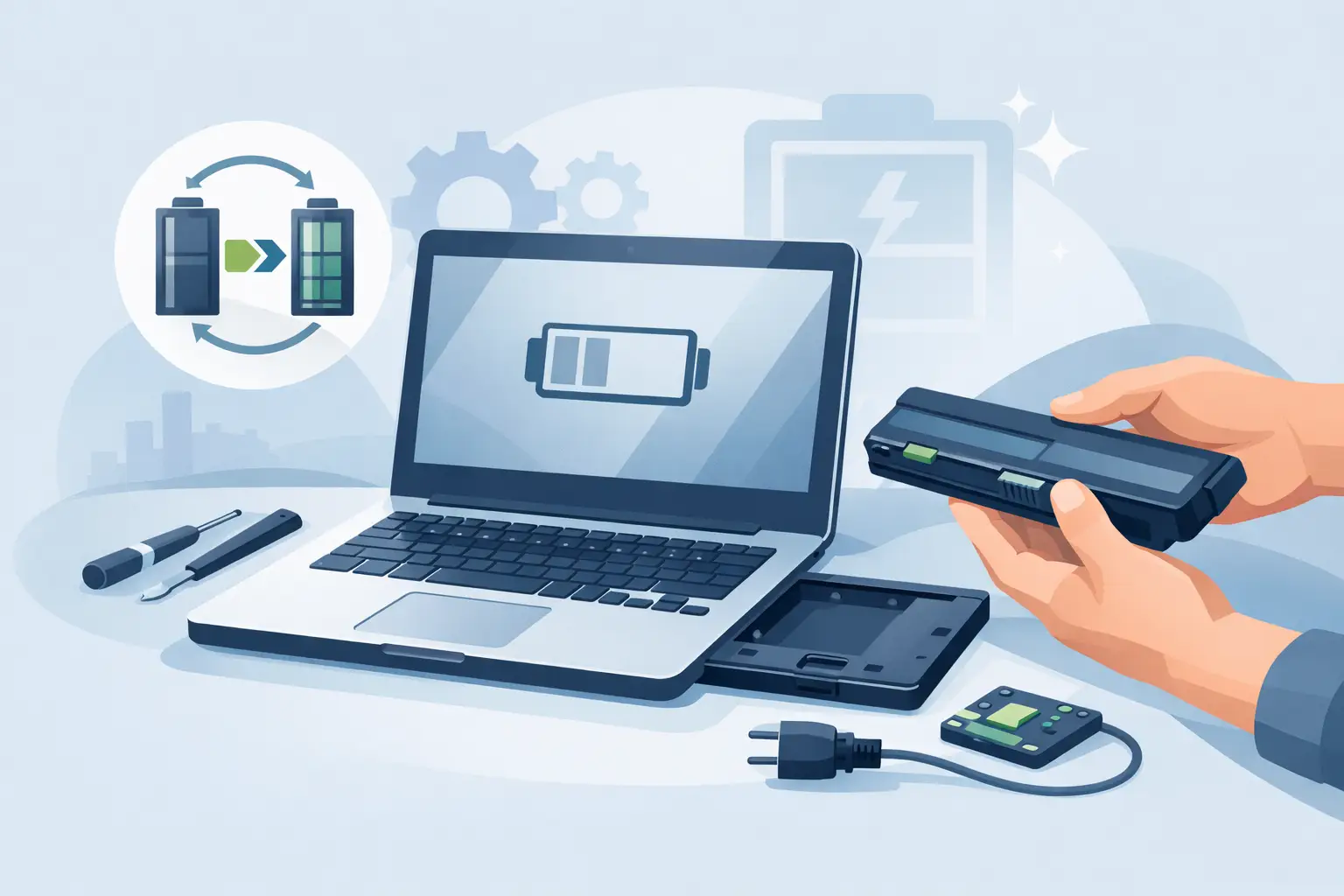
A laptop that only works when it is plugged in usually tells you the answer before anyone else does. If the charge drops from 40% to 5% in minutes, or the machine shuts down without warning, it is natural to ask: can laptop batteries be replaced? In most cases, yes – but whether it is simple, worthwhile or urgent depends on the laptop you have and what the battery is actually doing.
Can laptop batteries be replaced on all models?
Most laptop batteries can be replaced, but not all in the same way. Older laptops often used removable batteries that clipped in and out from the underside. Those were straightforward. Many modern laptops use internal batteries fixed behind the bottom cover with screws and a cable connection, which makes the job more technical but still very possible.
The key difference is accessibility, not whether replacement can happen at all. A built-in battery is not a permanent battery. It just means the device has to be opened properly, and in some cases the battery may be secured with strong adhesive or sit close to delicate parts such as the trackpad, motherboard or speakers.
There are a few exceptions. Some very old or very obscure models can be harder to source parts for, and some premium ultra-thin laptops are more labour-intensive because of how tightly everything is packed inside. Even then, the battery is often replaceable if the right part is available and the repair is carried out carefully.
Signs your laptop battery needs replacing
Battery problems do not always appear all at once. Many customers put up with them for months because the laptop still turns on. The issue is that a weak battery rarely gets better, and sometimes it becomes a safety concern.
A replacement is usually worth considering if your laptop runs flat far faster than it used to, only charges to a lower percentage, becomes unusually hot when charging, or switches off as soon as the charger is removed. You may also see battery warning messages in Windows or macOS, or notice that performance drops because the system is trying to manage unstable power.
One sign that should never be ignored is swelling. If the base looks uneven, the keyboard lifts slightly, or the trackpad feels raised or stiff to click, stop using the laptop and get it checked. A swollen lithium-ion battery can press against internal components and casing. That is no longer just an inconvenience.
Why laptop batteries fail
Laptop batteries are consumable parts. They are designed to last for a set number of charge cycles, not forever. Every time the battery is charged and discharged, a small amount of capacity is lost. Heat speeds that process up.
That is why heavily used laptops often show battery wear after a few years. Students, remote workers and small business users tend to notice it first because they depend on their machines daily and move around more. A laptop that lives on charge all day can also age badly if the battery is exposed to constant heat.
Sometimes the battery is not the only issue. Charging faults, damaged DC jacks, USB-C power problems, motherboard faults and software battery reporting errors can all look similar. That is why proper diagnosis matters. Replacing the battery fixes the problem only if the battery is actually the fault.
Can laptop batteries be replaced at home?
Sometimes, yes. Whether it is a good idea is a different question.
If you have a laptop with an external removable battery, replacing it at home can be simple. If your battery sits inside the machine, the risk level goes up quickly. Opening the casing on some models is easy enough with the right tools, but others have hidden clips, delicate ribbons or adhesive that can be damaged if rushed.
There is also the battery itself to think about. Lithium-ion batteries should not be bent, pierced or mishandled. A repair that starts as a money-saving attempt can turn into a damaged casing, broken connector or unsafe battery removal.
For confident users working on straightforward models, a DIY replacement may be possible. For many people, especially with slim laptops, MacBooks, Surface devices or business ultrabooks, professional fitting is the safer route. The cost of correcting accidental damage often outweighs the saving.
How a professional battery replacement works
A proper battery replacement is more than swapping one part for another. First, the device should be assessed to confirm the fault. If the charging circuit is faulty or the charger itself is failing, fitting a new battery will not solve much.
Once the battery issue is confirmed, the laptop is opened using the correct method for that model. The internal battery is disconnected safely, removed without damaging surrounding parts, and replaced with a compatible part. The technician will then test charging behaviour, battery recognition and general function before closing the device up.
A good repair service should also be clear about cost, turnaround time and warranty. That matters because battery quality varies. Cheap parts can lead to poor battery life, charging issues or early failure. Reliable repair work is not only about fitting speed. It is about using dependable parts and checking the laptop properly before handing it back.
Is replacing the battery worth it?
In many cases, absolutely. If the laptop still does what you need and the main problem is poor battery life, a battery replacement is usually far more cost-effective than buying a whole new machine.
This is especially true for decent laptops used for work, study or home admin. If everything else is running well, replacing the battery can give the device a useful second life. You get portability back, fewer unexpected shutdowns and a machine that feels dependable again.
There are some cases where it depends. If the laptop is already very slow, has multiple faults, or needs other expensive parts at the same time, it may be worth weighing up repair cost against replacement value. Age matters, but not as much as condition and performance. A five-year-old laptop with a worn battery can still be worth repairing. A badly damaged one with several underlying faults may not be.
Battery replacement vs full laptop replacement
People often assume a failing battery means the whole laptop is finished. That is rarely true.
A dead battery is one of the more manageable laptop faults. Compared with motherboard damage, liquid damage or a cracked display on a premium model, battery replacement is often a sensible repair. It solves a very specific issue and can restore day-to-day usability without the disruption of moving files, reinstalling software and setting up a new device.
Replacing the laptop may make more sense if the machine no longer meets your needs, cannot run current software properly, or would need several repairs at once. But if your main complaint is that it will not hold charge, starting with a battery assessment is usually the practical option.
What affects the price of a laptop battery replacement?
The biggest factors are the laptop model, battery availability and how involved the fitting is. A common consumer laptop with easy access is usually more straightforward than a slim premium model with adhesive-backed cells and complex disassembly.
Brand also plays a part. Apple, Microsoft Surface and some high-end business laptops can require more careful labour and model-specific parts. Some batteries are readily available, while others need to be specially sourced.
This is why fixed online prices are not always realistic without checking the exact model first. Honest repairers will usually ask for the brand and model number before quoting. That gives you a clearer idea of the part required, the likely turnaround and whether same-day service is possible.
When to stop using the laptop and book a repair
If the battery drains quickly but the laptop is otherwise stable, you may have time to arrange the repair when it suits you. If the battery is swelling, the laptop is overheating, or the charger connection is behaving unpredictably, do not leave it too long.
A swollen battery can damage the casing, keyboard, trackpad and screen if pressure builds inside the device. An overheating battery should also be checked promptly. Power issues can become more expensive if they are ignored.
For local customers in Sheffield, having the laptop assessed by an experienced repairer can save guesswork. A straightforward battery issue can often be dealt with much faster than people expect, especially when the model is common and parts are available.
If your laptop no longer feels reliable away from the charger, that is usually the point. A battery is there to make the device portable and dependable. Once it stops doing that, replacing it is often the simplest way to get your laptop working around your life again.
