
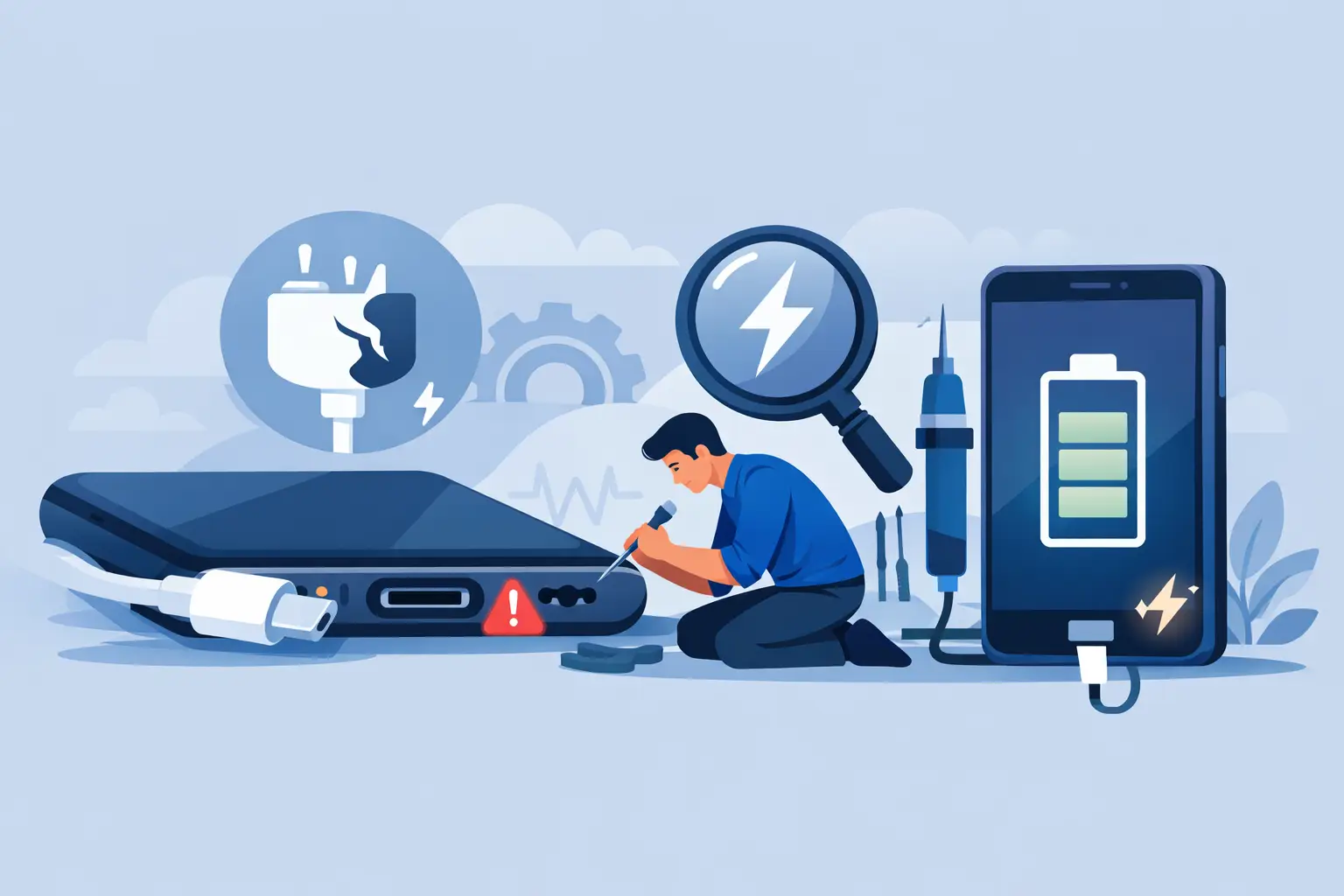
Your phone only charges if you hold the cable at a strange angle, or your tablet keeps connecting and disconnecting on the lead. If you are looking for how to fix charging port issues, the first thing to know is that not every charging fault means the port itself has failed. In many cases, the problem is dirt, cable wear, software behaviour or battery-related faults that look like a damaged port.
That matters because the right fix depends on the real cause. Push too hard with the wrong tool and you can damage the port. Leave it too long and a minor issue can turn into a full charging port replacement. A quick, sensible check can often tell you whether this is a simple clean-up job or something that needs professional repair.
How to fix charging port issues safely
Start with the basics before assuming the worst. A surprising number of charging problems come down to the cable, plug or power source rather than the device. Try a different charging cable and wall plug that you know works properly. If your device charges normally with another setup, the port may be fine.
Next, try a different socket. It sounds obvious, but loose adaptors and weak power delivery can cause intermittent charging. If you are charging through a laptop or extension lead, switch to a proper mains plug. Some devices are more sensitive to low or unstable power than people realise.
Then inspect the charging port carefully in good light. You are looking for compacted lint, dust, bent pins, corrosion, or any sign that the cable does not sit squarely. Pocket fluff is one of the most common causes, especially on phones carried in jeans or coats every day. Over time it packs into the bottom of the port and stops the charger from clicking in fully.
If debris is visible, power the device off first. Use a soft, non-metal tool very gently to lift the dust out. A wooden cocktail stick or a plastic pick is safer than anything metal. Do not jab down hard and do not scrape the internal contacts. The goal is to loosen the build-up, not force it deeper.
Compressed air can help, but use it with care. Short bursts are fine. Holding the nozzle too close or blasting at an awkward angle can push moisture or debris further in. If the port looks dirty but the debris is tightly compacted, forcing the clean may do more harm than good.
Signs the charging port is the real problem
A faulty charging port usually leaves a pattern. The cable may feel loose, charging may stop when the device is moved, or the port may only work with one cable held in one exact position. Sometimes the device charges very slowly even with known good accessories. In more advanced cases, the port may stop recognising any charger at all.
There are also situations where the port is not the only issue. A degraded battery can make charging inconsistent. Software faults can stop the charging symbol appearing properly. Liquid damage may affect the charging circuit, which means replacing the port alone may not solve it. That is why a proper diagnosis matters if the simple checks do not work.
On USB-C devices, wear inside the connector can cause wobble or poor contact. On Apple Lightning devices, debris and pin damage are common. Tablets and laptops can suffer from strain damage because the cable gets tugged more often, especially when charged on the sofa, at a desk or in bed. The fault may start as occasional disconnection and gradually become constant.
When cleaning is enough and when it is not
If the charger was not seating properly and the device charges normally after a careful clean, you have likely solved the issue. Even then, it is worth keeping an eye on it. Repeated debris build-up can suggest the device is regularly carried in lint-heavy pockets or bags, and frequent forcing of the cable may already have weakened the port.
If the cable still feels loose after cleaning, or the device only charges at certain angles, the internal port may be worn or cracked. At that stage, home fixes are limited. Adhesives, makeshift wedges and aggressive cleaning are not real solutions. They usually create more damage and can turn a straightforward repair into a more involved one.
The same applies if there are signs of heat. If the port smells burnt, the charger gets unusually hot, or the area around the connector discolours, stop using it. Heat points to electrical trouble rather than simple dirt. Continuing to charge can risk further internal damage.
Common mistakes people make
The biggest mistake is using metal objects inside the port. Paper clips, pins and tweezers can short contacts or bend them out of alignment. Another common problem is assuming every charging fault means a new battery is needed. Batteries do fail, but replacing one will not fix a damaged connector.
People also tend to ignore early warning signs. A phone that charges only after several attempts is already telling you something is wrong. Waiting until it stops charging completely often means more inconvenience and more urgency, especially if the device is needed for work, study or travel.
Cheap cables are another issue. Some third-party leads fit poorly, deliver unstable power or wear quickly at the tip. That can mimic a bad charging port. If the problem appears suddenly after changing accessories, test with a reliable cable before booking a repair.
How to fix charging port issues on phones, tablets and laptops
The basic checks are similar across devices, but the repair path is not always the same. On phones, the charging port is often a separate component, though some models make access more complex than others. On tablets, screen removal may be needed before the port can be reached safely. On laptops, charging faults can involve the DC jack, USB-C charging board, battery, motherboard or power management system.
That is why the phrase how to fix charging port issues covers a wide range of repairs. A simple smartphone port clean is very different from a soldered laptop charging socket replacement. The symptoms can look similar from the outside, but the internal work can vary a lot depending on make and model.
Devices from Apple, Samsung and Google often need model-specific handling. A cracked back glass, swollen battery or previous poor repair can also affect the job. For newer devices, preserving water resistance and fitting quality parts matters as much as restoring charge function.
When to book a professional repair
If you have tried a known good cable and plug, inspected the port, cleaned it carefully and the issue remains, it is time for a proper assessment. The same goes for ports that are visibly damaged, loose, burnt, corroded or affected by liquid. Professional repair is the safer route when the device holds important data or is too valuable to risk with trial-and-error fixes.
A good repair service should tell you clearly whether the fault is the charging port, battery or another board-level issue. Transparent pricing matters here because some charging faults are straightforward and some are not. Honest diagnosis saves time and avoids paying for the wrong repair.
For local customers in Sheffield, this is exactly the kind of fault Mobitech Sheffield deals with every day. Fast diagnosis, clear repair advice and warranty-backed work are especially useful when the device is essential and you need a same-day answer rather than guesswork.
Preventing charging port problems from coming back
Good charging habits help more than most people think. Avoid yanking the cable out by the lead. Keep the port free of fluff by checking it occasionally, especially if the device lives in your pocket. Do not charge in damp environments, and avoid balancing the device in ways that put constant strain on the connector.
If a charger feels tight, do not force it. If it feels loose, do not keep wiggling it to make contact. Both habits wear the port faster. Using decent quality cables and replacing them when the ends become bent or frayed is a small cost compared with a hardware repair.
A charging issue can feel urgent because it usually is. Your device is either usable or it is not. The good news is that many faults are fixable, and the sooner you catch them, the easier the solution tends to be. If the simple checks do not solve it, getting the device looked at properly is often the quickest way back to a reliable charge.
