
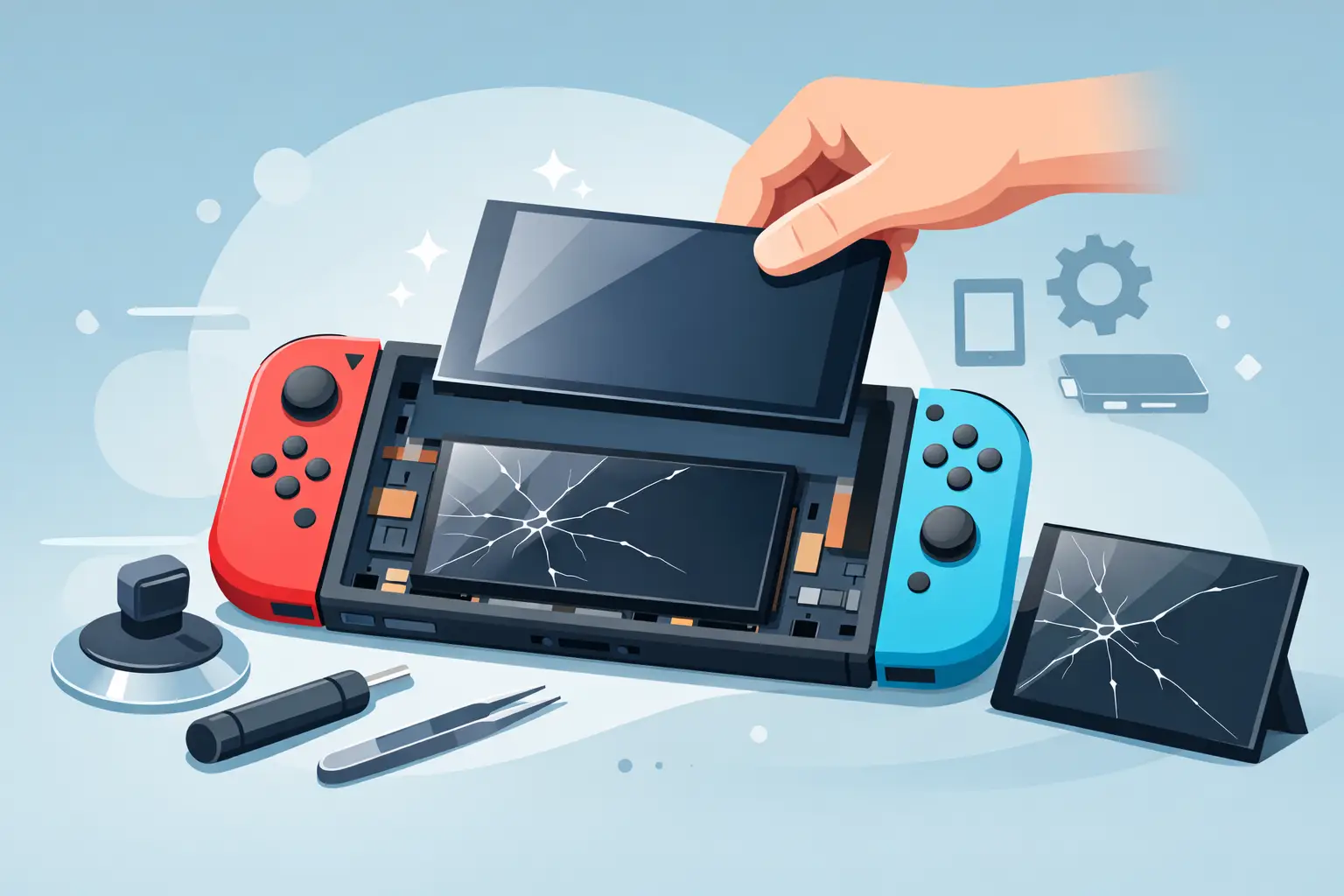
A cracked Switch screen usually happens in seconds – a drop off the sofa arm, pressure in a backpack, or one unlucky knock while docking it. Once the damage is there, a Nintendo Switch screen replacement quickly becomes the main question, especially if the console still powers on and you are weighing up repair versus replacement.
When a Nintendo Switch screen replacement is needed
Not every damaged Switch needs the same repair. That matters, because the word “screen” often gets used for two different parts. On many Nintendo Switch models, there is the outer digitiser layer, which handles touch, and the LCD underneath, which shows the image. One can fail without the other.
If the glass is cracked but the picture underneath still looks normal, the problem may be limited to the top layer. If the display shows black patches, coloured lines, flickering, dead areas or no image at all, the LCD may also be damaged. In some cases, both parts need replacing together.
That distinction affects the price, the time required and the risk involved in attempting a repair. It is one reason a proper inspection is worth having before anyone orders parts or starts opening the console.
Common signs of screen damage
Some faults are obvious. A visibly shattered front panel is hard to miss. Others are less clear and can be mistaken for internal board issues or charging faults.
A Nintendo Switch screen replacement may be the right fix if your console has cracked glass, unresponsive touch controls, display bleeding, vertical lines, dark spots, image distortion or a screen that lights up but shows no clear picture. If the console connects to a TV through the dock but the handheld display is damaged, that is another strong clue that the fault is local to the screen assembly rather than the whole device.
There are also cases where the screen is not the real issue. A bent frame, liquid damage, failed backlight circuit or motherboard fault can produce similar symptoms. That is why honest diagnosis matters. The right repair is not always the most obvious one.
Nintendo Switch screen replacement or full console replacement?
For most people, repair makes more sense than buying another console. A replacement Switch costs far more than a screen repair, and keeping your own unit means you keep your saves, settings and account setup intact. If the rest of the console is in good condition, replacing the damaged screen is usually the more cost-effective option.
There are exceptions. If the Switch has heavy impact damage, a swollen battery, charging issues and screen damage all at once, the overall repair bill can climb. The same applies if a very old console has already had previous poor-quality repairs. In those situations, it is sensible to compare the cost of the repair against the value of the console.
For a straightforward screen issue, though, professional repair is normally the better route.
Why DIY screen repair is not as simple as it looks
It is easy to find online videos that make a Nintendo Switch screen replacement look quick. The reality is less forgiving. The console is compact, the adhesive work needs care, and the internal connectors are delicate. A rushed repair can turn one fault into several.
The biggest DIY risk is damaging the LCD while trying to remove only the cracked top layer. Another common issue is tearing ribbon cables, stripping screws or cracking the housing during disassembly. If the frame is slightly bent after a drop, fitting the new screen neatly can also be difficult.
There is also the quality of the replacement part itself. Cheap parts can have poor touch response, reduced brightness or fitment problems. That usually means paying twice – once for the part, and again to correct the repair.
If you are experienced with console repair and have the right tools, a home repair may be possible. For most owners, especially if the device is used daily by children or shared in the household, professional fitting is the safer option.
What happens during a professional Nintendo Switch screen replacement
A proper repair starts with confirming the exact fault. That means checking the touch function, LCD image, charging behaviour, casing condition and whether there are signs of deeper impact or liquid damage.
Once the fault is confirmed, the console is opened carefully and the damaged screen components are removed. New parts are fitted, the internal connections are tested, and the device is reassembled with close attention to alignment and finish. A good repair is not just about getting an image back on the screen. It should restore reliable touch response, good visibility and a solid fit.
Experienced technicians will also check for related issues that can easily be missed, such as damaged rails, loose internal shielding or battery movement after a drop. That extra check is often the difference between a repair that lasts and one that returns with another problem a week later.
How long does screen replacement take?
Turnaround depends on the model, the parts needed and whether the damage is limited to the glass or includes the LCD. In many straightforward cases, the repair can be completed quickly, but not every job should be rushed purely for speed.
If a console has severe adhesive damage, frame distortion or signs of internal impact, extra time may be needed to complete the work properly. That is the sensible trade-off. Fast service matters, but so does getting the repair right the first time.
For customers in Sheffield who need dependable local support, Mobitech Sheffield focuses on practical repair times, clear updates and straightforward service rather than vague promises.
What affects the cost?
There is no single price for every Nintendo Switch screen replacement because several factors can change the job. The exact Switch model matters, as screen assemblies differ between versions. The extent of the damage also matters, because replacing only the touch layer is a different repair from replacing the LCD and digitiser together.
Part quality is another factor. Reliable, well-fitting parts cost more than the cheapest options on the market, but they tend to give better results and fewer issues later. Labour reflects the care needed to complete the repair without causing secondary damage.
If you are comparing quotes, the cheapest price is not always the best value. It is worth asking what parts are being used, whether testing is included and whether the repair is backed by a warranty.
Choosing a repair service you can trust
When your console is already damaged, the last thing you need is uncertainty over the repair itself. A trusted repairer should be clear about the fault, explain whether the LCD or touch layer is damaged, and give transparent pricing before the work starts.
Look for a service that offers realistic turnaround times, quality parts and a proper warranty on workmanship. It also helps if the business handles a wide range of console repairs, because that usually means they are used to spotting related faults rather than only replacing obvious parts.
Good service is usually straightforward. You should know what is wrong, what needs replacing, how much it costs and what happens next.
Looking after your Switch after repair
Once the repair is done, prevention matters. A tempered glass protector can help reduce surface damage from minor knocks, although it will not stop every heavy impact. A fitted case is a sensible step if the console travels in bags or is used by younger players.
It is also worth checking how the Switch is stored. Pressure damage is common when consoles are packed tightly between chargers, books or other hard items. Docking should be done carefully too, especially if the frame has taken previous damage.
If the console has already had one screen repair, that does not make it fragile by default. With a properly fitted part and sensible protection, it should handle normal everyday use well.
When to book a repair
If the crack is spreading, touch has stopped working or the display is showing lines and black areas, waiting rarely improves anything. In fact, continued use can make the damage worse, especially if pressure or moisture gets into the broken screen.
Booking a repair early gives you a better chance of limiting the fault to the screen assembly rather than allowing it to affect other components. It also means less disruption if the Switch is used regularly at home, on the commute or during trips away.
A damaged screen does not always mean the end of the console. In many cases, the right repair gets it back to full use quickly, without the cost of replacing the whole device. If your Switch is cracked, glitching or no longer responding properly, the sensible next step is a proper assessment and a repair that is done cleanly, safely and with no guesswork.
