
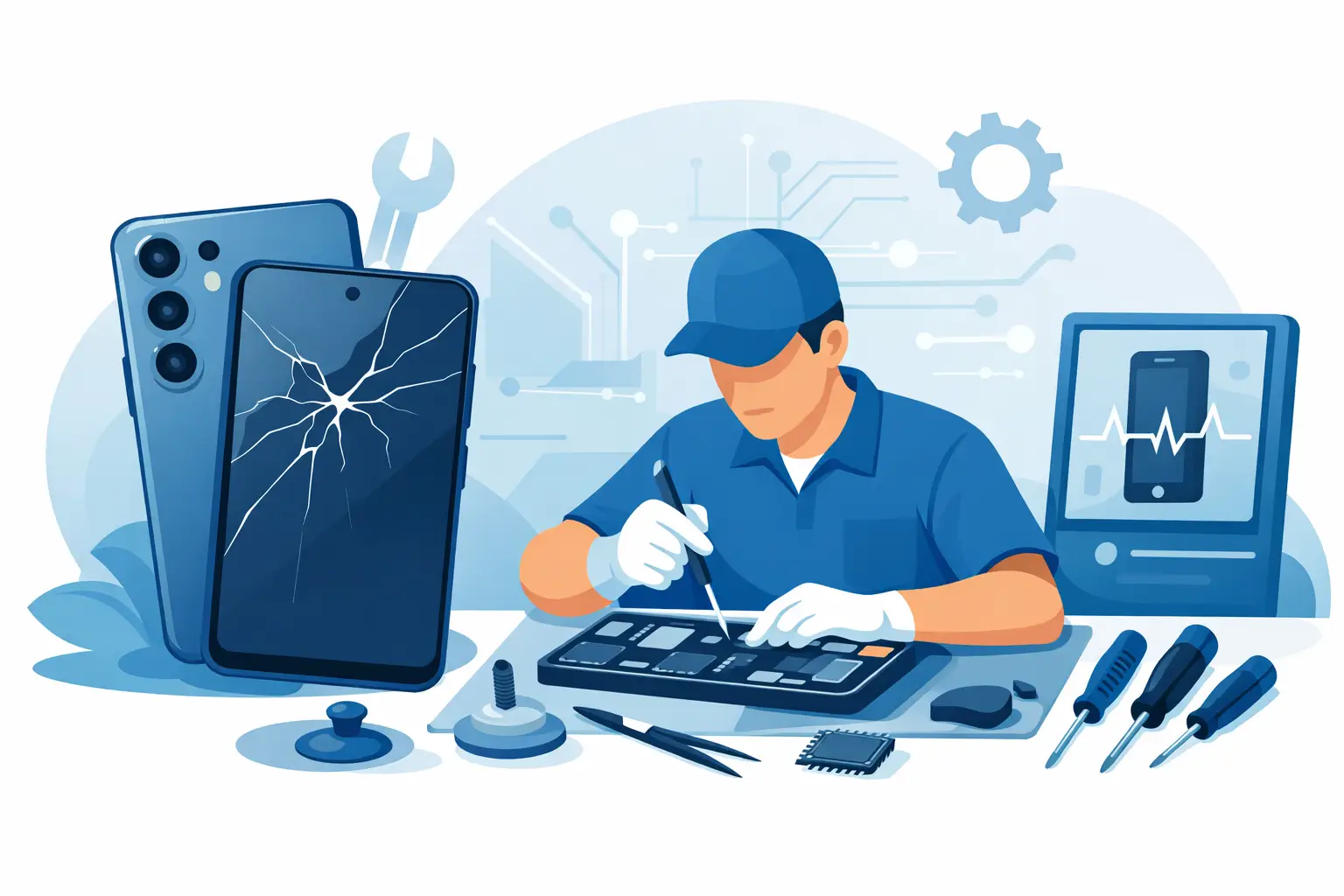
A cracked Samsung screen at 8am can ruin the rest of your day if you rely on your phone for work, banking, maps or keeping in touch. This guide to Samsung phone repairs is here to make the decision simpler – what can be fixed, what usually causes the fault, and when it makes sense to book a professional repair instead of replacing the device.
Samsung phones are popular for a reason. From Galaxy S and Z models to A series handsets, they cover every budget and are packed with features. The downside is that when something goes wrong, the repair route is not always obvious. Some faults are straightforward, some need proper diagnosis, and some look simple but turn into bigger problems if they are handled badly.
What this guide to Samsung phone repairs covers
Most Samsung repairs fall into a few clear categories. Screen damage, battery wear, charging faults, camera issues, back glass damage and liquid damage are the most common. Software problems can also look like hardware faults, so a proper assessment matters before any parts are fitted.
That is one reason many people choose a local repairer rather than guessing. If the screen is black, for example, the issue might be the display, the charging circuit, motherboard damage or even a drained battery combined with a charging fault. Replacing the wrong part wastes both time and money.
The most common Samsung phone faults
Cracked or faulty screens
Screen repairs are easily the most frequent Samsung job. In some cases the glass is cracked but the touch still works. In others, the display has ink-like blotches, flickering, lines or a completely black image. Samsung OLED screens can fail after impact even if the outer glass damage looks minor.
A screen replacement is usually the right fix, but the exact part and price depend on the model. A premium Galaxy S or Z Fold screen is very different from an A series display in both cost and fitting time. Foldable models also need extra care because the repair is more specialised.
Battery problems
Batteries wear down gradually, so people often put up with the problem longer than they should. If your Samsung is dropping charge quickly, shutting down at random, overheating during normal use or taking ages to charge, the battery may be at the end of its life.
Battery replacement is often one of the most cost-effective repairs. It can give a good phone another couple of years of useful life. That said, poor battery performance is not always just the battery. Background apps, software faults and charging issues can produce similar symptoms.
Charging port faults
If the cable only works at an angle, the phone charges on and off, or it has stopped charging altogether, the charging port may be worn or blocked. Pocket fluff and debris are common causes, especially if the phone lives in jeans, bags or workwear.
Sometimes the port can be cleaned. Sometimes it needs replacing. In more serious cases, the issue is on the board rather than the port itself, which is why diagnosis matters. Wireless charging working while cable charging fails can be a useful clue, but not a guarantee.
Camera and lens damage
Blurry photos, shaking cameras, cracked camera glass or focus problems often come down to impact damage. Rear camera lens covers can crack without damaging the camera itself, which is the better outcome because replacing lens glass is usually simpler than replacing the full camera module.
If the image is still blurry after cleaning the lens, or the app crashes when opening the camera, a deeper hardware fault may be involved.
Water and liquid damage
Samsung phones have offered water resistance on many models, but water resistant does not mean waterproof forever. Age, drops and previous repairs can all affect the seals. A phone that survives one spill may still fail after the next.
Liquid damage is one of the least predictable faults. The phone might stop working immediately, or corrosion may develop over time. Fast professional inspection gives the best chance of saving the device or recovering data.
Should you repair or replace your Samsung phone?
This depends on the model, the fault and the overall condition of the handset. If you have a recent Samsung with a cracked screen and everything else works well, repair is usually the sensible option. It is quicker, cheaper than buying a new flagship and avoids the hassle of setting up a new device.
If the phone is older and has multiple faults – for example a poor battery, damaged screen and charging issue – the numbers may point the other way. Even then, it is worth getting a proper quote. Many people assume replacement is the only answer, only to find that a single targeted repair gets them back up and running for far less than expected.
Sentimental value and data also matter. For some customers, the phone itself is less important than the photos, messages, apps and account access on it. In that case, repair can be the quickest route to keeping everything intact.
Why DIY Samsung repairs often go wrong
There are plenty of online kits and video tutorials, but Samsung repairs are not always beginner-friendly. Modern phones are tightly assembled with strong adhesive, delicate flex cables and model-specific parts. A simple battery swap can turn into a screen break if the device is opened incorrectly.
The real issue is not just getting the phone apart. It is knowing what you are looking at once it is open. A damaged charging port can sit next to corrosion, frame damage or a battery that is already swelling. Without the right tools and experience, it is easy to fix one symptom and miss the real cause.
DIY can sometimes make a later repair more difficult and more expensive. Torn cables, missing screws, damaged seals and low-quality parts are all common examples. If the phone matters to your day-to-day life, a professional repair is usually the safer option.
What to expect from a professional Samsung repair
Diagnosis first, then repair
A good repair starts with confirming the fault. That sounds obvious, but it is where a lot of wasted spend can be avoided. If the problem is straightforward, such as visible screen damage, the job may be quoted quickly. If the fault is less clear, testing comes first.
Clear pricing and realistic timescales
Transparent pricing matters because nobody wants surprises at collection. Turnaround also matters. For common Samsung repairs, same-day service is often possible depending on the model and part availability. More complex jobs, particularly on newer or less common devices, may take longer.
Quality parts and warranty-backed work
Not all replacement parts are equal. Screen quality, battery performance and fit can vary. A trusted repairer should be clear about the parts being used and back the work with a warranty. That gives you confidence if the phone is your main device and you cannot afford repeat faults.
How to prepare before booking a Samsung repair
If the phone still works, back up your data first. Remove any case or screen protector if asked, and make a note of the fault symptoms so nothing gets missed. If the issue is intermittent, say when it happens. Does it fail only while charging? Only after a drop? Only when using a certain app?
It also helps to know your exact model. Samsung names can be confusing, and the correct part depends on the specific handset, not just the series. A Galaxy A54 repair is not the same as a Galaxy S24 repair, and foldables are in a category of their own.
If the phone has been exposed to liquid, switch it off and avoid charging it. Leaving it on can increase the damage. Rice is not a fix, and waiting several days without inspection can make recovery less likely.
Choosing the right repairer
For Samsung repairs, speed is important, but trust matters more. Look for a repair service that offers clear quotes, experienced technicians, warranty-backed repairs and a no-fix-no-fee approach where appropriate. Those details tell you a lot about how the business handles risk and customer care.
Local service has practical advantages as well. Being able to speak to someone directly, drop the phone in, ask questions and collect it quickly makes the whole process easier. For customers in Sheffield, that is exactly why businesses such as Mobitech Sheffield focus on fast turnaround and straightforward repair advice rather than overcomplicating the job.
A good repair should leave you with more than a working phone. You should also know what failed, what was replaced and what to watch for next. That is part of honest service.
Samsung phones are worth repairing more often than people think, especially when the fault is caught early and diagnosed properly. If your handset has become unreliable, the best next step is usually not guesswork – it is getting a proper assessment so you can make a clear, cost-effective decision.
