
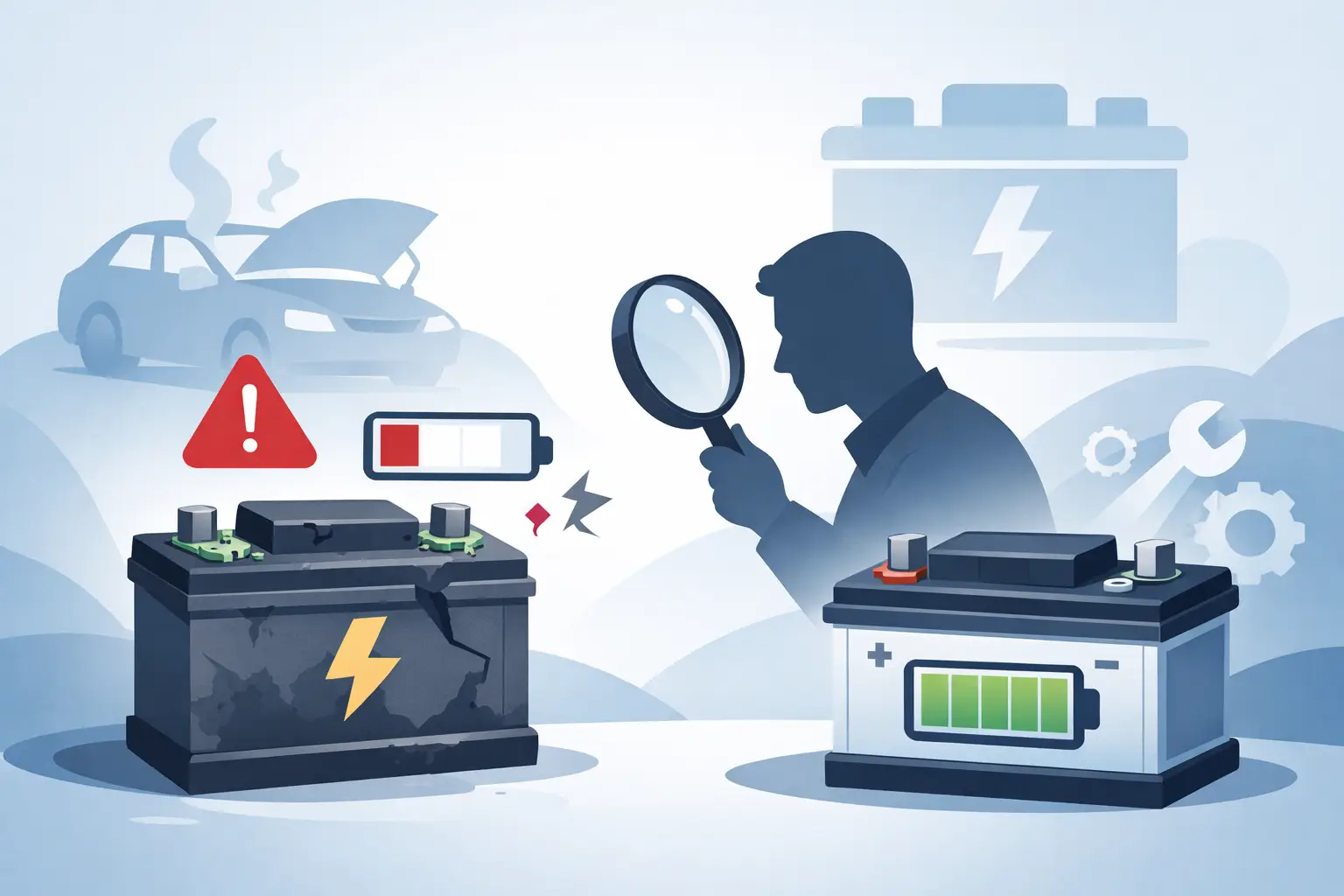
Your phone was on 38% a minute ago. Now it is on 12%, getting hot in your hand, and suddenly asking for a charger like it has not seen one all day. If you are wondering how to tell battery needs replacing, the good news is that most devices give clear warning signs before the battery fails completely.
A worn battery does not always mean the whole device is finished. In many cases, the problem is limited to the battery itself, and replacing it is far more cost-effective than buying a new phone, tablet or laptop. The key is spotting the difference between normal ageing, a charging issue, and a battery that is genuinely past its best.
How to tell battery needs replacing on everyday devices
Most lithium-ion batteries wear down gradually. You usually do not wake up to a dead battery overnight unless there has been damage or a fault. Instead, performance slips bit by bit until the device becomes unreliable.
The most common sign is shorter battery life. If your phone used to last all day and now struggles to get through lunch with the same usage, battery health may be declining. The same goes for laptops that once gave you several hours away from the plug but now shut down quickly.
Unexpected shutdowns are another strong clue. If the battery percentage still shows charge but the device powers off when you open an app, use the camera, or make a call, that often points to a battery that can no longer deliver stable power.
Slow charging can also be involved, although this is where it depends. A slow charge is not always the battery. It could be the cable, plug, charging port or software. But if charging is erratic and battery life is poor at the same time, the battery becomes a more likely suspect.
Then there is heat. All devices get warm now and then, especially during gaming, video calls or updates. What is not normal is excessive heat during light use or while charging, particularly if it is paired with fast battery drain.
The clearest battery replacement signs
Some symptoms are annoying but manageable. Others mean you should stop putting the issue off.
Battery swelling is the biggest red flag. If the back of your phone is lifting, the screen is separating from the frame, or your laptop casing looks uneven, stop using it and get it checked. A swollen battery is a safety issue, not just a performance issue.
A device that only works properly when plugged in is another clear sign. If your laptop turns off the moment the charger is removed, the battery may no longer be holding charge at all. On phones and tablets, if battery percentage jumps up and down wildly, that usually means the battery readings are no longer reliable because the cells have deteriorated.
You may also notice throttled performance. Some devices reduce speed to protect themselves when the battery health drops. That can make your phone feel sluggish even if the processor itself is fine.
When it is not actually the battery
Before assuming the battery is the problem, it is worth ruling out a few other faults. This matters because replacing the wrong part wastes time and money.
Charging accessories are the first place to look. A worn cable, low-quality plug or damaged charger can make a healthy battery seem faulty. Try a known good charger that matches your device properly.
The charging port can also cause similar symptoms. If the connection feels loose, charging cuts in and out, or the cable only works at a certain angle, the battery may be fine while the port is the real issue.
Software can distort battery performance too. A recent update, background app activity or poor signal strength can drain power much faster than usual. If the problem appeared suddenly after an update rather than gradually over months, it may not be straightforward battery wear.
Water damage and drops complicate things further. A device that started misbehaving after impact or moisture exposure may have board-level faults rather than a tired battery. That is why proper diagnosis matters.
Simple checks you can do at home
You do not need specialist tools to spot the basics. Start with your normal routine. If you are charging more often than you were a few months ago, note how quickly the battery falls during ordinary use rather than heavy streaming or gaming.
Check battery health settings if your device offers them. Many smartphones and laptops include battery information that can show reduced maximum capacity or service warnings. These tools are useful, although they are not perfect on every model.
Pay attention to charging behaviour. A healthy battery should charge steadily and discharge in a reasonably predictable way. Large percentage drops, sudden jumps, or random shutdowns usually suggest something is wrong.
Look closely at the device itself. Any gap around the screen, bulging rear panel, or pressure marks on the display should be taken seriously. Do not press the casing back down or keep charging it in the hope it settles.
If you rely on your device for work, study or travel, the practical question is simple: can you trust it away from a plug? Once the answer becomes no, a battery replacement starts to make more sense.
Phone, tablet and laptop batteries fail differently
Phones tend to show their age through rapid drain, shutdowns at 20-30%, and heat during charging. Because they are used constantly for maps, banking, messages and work, battery wear becomes obvious quickly.
Tablets often fail more quietly. You may notice they spend more time on charge, lose power in standby, or become less reliable during video calls and streaming. Since many people use tablets in bursts rather than all day, the decline can be easy to ignore for too long.
Laptops are different again. Weak battery life is the obvious sign, but swelling is more common and more visible. A lifting trackpad, uneven base, or wobble when placed on a flat surface can all point to battery expansion inside the case.
Smart watches and handheld consoles can also suffer battery wear, but because of their smaller size, any heat, swelling or dramatic battery drop should be checked sooner rather than later.
How long should a battery last?
There is no single answer because it depends on the device, charging habits and usage. Most modern lithium-ion batteries begin to show wear after a couple of years of regular use. Heavy users may notice problems sooner, while lighter users may get longer.
Frequent fast charging, high heat, gaming, and keeping a device at 0% or 100% for long periods can all speed up battery ageing. That said, battery wear is normal. It is not necessarily a sign of poor quality or misuse. It is simply one of the consumable parts of modern electronics.
The real test is not the age of the battery but the effect on daily use. If your device still lasts long enough and charges properly, replacement may not be urgent. If it interrupts work, school runs, calls or payments, it is probably time.
Should you replace the battery or the whole device?
For many people, this comes down to cost and convenience. If the device still performs well apart from battery life, replacing the battery is often the sensible option. It can restore usability without the expense of replacing the entire handset or laptop.
There are trade-offs. If the device is already very old, unsupported, or has several faults at once, putting money into a battery may not be the best long-term decision. But if the screen, camera, storage and overall performance are still fine, a battery replacement can give the device a lot more useful life.
This is where local diagnosis helps. A good repairer should tell you plainly whether the battery is the issue, whether another fault is involved, and whether the repair is worth doing.
When to book a battery check
If you are searching for how to tell battery needs replacing because your device is becoming unreliable every day, it is usually worth getting it assessed sooner rather than later. Waiting often turns a manageable repair into a bigger inconvenience, especially if swelling develops or the device stops powering on at the worst possible moment.
A proper battery check should look at battery health, charging behaviour, port condition and any signs of physical damage. For customers around Sheffield, that kind of straightforward diagnosis is exactly what a trusted local repairer should provide – clear advice, transparent pricing and no guesswork.
If your device no longer holds charge, shuts down without warning, or feels unsafe to use, trust what it is telling you. Batteries rarely recover once these symptoms start, and replacing the battery in time can save you from being left without the device you rely on every day.
