
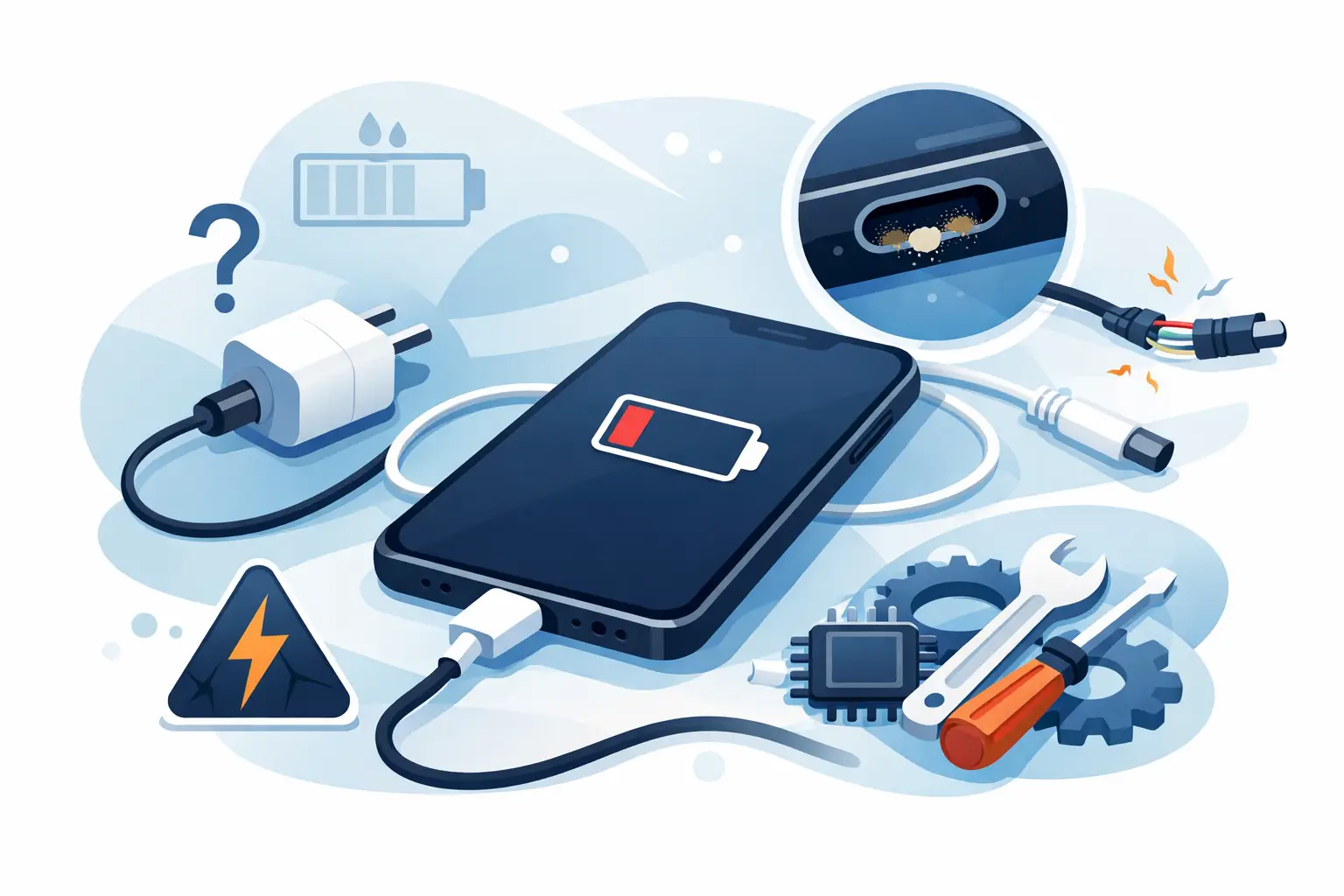
Your phone is on 2%, you have swapped sockets twice, and the battery icon still has not changed. If you are asking, why is phone not charging, the cause may be as simple as a worn cable – or as specific as debris in the charging port, a failing battery or an internal charging fault.
The useful thing is that many charging problems can be narrowed down safely at home. A few checks can tell you whether you need a replacement accessory, a careful clean, or a professional repair. Avoid forcing connectors, poking metal objects into the port or continuing to use a charger that becomes unusually hot.
Why is my phone not charging?
A phone needs several parts to work together before the battery level rises: a working wall socket, plug adaptor, cable, charging port, battery and charging circuitry. A fault in any one of these can stop charging altogether, make it painfully slow, or cause the connection to cut in and out.
Start with the easy checks. Try another wall socket, then use a known-good cable and plug adaptor that are suitable for your phone. If possible, test your usual charger on another device. A cable can look completely fine while its internal wires are damaged, especially around the ends where it bends most often.
It is also worth checking whether the phone is actually charging more slowly than expected rather than not charging at all. Navigation, video calls, mobile data, high screen brightness and games can use power faster than a low-power charger can replace it. In that situation, the percentage may barely move while you are using the phone. Lock the screen, leave it for 15 to 20 minutes and check again.
Check the charger before assuming the phone is faulty
Charging accessories are the most common and least expensive place to start. Look closely at the cable ends for bent pins, frayed insulation, discolouration or a connector that feels loose. Stop using a damaged cable immediately. It can cause unreliable charging and, in rare cases, overheating.
Not every USB plug delivers the same power. Older adaptors, low-quality replacements and some USB ports on laptops may not provide enough power for modern fast-charging phones. Equally, a fast charger must support the right charging standard for your device and be paired with a suitable cable. Using a reputable, correctly rated charger is the sensible option.
Wireless charging can help with diagnosis if your handset supports it. If the phone charges normally on a wireless pad but not through its cable, the issue is more likely to be the cable, port or wired charging circuit. That is not a guaranteed diagnosis, but it is a useful clue.
Check for heat and moisture warnings
Phones may pause charging if they are too hot, too cold or detect moisture in the port. You may see a warning on screen, but not always. Remove the case, disconnect the charger and let the phone return to room temperature naturally. Do not put it on a radiator, in direct sunlight or use a hairdryer on it.
If the phone has been exposed to rain, a spill or humidity, leave it unplugged and allow the port to dry in a well-ventilated place. Repeatedly connecting a charger while moisture is present can make a minor issue much worse.
A blocked charging port is often the real problem
A charging port collects pocket fluff, dust and grit over time. The connector may still go in, but it cannot reach the contacts properly. A classic sign is a cable that feels loose, only charges at a particular angle, or slips out more easily than it used to.
Use a bright light to inspect the port. If you can see compacted lint, switch the phone off and remove it gently with a dry, non-metal tool designed for delicate electronics. Never use a pin, paperclip, knife or anything wet. The contacts inside a USB-C, Lightning or Micro-USB port are easy to damage, and a damaged port normally requires replacement rather than cleaning.
If the blockage is packed in tightly, or the cable will not sit firmly after cleaning, bring the device in for an inspection. A technician can determine whether it needs a proper port clean or whether the port itself has worn, bent or come loose from the board.
When the battery is the reason your phone will not charge
Phone batteries degrade gradually. You may first notice that the battery runs down quickly, then that the phone shuts off at 10% or 20%, gets warm while charging, or takes far longer to reach full charge. Eventually, it may refuse to hold enough charge to start.
A battery issue is particularly likely if the device is a few years old and the charging set-up has already been tested. However, a phone that will not turn on is not automatically a dead battery. It could also have a damaged charging port, a screen fault that makes the phone appear dead, or a deeper power-management problem.
Do not ignore a swollen battery. Signs include a lifting screen, a separating back cover, unexpected pressure around the frame or a phone that no longer sits flat. Stop charging and using the device, and arrange a professional assessment as soon as possible. A swollen battery should not be pressed back into place or punctured.
Could software stop a phone charging?
Sometimes the phone is receiving power but software is preventing the percentage display from updating correctly, or an app is draining power heavily in the background. Restart the handset first. This can clear a temporary system problem and is safe to try before more involved troubleshooting.
Check for available operating system updates once the phone has enough power. On some models, battery settings may limit charging to a set percentage to preserve long-term battery health. This is normal behaviour, not a fault, but it can be confusing if you expect the phone to reach 100% every time.
If the phone only charges when switched off, repeatedly restarts, shows an error message, or loses charge even when connected to a proven charger, the problem is less likely to be a simple setting. Back up your data if you can, because unstable power faults can worsen without warning.
Signs you need a charging port repair
A charging port is a small component that receives a lot of daily wear. Plugging in at an angle, pulling the cable out by the wire, impact damage and moisture can all affect it. You may need a charging port repair when the cable will not click into place, charging stops when the phone is moved, the port looks visibly damaged, or several different chargers produce exactly the same result.
The repair needed depends on the phone model and the fault. Some devices have a charging port assembly that can be replaced directly. Others require more detailed diagnosis because the fault may lie in the charging circuit on the mainboard. Honest diagnosis matters here: replacing a battery when the port is at fault will not solve the problem.
For Sheffield customers, Mobitech Sheffield can assess charging faults across major phone brands, explain the likely repair before work starts and provide a straightforward route to battery or charging port repair where appropriate. If the device cannot be fixed, the no-fix-no-fee approach means you are not paying for guesswork.
What to do if your phone still will not charge
If a known-good charger, cable and wall socket make no difference, inspect the port carefully and stop if you notice heat, burning smells, corrosion or a swollen battery. Do not keep repeatedly reconnecting it in the hope that it will suddenly work. That can stress a loose connection and may put your data at risk if the phone loses power completely.
A quick professional check is usually more cost-effective than replacing a phone that may only need a battery, port clean or charging port repair. Take the charger that you normally use with you if it has been behaving oddly. It gives the technician one more useful clue and helps get you back to a dependable phone sooner.
