
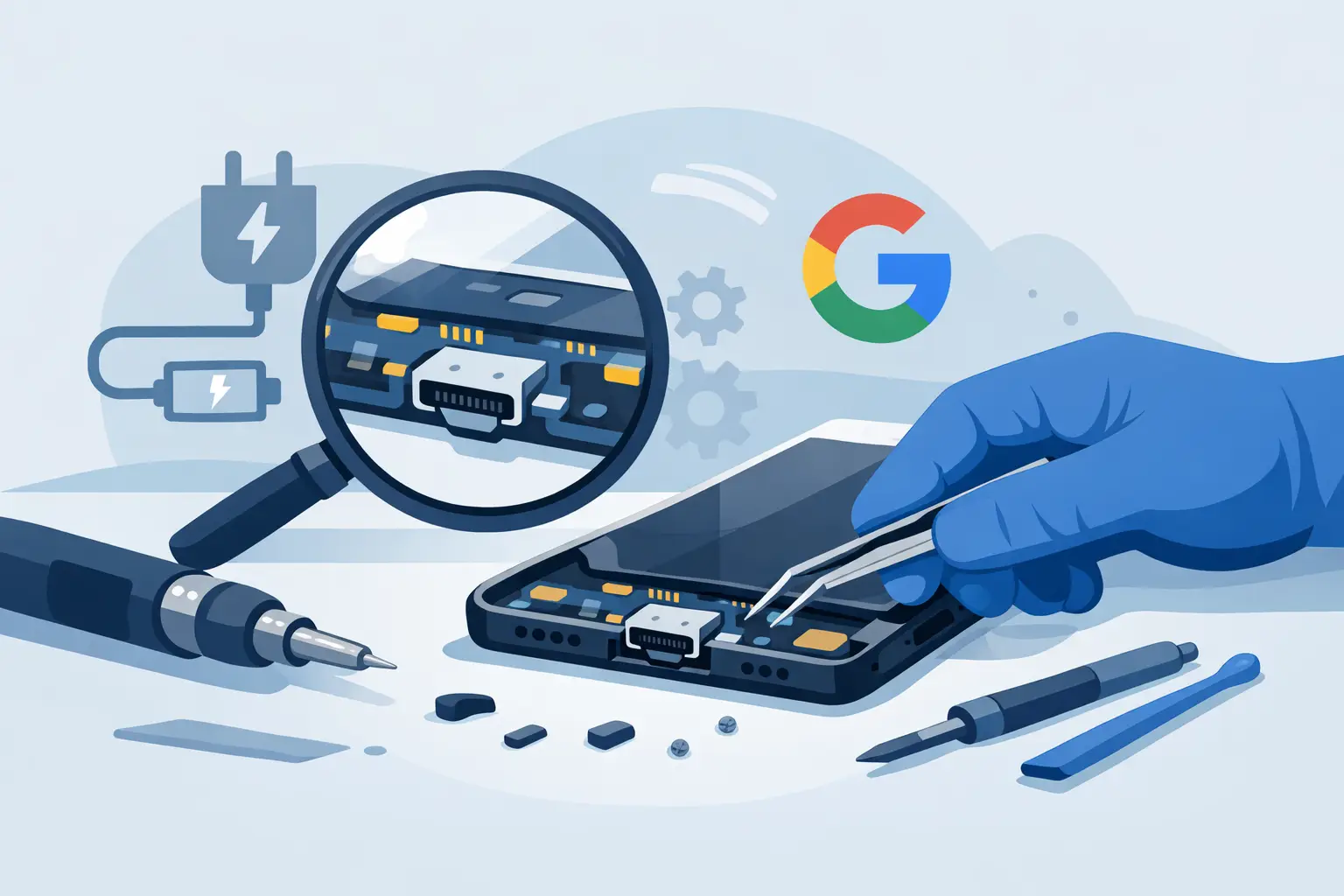
When your phone only charges at a certain angle, cuts in and out on the cable, or refuses to charge altogether, it quickly stops being a minor annoyance. Google Pixel charging port repair is one of the most common fixes for heavily used phones, especially when daily charging, pocket lint, cable strain and accidental drops start to take their toll.
A faulty charging port can look like a dead battery, a bad cable or even a more serious motherboard issue. That is why guessing rarely saves time or money. The right repair starts with working out whether the port itself is worn, blocked, loose or damaged, and whether the fault ends there or points to a wider charging problem.
When a Google Pixel charging port repair is likely needed
Most people notice the problem gradually. Charging becomes slower, the connector feels loose, or the phone starts charging only after you wiggle the cable. In other cases, the fault appears suddenly after a drop, liquid exposure or forceful unplugging.
If your Pixel stops recognising the cable, repeatedly connects and disconnects, or shows no charging response with known good chargers, the port is a likely suspect. Debris packed into the socket is another regular cause. It can stop the USB-C connector seating properly, which creates the impression of a broken port when the real issue is compacted lint.
There is a trade-off here. Some charging faults are straightforward and inexpensive to resolve. Others can mimic a port failure but actually involve the battery, charging circuitry or board-level damage. A proper inspection matters because replacing the wrong part will not fix the problem.
What causes charging port faults on Google Pixel phones?
USB-C ports are durable, but they are not immune to wear. Pixels are often charged once or twice a day, connected in the car, used while plugged in and carried in trouser pockets or bags. Over time, that combination leads to stress.
The most common cause is debris buildup. Dust and lint compress inside the port and prevent full cable insertion. The next is physical wear. Repeated plugging and unplugging can loosen internal contact points, especially if cheap or badly fitting cables have been used.
Accidental damage is another factor. A phone dropped while charging can twist the connector and damage the port. Moisture can also corrode internal contacts, even when the outside of the handset looks fine. In some cases, previous repair work or low-quality replacement parts contribute to recurring charging issues.
Google Pixel charging port repair or just a clean?
This is the first question worth answering, because not every phone needs a replacement part. A professional clean can resolve the issue if the port is simply obstructed. That is often the best-case scenario – quick, low cost and minimal disruption.
If the port has lifted from the board, the centre tongue is damaged, pins are bent or the connection is inconsistent after cleaning and testing, repair becomes more likely. On some Pixel models, the charging port may be replaced as a separate component. On others, the job can be more involved depending on the internal design and how the port is connected.
It also depends on how long the issue has been left. A slightly loose connection may be manageable for a while, but continued use can worsen wear and create extra strain elsewhere in the charging system.
How the repair process usually works
A good repair should begin with diagnosis, not assumptions. The phone is tested with known working cables and chargers, and the charging behaviour is checked. The technician will inspect the port for contamination, physical damage and looseness, then assess whether the fault sits with the port, battery or mainboard.
If a repair is approved, the handset is opened carefully and the charging assembly is accessed. This stage varies by Pixel model. Some are more straightforward than others, but all require careful disassembly to avoid damaging the screen, back cover or internal flex cables.
Once the faulty port is replaced or the damaged component is repaired, the phone should be tested again for stable charging, cable fit and overall function. A proper post-repair check matters. The aim is not just to get the battery icon to appear, but to make sure the connection is reliable in normal daily use.
Why DIY Google Pixel charging port repair is risky
It is easy to see why people try to fix this themselves. Charging port issues look simple from the outside. In reality, modern Pixel phones are compact, adhesive-heavy devices with delicate internals.
The biggest risk is misdiagnosis. What looks like a failed port might be debris, battery degradation or board damage. The second risk is physical damage during opening. Cracked rear glass, torn flex cables and damaged wireless charging components are all common outcomes when the wrong tools or too much force are used.
There is also the quality issue. Cheap parts do not always give a stable connection, and poor fitting components can lead to repeat faults. If the phone is used for work, banking, travel or family communication, a failed DIY attempt can easily become more disruptive than the original problem.
How long does Google Pixel charging port repair take?
Repair time depends on the model, the fault and parts availability. If the issue is debris only, cleaning and testing can be completed quickly. If the charging port needs replacing, many repairs are still completed the same day, provided the correct part is available and there is no hidden board damage.
That said, not every job is identical. If a phone has suffered liquid damage or impact damage, the charging issue may be one part of a wider fault. In those cases, extra diagnostic time is often needed before any honest repairer promises a turnaround.
For most customers, speed matters because the phone is not optional. It is how they pay, message, navigate, work and keep track of daily life. Fast service helps, but only when it is paired with proper testing and clear communication.
What affects the cost?
There is no single flat price for every Pixel because the repair method differs by model. The cost usually depends on the exact handset, whether the charging port is a separate module or tied into a larger assembly, the quality of the replacement part and whether extra damage is found during inspection.
A cleaning service will cost less than a full replacement. A straightforward port repair will usually cost less than board-level work. That is why transparent quoting matters. It gives you a clear answer before work starts, instead of a vague estimate that changes halfway through.
This is also where a no-fix-no-fee approach has real value. If the problem turns out not to be repairable at a sensible cost, you should know early rather than paying for trial and error.
Choosing a repair service you can trust
If you need a Google Pixel charging port repair, look for a repairer that offers diagnosis first, clear pricing, warranty-backed work and realistic timeframes. Those basics sound obvious, but they are what separate dependable local repairs from rushed guesswork.
Experience with Pixel devices matters too. Google phones are not all built the same way, and an experienced technician will know the common failure points, the disassembly risks and the difference between a simple port fault and a deeper charging issue.
For local customers in Sheffield, that usually means choosing a repair service that can inspect the handset in person, explain the fault plainly and give you a sensible route forward. Mobitech Sheffield is built around exactly that kind of service – fast assessment, transparent repair advice and work carried out by experienced technicians.
When repair makes more sense than replacement
Replacing a phone because it will not charge can be an expensive overreaction, especially if the rest of the handset still works well. A charging port repair is often far more cost-effective than buying a new device, setting it up again and moving everything across.
Repair is especially worthwhile if the battery life is still decent, the screen is intact and the phone meets your needs. If the device already has several major faults, then it becomes more of a judgement call. A trustworthy repairer should be honest about that. Sometimes a repair is the clear answer, and sometimes it is better not to throw good money after a tired handset.
If your Pixel has started charging only when the cable is held just right, do not wait for it to fail completely. A quick inspection now can mean a simple fix, less downtime and one less thing to fight with every time your battery hits 5%.
