
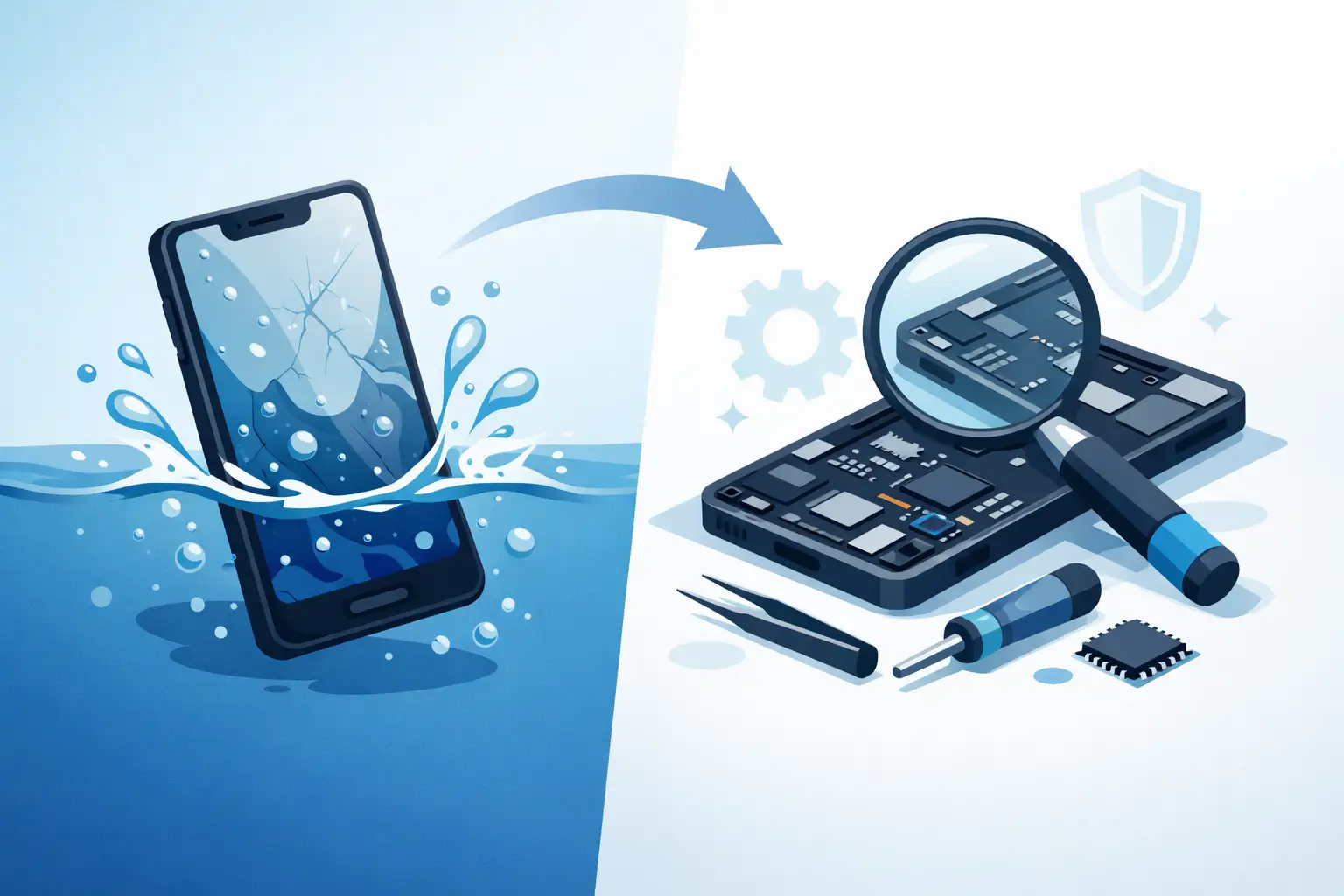
That moment when your phone slips into the sink, gets caught in heavy rain, or lands in a cup of tea usually leads to the same question: is water damaged phone repairable? In many cases, yes – but the real answer depends on how much liquid got inside, how quickly you act, and which parts of the phone have been affected.
Water damage is one of the most misunderstood faults we see. People often assume the phone is either completely dead or completely fine. In reality, liquid damage sits somewhere in the middle. A phone might switch on after getting wet and still develop faults later, or it might appear lifeless at first and then prove repairable once it has been properly assessed.
Is water damaged phone repairable in every case?
Not every water damaged phone can be saved, and any honest repairer should say that upfront. Some devices recover well with prompt cleaning and component-level repair. Others have severe corrosion across the board, especially if they were left wet for days, charged while still damp, or exposed to salt water, sugary drinks, or other liquids that leave residue behind.
Fresh water tends to be less destructive than fizzy drinks, coffee, alcohol, or sea water. The issue is not just the moisture itself. It is the minerals, sugar and contaminants left on the board and connectors that trigger corrosion and short circuits. That is why two phones dropped in liquid for the same length of time can have very different outcomes.
The make and model also matter. Some newer phones have water resistance, but that is not the same as being waterproof. Seals weaken over time, especially after drops, previous repairs, or general wear. A water-resistant phone can still suffer internal damage if liquid gets past the seals.
What determines whether a wet phone can be repaired?
The first factor is speed. The sooner the phone is powered down and assessed, the better the chance of avoiding permanent board damage. If electricity continues to flow through damp circuits, shorting becomes much more likely.
The second factor is depth of damage. In some cases, the problem is limited to the charging port, screen, battery connector, or a few corroded components on the logic board. In more serious cases, the corrosion spreads into multiple areas and affects core functions such as power management, touch response, Face ID, cameras, speakers, or network connectivity.
The third factor is what the owner did next. This part makes a real difference. Charging the phone, repeatedly trying to switch it on, shaking it hard, or leaving it in a warm cupboard for days can all make the situation worse. Rice is the classic example. It is popular advice, but it does not remove corrosion from inside the phone. At best, it absorbs a little surface moisture. It does not fix the damage that actually causes long-term failure.
What to do immediately after water damage
If your phone has got wet, the safest move is to switch it off straight away if it is still on. Do not charge it. Do not plug it into a laptop. Do not test it every hour to see if it has recovered.
Remove any case, SIM tray and visible accessories, then gently dry the outside with a clean cloth. Keep it upright and avoid using hairdryers or direct heat. Too much heat can damage adhesives, screens and internal parts, while forced air can push moisture deeper into the device.
At that point, professional inspection is usually the sensible next step. A proper liquid damage assessment involves opening the device, checking for residue and corrosion, cleaning the affected areas with the right equipment, and testing key components. Waiting too long can turn a repairable phone into a non-repairable one.
Signs your phone may still be repairable
A phone does not need to be working perfectly to be worth repairing. In fact, many water damaged devices show partial signs of life. The screen may stay black while the phone vibrates. It may charge intermittently, restart on its own, lose sound, stop detecting the SIM card, or show patchy touch response.
These symptoms often point to a specific damaged part rather than total failure. For example, a wet charging port may stop charging even if the board is still healthy. A damaged screen may make the phone look dead when it is actually still powering on in the background. Batteries can also fail after liquid exposure and create confusing symptoms.
This is why diagnosis matters. Without opening the phone and testing properly, it is easy to assume the worst and replace a device that could have been repaired for far less.
Is water damaged phone repairable if it will not turn on?
Yes, sometimes. A phone that will not turn on is clearly more serious than one with minor faults, but it is not automatically beyond repair. We regularly see devices that appear completely dead yet respond after internal cleaning, battery replacement, charging circuit repair, or board-level work.
That said, there are limits. If the logic board has extensive corrosion in multiple layers, if key chips have shorted, or if the liquid has caused irreversible damage to storage components, repair may not be economical or possible. The right repairer will tell you plainly where that line is, rather than promising a result no one can guarantee.
A no-fix-no-fee approach is especially useful with water damage because the fault can be unpredictable until the phone is examined internally. It gives customers a clearer path to diagnosis without committing to guesswork.
Common faults after liquid damage
Water damage rarely affects just one area for long. Even if the phone powers on, problems often appear over the next few hours or days. The most common issues include charging faults, fast battery drain, distorted audio, camera fogging, non-working buttons, weak signal, overheating, and random restart cycles.
Face recognition and fingerprint systems can be affected too, particularly if moisture reaches front sensors or button assemblies. On some phones, even slight corrosion around connectors can lead to intermittent problems that come and go, which makes them easy to misread as software faults.
This is one reason transparent diagnosis is important. A proper repair is not just about getting the phone to switch on once. It is about checking whether the device is likely to remain stable after treatment.
Repair vs replacement – when is it worth it?
The sensible choice depends on the age of the phone, its value, the extent of the damage and the cost of parts. If a newer iPhone, Samsung or Google Pixel has suffered limited liquid damage, repair is often well worth it. If the phone is older and needs board work, a screen, a battery and a charging port on top, replacement may make more sense.
Data can change the decision too. Many customers are not only trying to save the handset. They want access to photos, messages, banking apps, work accounts and contacts. In some cases, even where full repair is not practical, data recovery may still be possible or at least worth exploring.
An experienced local repair shop should explain the trade-off clearly. Sometimes the cheapest route is not the best route, and sometimes a straightforward repair is all that is needed. The key is honest advice based on inspection, not guesswork from the outside.
Why professional cleaning matters
Liquid damage repair is not simply drying a phone out. The bigger problem is corrosion, and corrosion continues even after visible moisture is gone. That is why a phone can seem normal for a day or two and then suddenly fail.
Professional technicians use specialist cleaning processes and inspection tools to remove residue, identify damaged areas and test function properly. That gives the phone the best chance of stable recovery. It also helps spot the cases where repair would only be a short-term fix.
For customers in Sheffield who need a quick answer, this is where speed and experience matter. A trusted repairer with proper diagnostic capability can often tell quite quickly whether the phone is a good candidate for repair or whether your money is better spent elsewhere.
The best next step after water damage
If your phone has been exposed to liquid, do not wait to see if it sorts itself out. Turn it off, keep it unplugged, and have it assessed as soon as possible. The longer corrosion sits inside the device, the worse the outcome tends to be.
At Mobitech Sheffield, we know most customers asking this question want a straight answer, not false hope. Some water damaged phones are repairable, some are not, and the difference usually comes down to fast action and proper diagnosis. If there is a realistic path to saving the device, you want to know quickly. If there is not, you deserve to hear that clearly too.
A wet phone is never good news, but it is not always the end of the road. Acting quickly gives you the best chance of saving the handset, the data, or both.
